
A school day with a moving audience and a tight programme
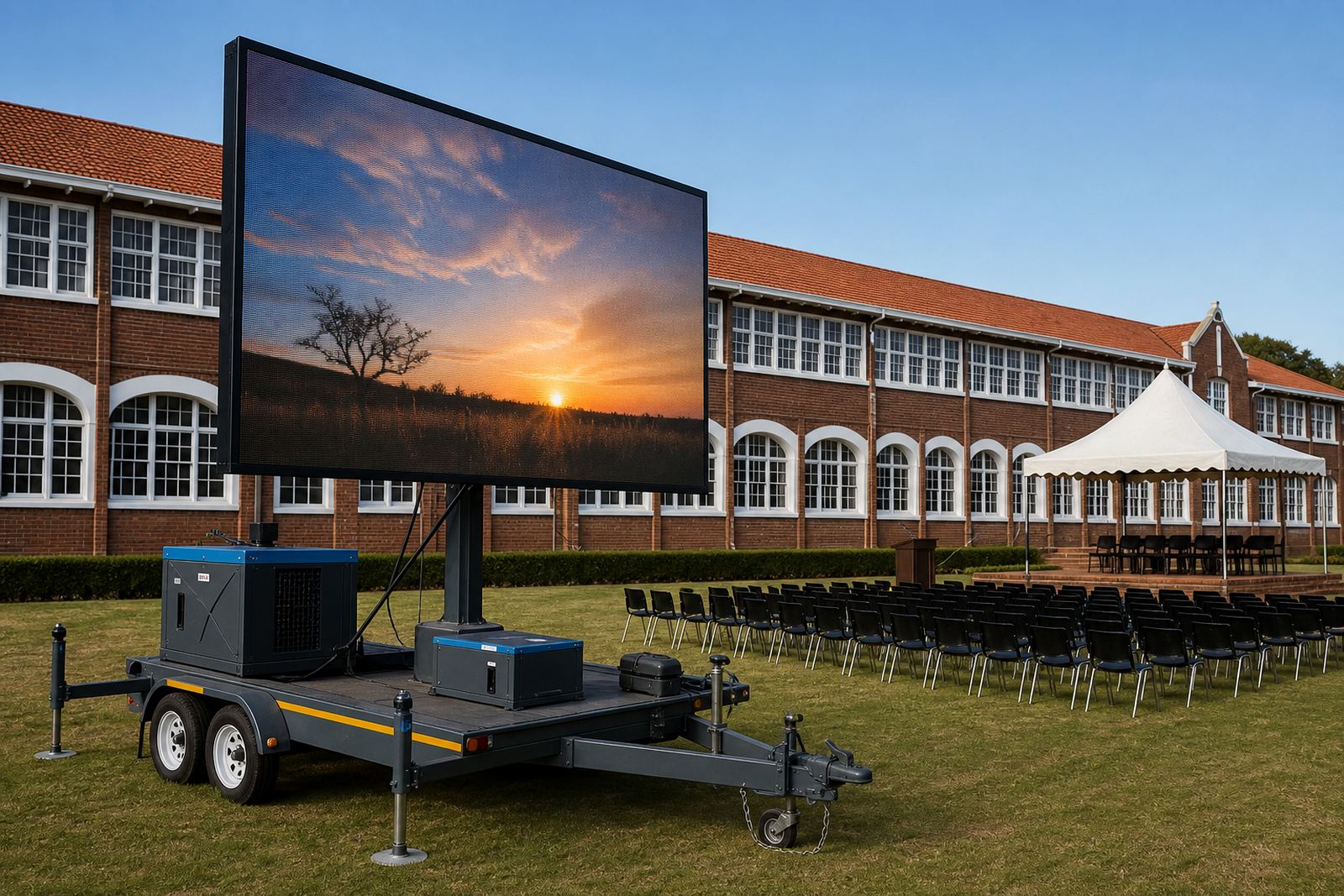
The brief came from a school in Bloemfontein planning a full day function with learners, parents, staff and guests moving between seating areas, assembly points and the stage front. The programme needed to hold together visually while the live feed ran on the same screen as award slides, announcements and names being called out. That meant the display had to stay readable from a distance, while the content switched cleanly between camera input and prepared graphics.
For this kind of school event, the screen cannot be treated as a background item. It has to sit in the middle of the programme flow, with enough brightness for daylight and enough control for fast changes between segments. We shaped the plan around that need, then matched the trailer position to the sightlines and stage movement on site.
- School function in Bloemfontein
- Live feed support and slide playback
- Outdoor screen trailer with on-site control
- Programme and recognition content in one sequence
The screen spec that held up in daylight
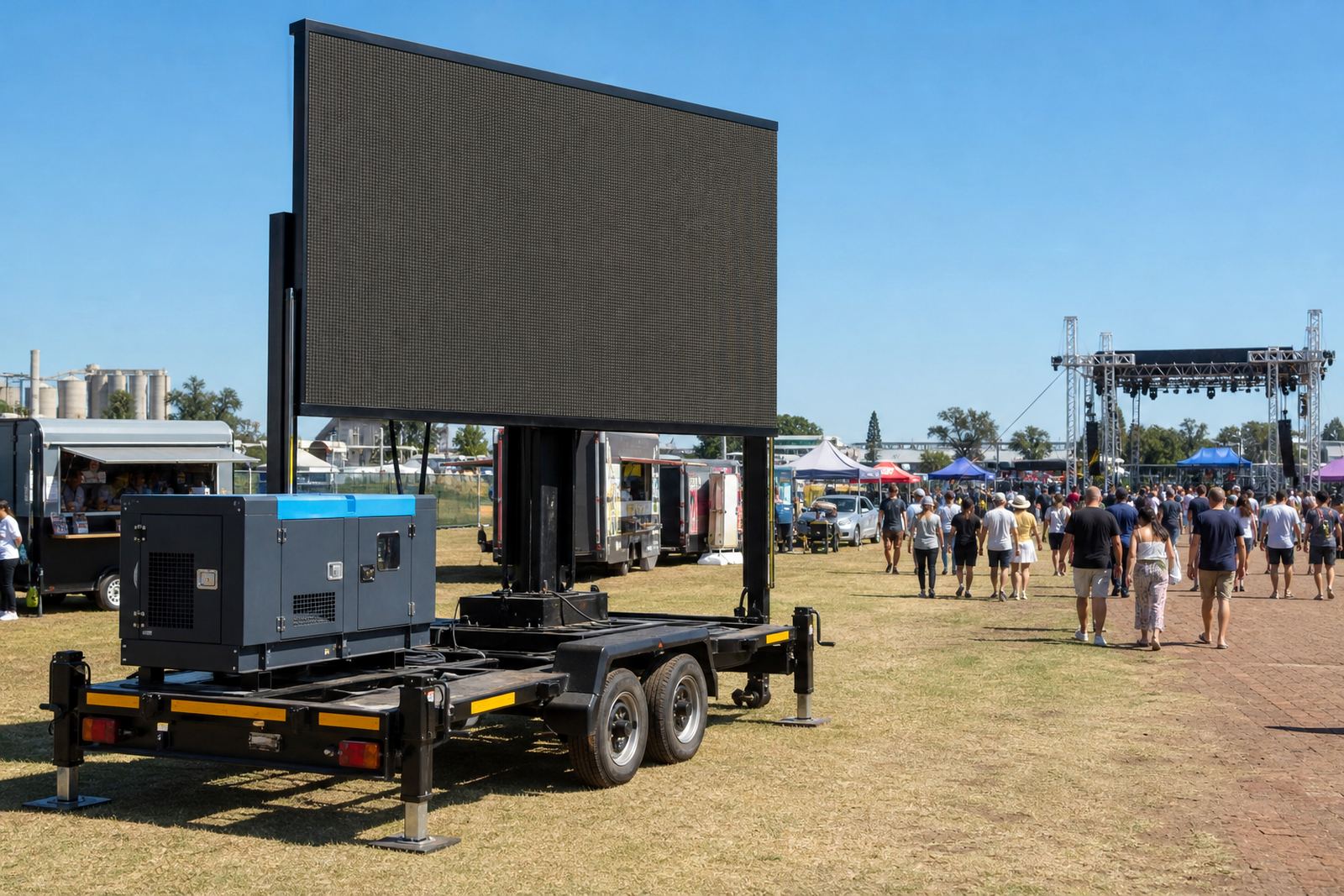
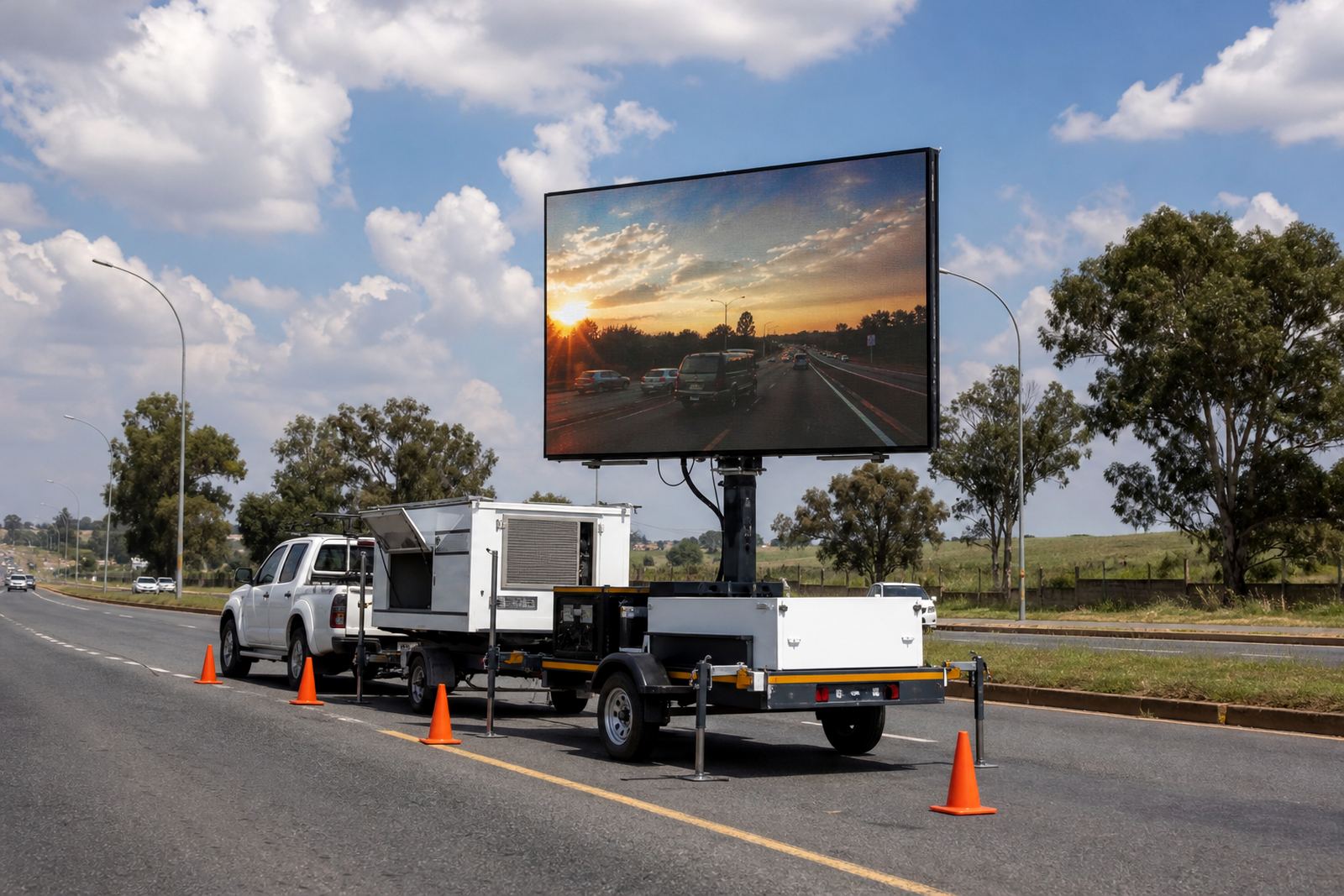
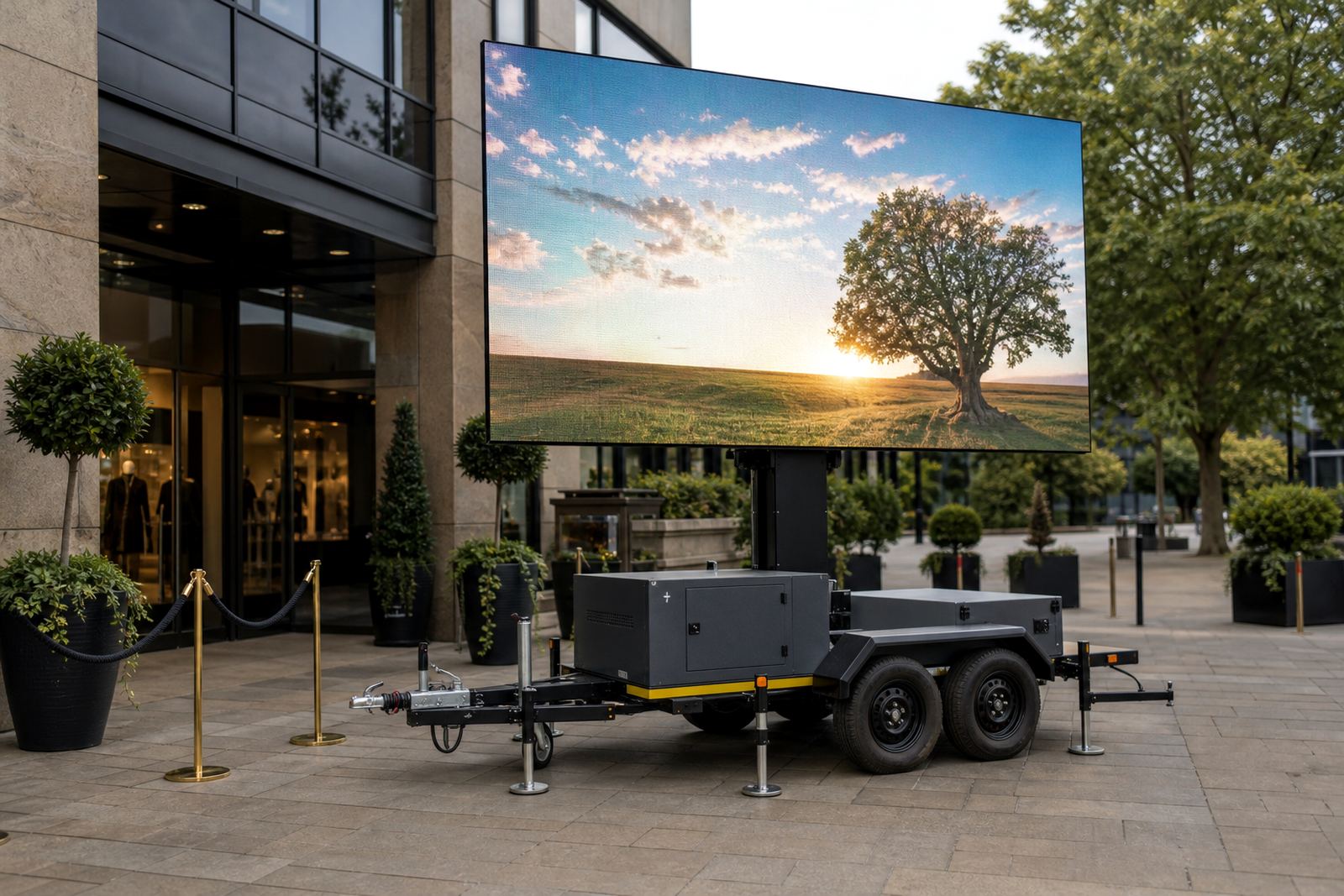
We supplied an outdoor LED screen trailer set for daylight use, with a pitch suited to a mixed viewing distance and a high brightness level for open-air conditions. The screen was sized to give the front rows a clean image and still keep text legible for people standing farther back. For school content, that matters as much as the image itself, because names, year groups and short captions need to read cleanly in real time.
The trailer included hydraulic lift and rotation so we could set the screen angle to suit the venue layout. Power planning allowed for either generator supply or mains connection depending on what the site could offer, and the playback system accepted scheduled slides, video files and live camera input. Wind limits were checked as part of the site plan, because an outdoor unit has to be positioned with the weather in mind and not just the programme timing.
- Outdoor LED screen trailer
- Daylight brightness for open areas
- Hydraulic lift and rotation
- Generator or mains power option
- Content playback and live feed input
- Wind limit awareness for safe setup
Ground rules, permits and placement on the day
The venue layout meant the trailer could not just be dropped anywhere near the stage. We looked at access, audience flow, cable routing and the space needed for the tow unit and stabilisers. Schools also tend to have their own rules around vehicle movement, pedestrian space and equipment placement, so we kept the setup practical and tidy. Where municipal permission or venue approval was needed in general terms, we worked within those requirements and kept the paperwork conversation tied to the actual site layout.
Because the event involved live content, our technician also checked the camera feed path, the backup playlist and the order of the announcement slides before the audience arrived. That reduced the risk of a scramble once the ceremony started. It also meant the school team had one contact point on site for screen matters instead of chasing different people for playback, power and position changes.
- Site access and audience flow checked in advance
- Cable paths kept clear and orderly
- Venue and municipal approval requirements handled in general terms
- Backup content kept ready for programme changes
What the team did across the two week run-up
The deployment ran across a two week project window. In the first week we handled the site check, screen sizing discussion and content format checks for the live feed and slides. The second week covered logistics, trailer positioning, delivery routing and final playback preparation. On the day, the technician remained with the screen through setup, alignment, content loading and programme changes so the school team did not need to manage the display themselves.
Our crew on the project drew on the usual roles in the Germiston base, from logistics and fabrication through to screen control and content playback. That division matters on a school day because one person cannot carry the lifting, routing, cueing and live feed work properly on their own. The screen has to be steady, the content has to be lined up and the event schedule has to keep moving.
- Week 1: site check, measurements and content review
- Week 2: logistics, delivery planning and playback prep
- Event day: setup, monitoring and programme support
- On-site technician managed live feed and slide changes
How the screen supported the programme flow
Once the function started, the screen carried the live feed clearly enough for guests to follow the stage moments without leaning forward or missing the action. Recognition slides came through cleanly between segments, and the programme stayed visually organised even when the pace picked up. The school team had a single screen system that could do both jobs, which kept the event moving without awkward pauses.
The result went beyond a bright display. It was a better handle on the order of the day. People could see the faces on stage, read the text on the screen and follow the recognition pieces without confusion. For a school setting, that is the real test. If the screen distracts or lags, the ceremony loses its shape. Here it stayed in step with the programme.
- Live feed stayed visible across the main viewing area
- Slides and recognition names displayed clearly
- Programme changes were handled without visual clutter
- Screen support stayed at the event from start to pack down
Lessons for the next school field booking
For another school day like this, we would keep the same focus on sightlines, content order and a clean handover between live feed and prepared slides. The screen position has to suit the crowd, not only the stage, and the content file order needs to match the running order before the first cue is called. We would also keep the weather and wind watch in place right through the event, because outdoor school grounds can shift from calm to gusty with little warning.
A solid technician presence changes the whole feel of a school function. There is less risk of the wrong file showing, less delay when the programme changes and less pressure on the event team to manage a technical unit they did not ask to run themselves. That is the part that made this Bloemfontein school day work properly. The screen served the event instead of pulling attention away from it.
- Keep the screen line clear to the audience
- Match slide order to the running order early
- Keep live feed and backup content ready
- Leave the display under technician control