
A campus crowd needed the screen to hold up in daylight
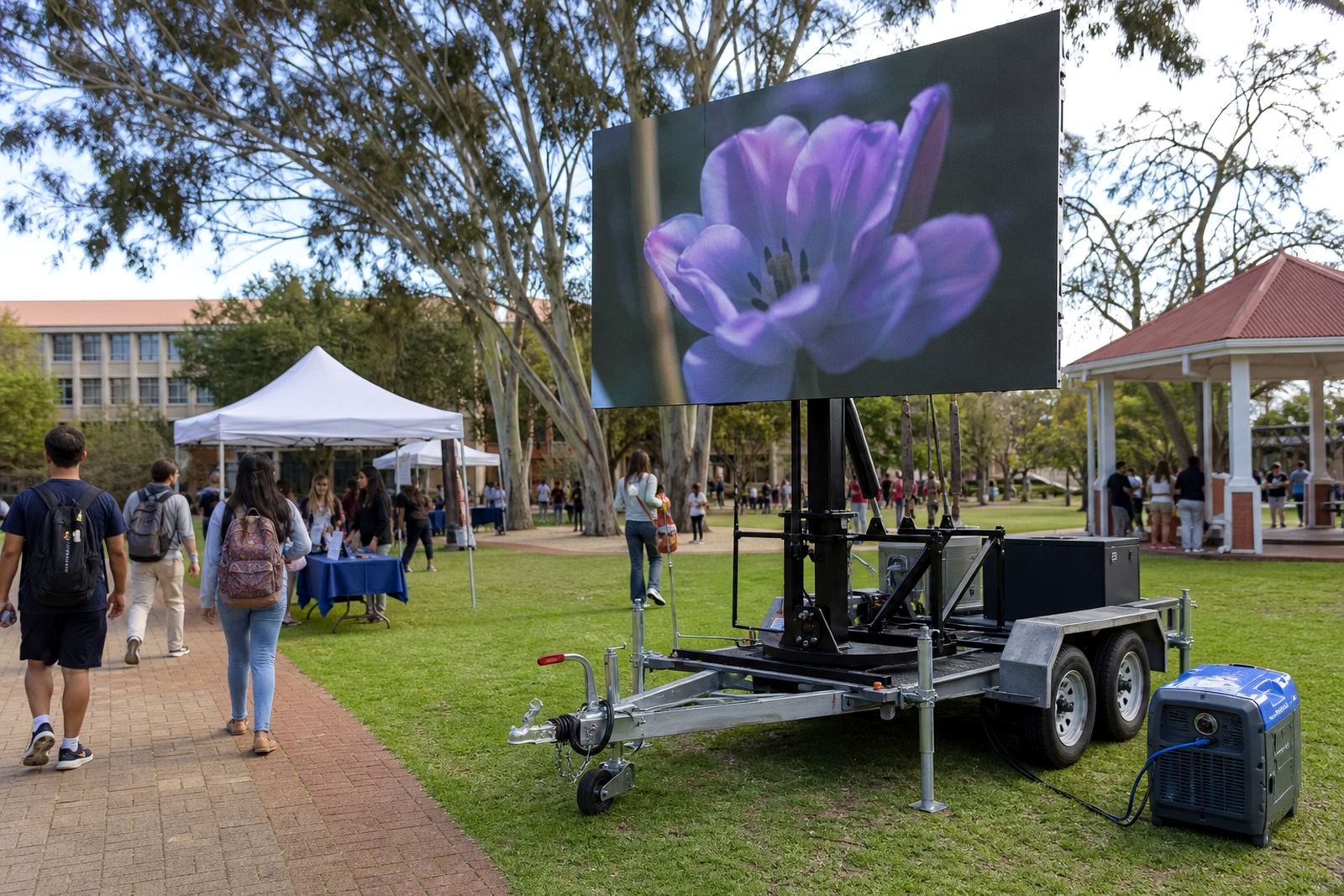
The brief came from a university campus in Pretoria where students moved between open courtyards, walkways and signage points through the day. The team wanted programme updates, speaker names and live announcements on a screen that stayed readable outdoors, even when the sun sat hard on the forecourt.
The site had a few practical limits. Vehicle access was tight near pedestrian routes, the screen position had to avoid blocking movement, and the display needed to cope with wind exposure in an open campus space. There was also a permit trail to manage because outdoor equipment on a public-facing property usually needs the right approvals and route planning before delivery.
We mapped the frontage, checked the viewing angle and planned the trailer placement so the screen faced the main flow of people. That shaped the whole job more than the content did, because a good display position makes a campus event far easier to read and manage.
What the trailer carried and how it behaved on site
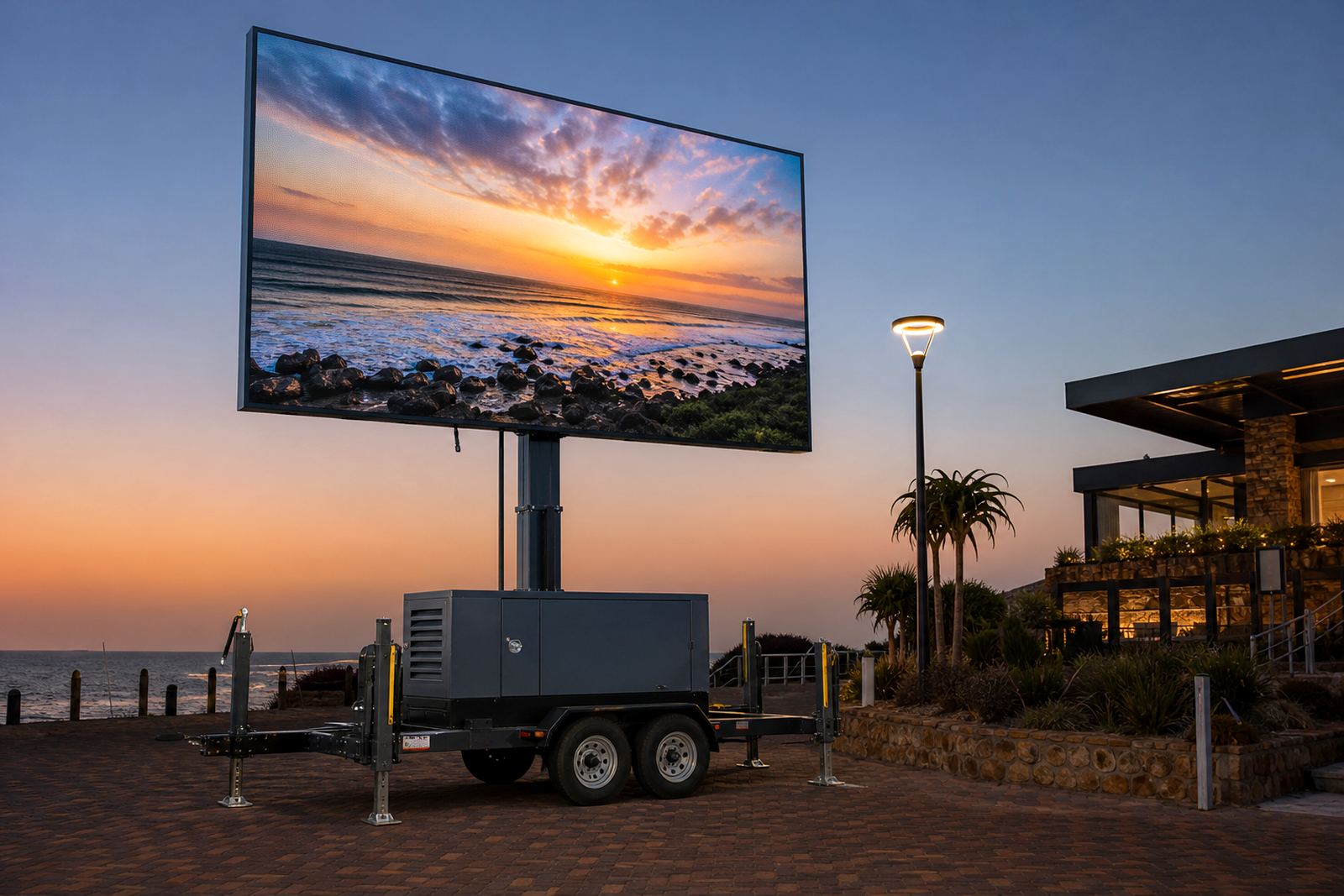
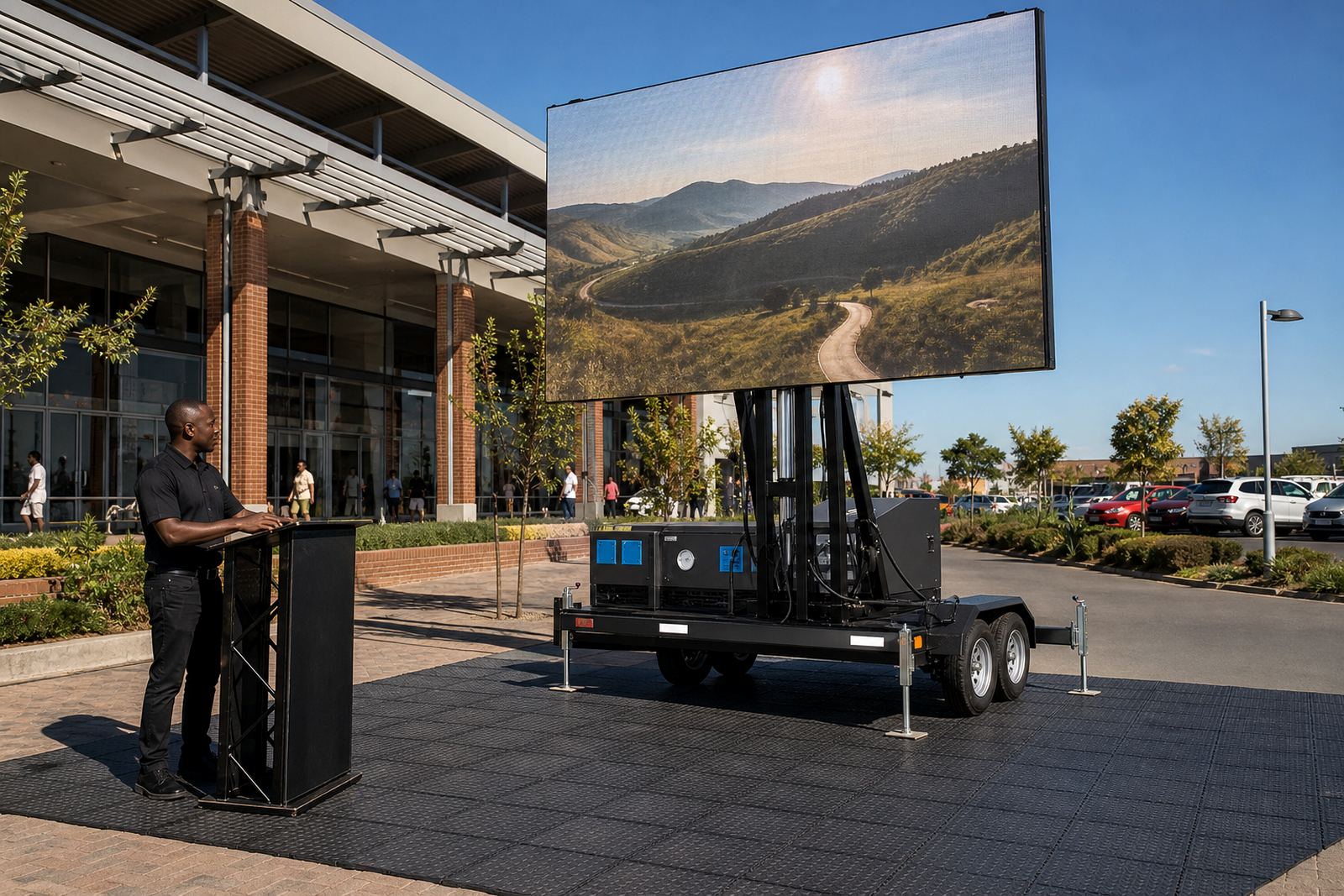
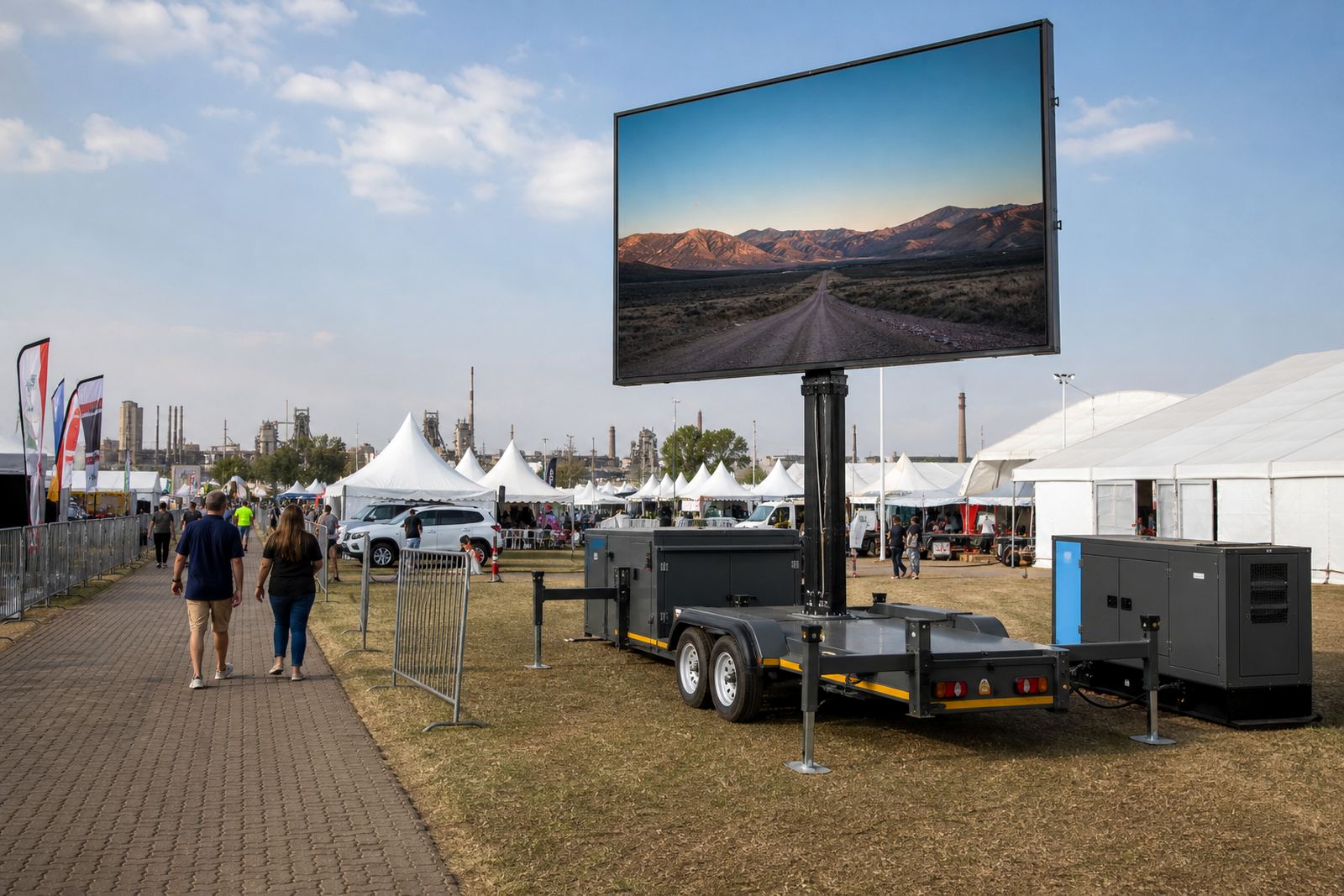
The trailer supplied a high-brightness outdoor LED screen built for daylight use, with a fine enough pixel pitch for text, slides and logos to stay legible at viewing distances common on campuses. The screen mounted on a hydraulic lift so it could rise to working height after positioning, then rotate to face the audience line without wrestling with the whole trailer.
Power was planned for either generator or mains feed, depending on the point approved on site. Content played from a controlled media source, which allowed us to load the programme in sequence and manage playback without gaps or awkward file changes during the activation.
- Outdoor LED screen with daylight brightness suited to open areas
- Hydraulic lift for setup height and trailer positioning
- Rotation for better audience alignment
- Playback control for slides, video clips and live notices
- Power planning for generator or mains supply
- Wind monitoring as part of the event run
How the two-week setup window was used
The Pretoria campus job took a fortnight, from the first call with the events office to loading the trailer out. The first stage was a physical check of the campus access routes, the event space and the most useful screen angle. That made it easier to decide where the trailer should sit, how cabling would run, and how the on-site technician would move around without getting in the way of students or staff.
After the site check, we handled the logistics side. The trailer was prepared in Germiston, then delivered to Pretoria with the support crew, playback files and power plan in place. The content was loaded before the event start so the programme could move smoothly from one item to the next.
- Week 1: site check, placement plan and permit guidance
- Week 1: content loading and power coordination
- Week 2: delivery, setup and screen testing
- Event day: technician on site for playback and live feed support
- Pack down: trailer lowered, secured and removed after the programme
On-site work when the programme needed attention
A campus event tends to change shape once people arrive. Speakers run late, a file needs swapping, or the order of content shifts when a coordinator changes the schedule. The technician handled those movements on site, keeping the screen aligned and the feed running in the order agreed with the event team.
We also kept an eye on weather conditions through the setup and running period. Outdoor screens need a sensible wind limit and proper placement, especially where buildings can channel gusts across open paving. That part of the work sounds small, but it is what keeps the trailer stable and the display usable through the day.
Live feed support was included where needed, so the screen could carry real-time updates and programme notices alongside the prepared clips. That mix worked well for a campus crowd because the content stayed useful instead of feeling like a fixed loop.
What the campus got from the screen
The screen gave the organisers a central point for student-facing information without needing a fixed structure on the grounds. It helped with visibility, helped the schedule feel organised, and gave the team a clean way to show content outdoors rather than relying only on printed notices or handheld direction.
The value was not only in the picture quality. The practical part was the full service around it: delivery, placement, power planning, content loading, playback control and removal after the event. That combination let the campus team focus on the programme while the screen operation stayed in one pair of hands.
For outdoor activations in Pretoria, that kind of arrangement works best when the screen is sized for the space and the technical side is handled properly. The organisers had one less thing to manage.
The same sort of job we would map out again
On a similar campus activation, we would repeat the same method: check access first, confirm viewing lines, plan power carefully and leave content handling to the technician on site. That keeps the work practical when the audience is moving and the event area is shared with daily campus traffic.
We would also keep the permit guidance in the early stage, because outdoor display work on a public site is easier when the paperwork and placement are sorted before the trailer arrives. For roadshow-style use, the same discipline matters even more because each stop has its own access and weather conditions.
For this Pretoria event, that approach gave the organisers a reliable screen, a cleaner programme flow and a display that held its place outdoors without becoming a distraction.
Key facts
| Project | Pretoria campus event |
|---|---|
| Service | Outdoor LED screen trailer hire and operation |
| Screen type | High-brightness outdoor LED display |
| Viewing use | Daylight viewing for student-facing content |
| Power | Generator or mains supply planning |
| Support | On-site technician, playback and live feed control |