
Direct media loading for screen crews
This unit is used to load approved content from USB storage into the screen playback system, then keep the playlist running in the order agreed on site. It is practical for advertisers and event teams that want a compact control point for slides, video loops and still frames without relying on a separate laptop during the run.
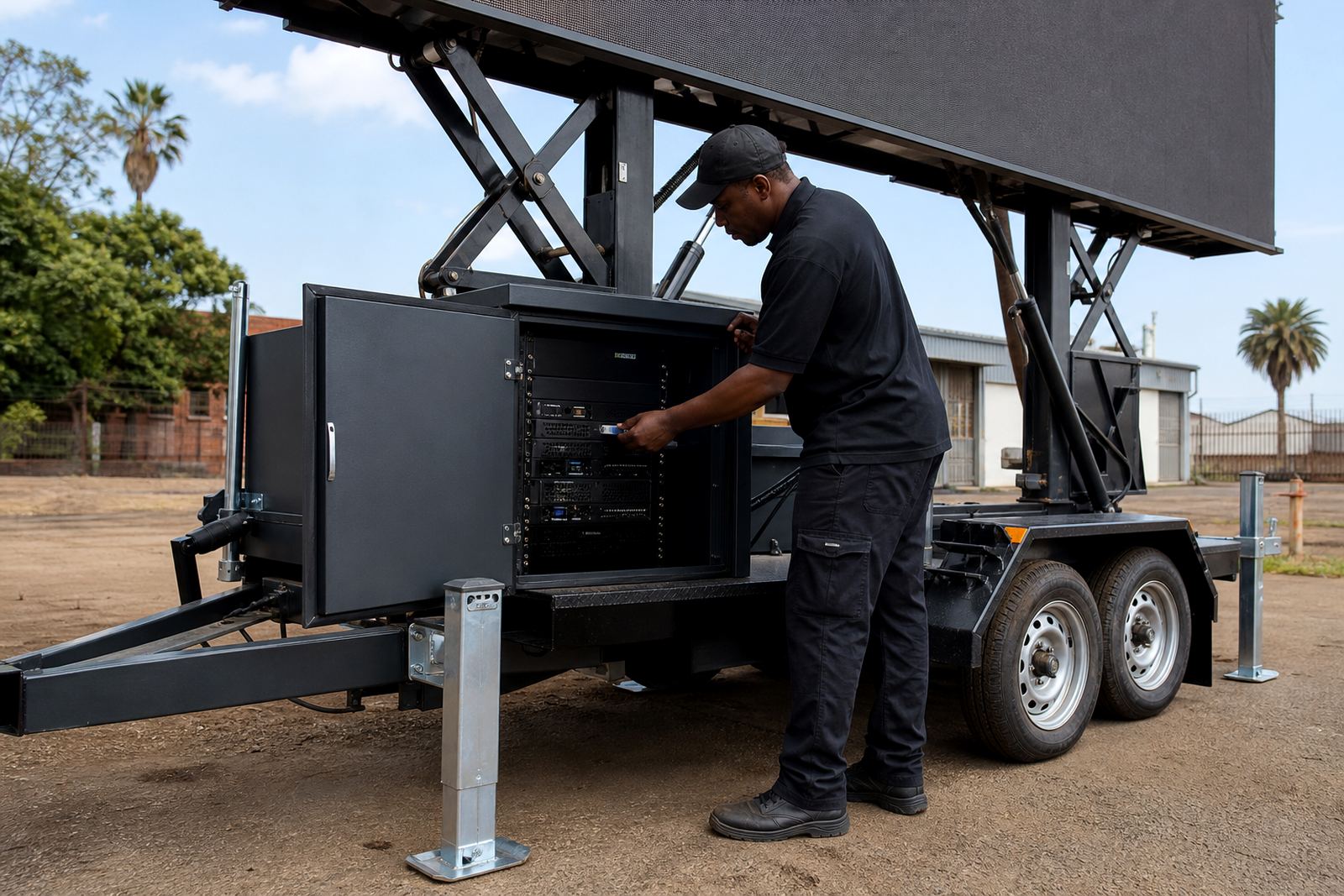
We fit it into the playback chain on the trailer or LED box, then test the file order, aspect ratio and audio behaviour where sound is part of the brief. The technician checks that the media format suits the screen controller and that the file names are clear enough for fast selection during setup.
Format range and playback details
The unit handles common presentation and video formats used for outdoor screen work, provided the media is prepared in the right resolution and codec mix. That matters on daylight jobs where the screen may run at high brightness and the file must hold its clarity from a distance.
- USB flash media for direct loading
- Looped playlists for adverts and sponsor reels
- Still images, short videos and slide sets
- Playback control for scheduled sequences
- Content naming that makes swaps easier on site
For LED screen trailers, the playback unit works alongside the screen controller, display processor and technician laptop where needed. We also check whether the media needs audio disabled, trimmed or re-encoded before the first run.
Where this setup fits best
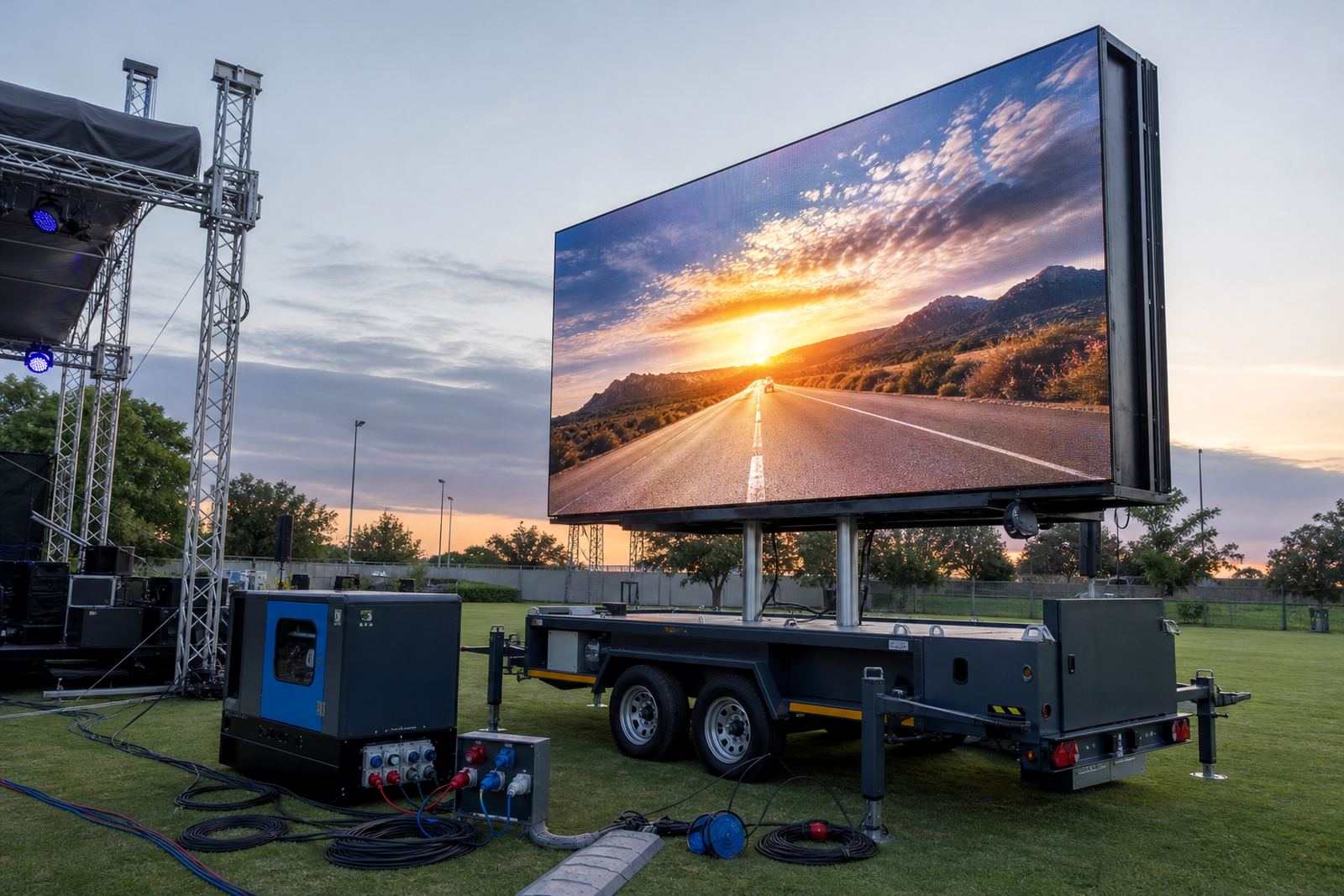
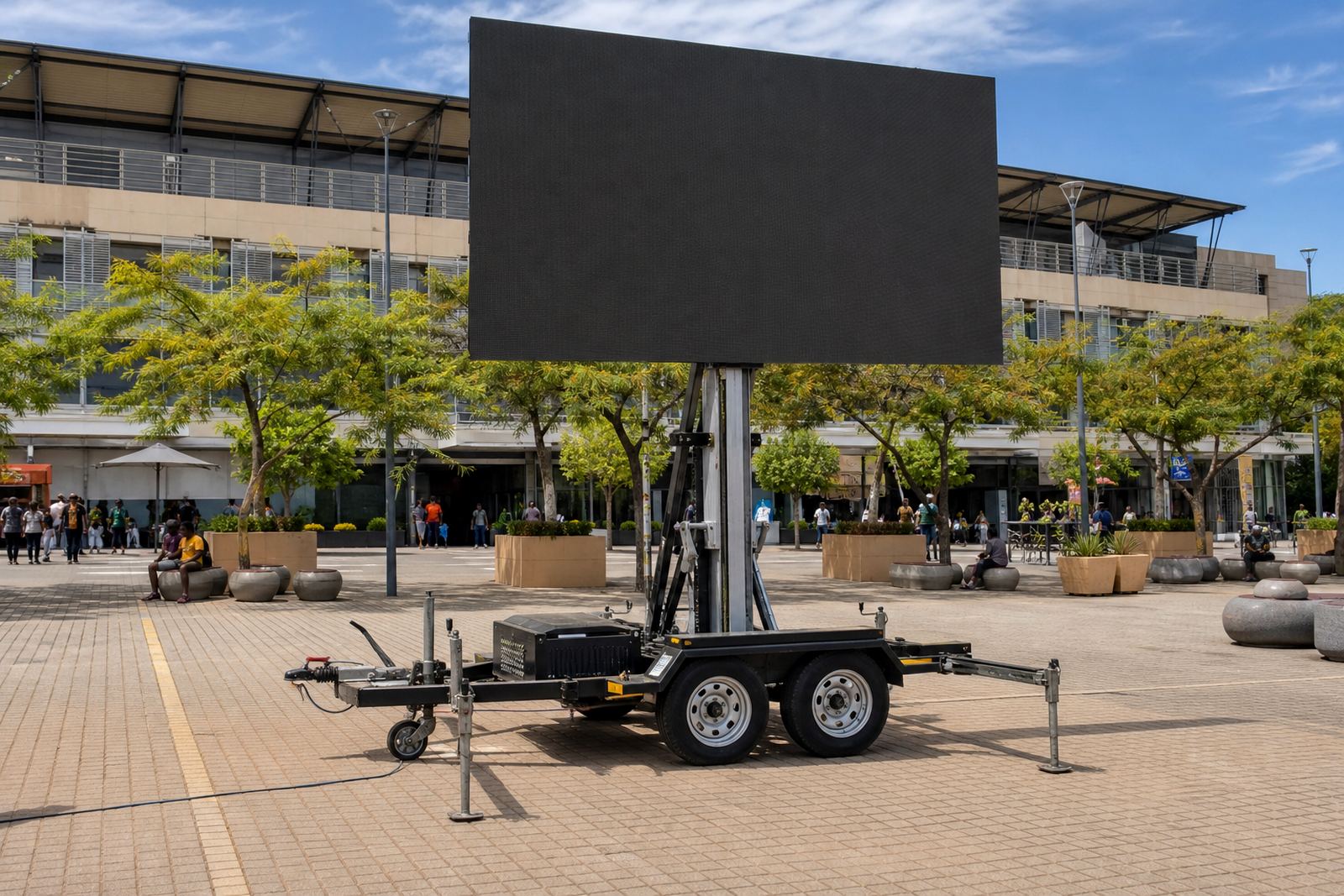
This product suits roadshows, sports days, product launches, dealer activations and outdoor venue messaging where a screen has to run from one prepared media set. It also works well for multi-stop campaigns across Johannesburg, Pretoria, Durban, Bloemfontein and Polokwane, where the same content is moved from one site to the next.
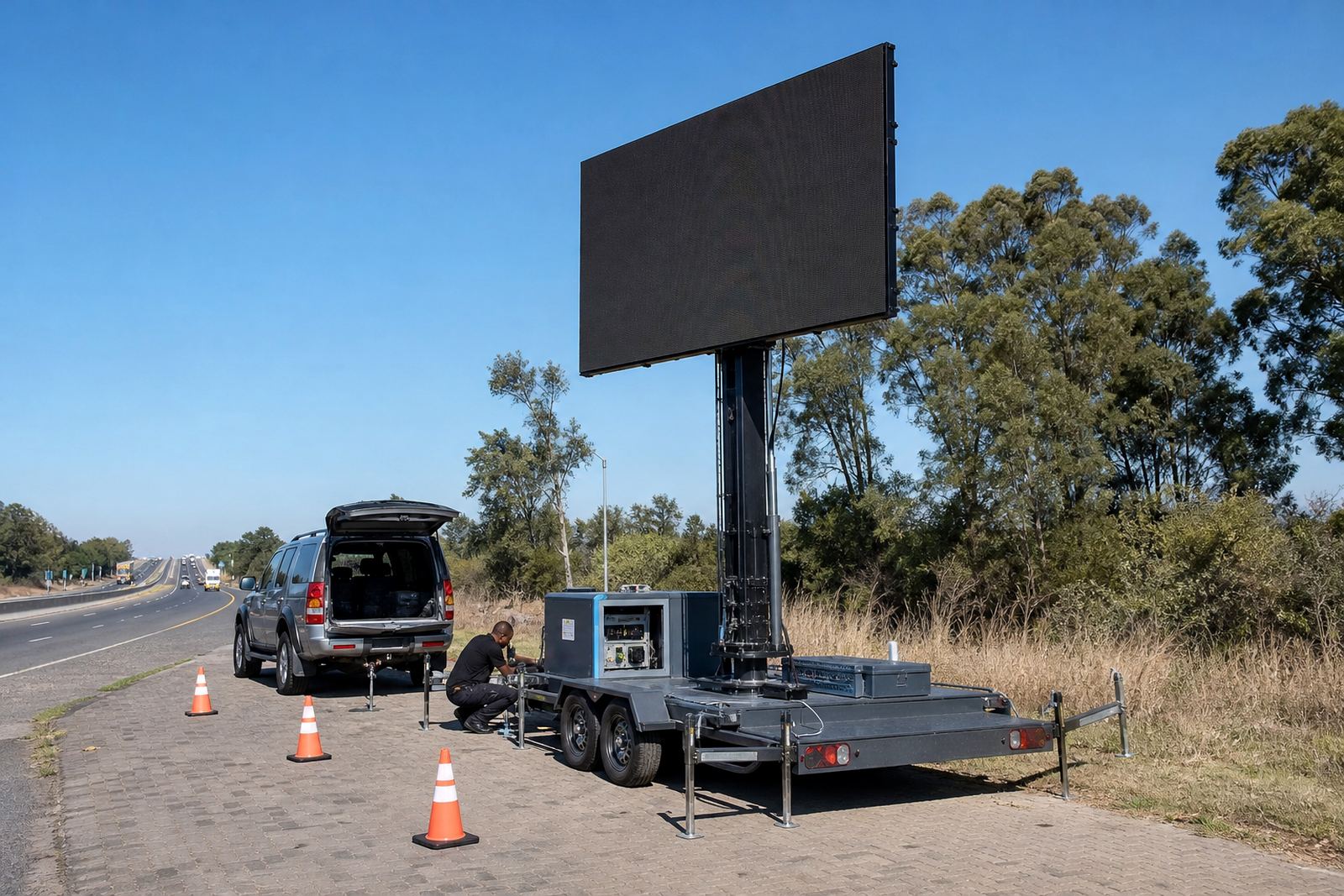
For public-facing work, the playback unit is often paired with an LED trailer that has a hydraulic lift and rotation, so the screen can be positioned for the crowd and then locked for display. On municipal or private sites, permit conditions and placement rules may affect where the trailer sits, how cables run and whether the screen faces a road, field or entrance.
Fitting, power and on-site control
The unit is fitted as part of the broader screen package, with power supplied through the trailer system, mains feed or generator where the site setup calls for it. Our technician confirms the cable path, the control access point and the safe connection order before content is loaded.
- Connection to the screen controller and playback path
- Power routing through the trailer, mains or generator setup
- Checks on file order before the screen goes live
- On-site supervision for live feed or timed content
- Pack down and reloading for the next location
Where the job runs in windy or exposed areas, the trailer position, stabilisers and viewing angle are checked together with weather conditions. That keeps the unit aligned with the screen, the site rules and the viewing line for the audience.
Care, storage and file handling
The playback unit should be kept clean, dry and stored in a protective case when not in use. Coastal humidity, dust from roadside setups and repeated packing can all affect the ports and connectors, so the unit needs regular inspection before the next event move.
Content files should be copied from a trusted source, checked for corruption and kept in a labelled folder structure. If the campaign uses several versions for different towns or time slots, the technician can separate them by day, location or screen position so the wrong file does not end up on the loop.
Details to confirm before we load the media
When you order the USB Playback Unit as part of an LED screen job, the main details to confirm are the screen type, media format and how the content will be run. The technician also needs the playback sequence, whether there is live feed support, and whether the job needs audio, silent loops or timed transitions.
- Screen trailer or LED box size
- Expected file format and resolution
- Playlist order and loop length
- Site power source and cable route
- Whether the job includes live feed support
We also look at the delivery point, the setup space and any permit guidance linked to the site. For Germiston and other Ekurhuleni jobs, that can include tighter access, loading space and the practical route for the trailer into position.
Key facts
| Product type | USB playback unit for outdoor LED screen systems |
|---|---|
| Supported media | Common presentation and video formats prepared for screen playback |
| Use case | Approved media loading for trailers, boxes, roadshows and events |
| Integration | Works with screen controller, processor and on-site technician |
| Power requirement | Integrated into the trailer or site power setup |
| Coverage | Delivered and supported across South Africa from Germiston, Ekurhuleni |