
Pace out where the crowd will stand before you pick a trailer
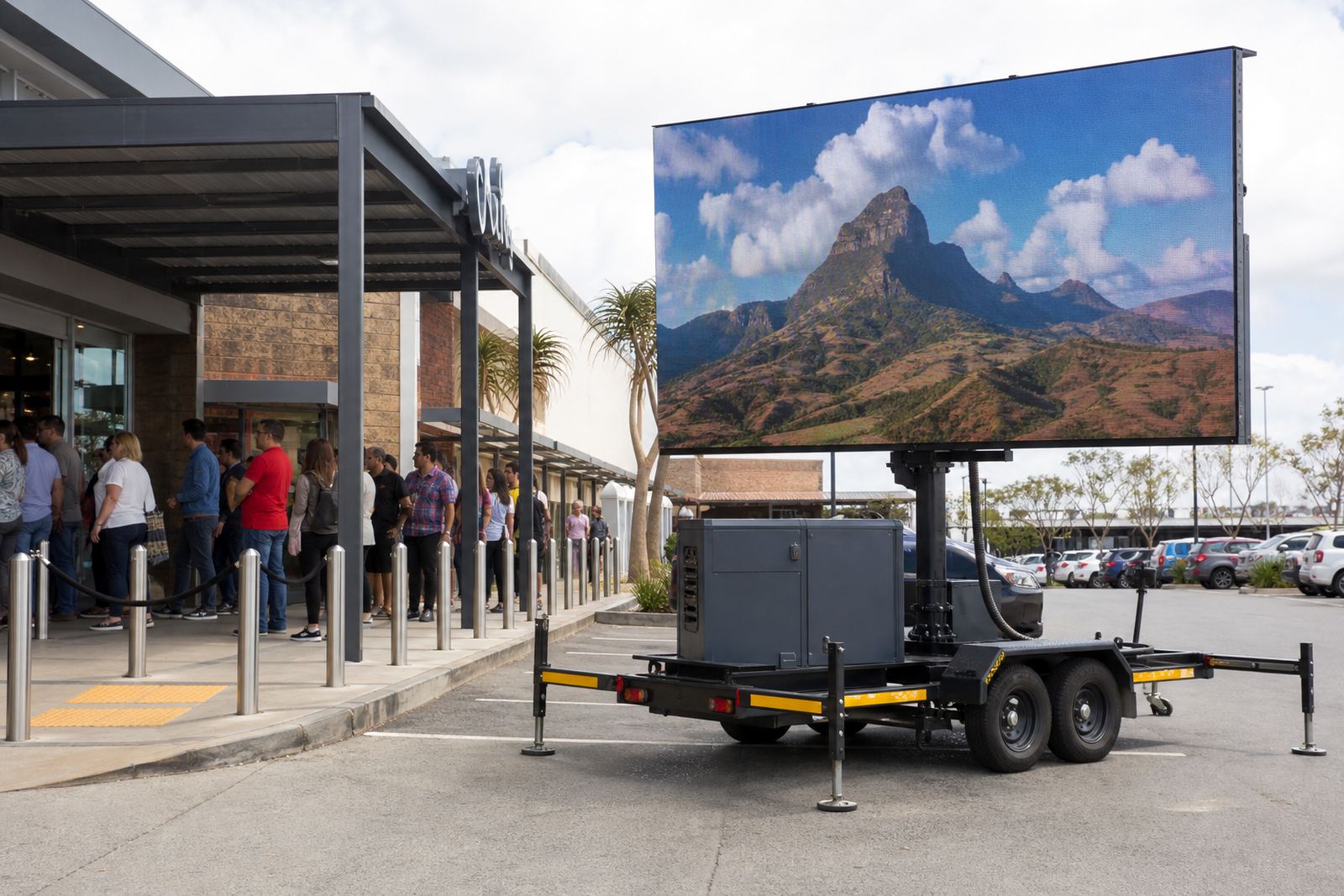
A smaller screen can work well for a car park promo, mall forecourt or roadside callout where people pass fairly close. A larger face gives stronger presence across a wider open area, which suits sports days, concerts and outdoor brand activations where the crowd stands further back.
As a rough guide, finer pixel pitch helps when viewers are closer to the screen, while larger pixel pitch can suit bigger formats viewed from further away. Brightness also matters outdoors, especially in direct daylight where sunlight can wash out a low-output display.
What changes between compact and large trailers
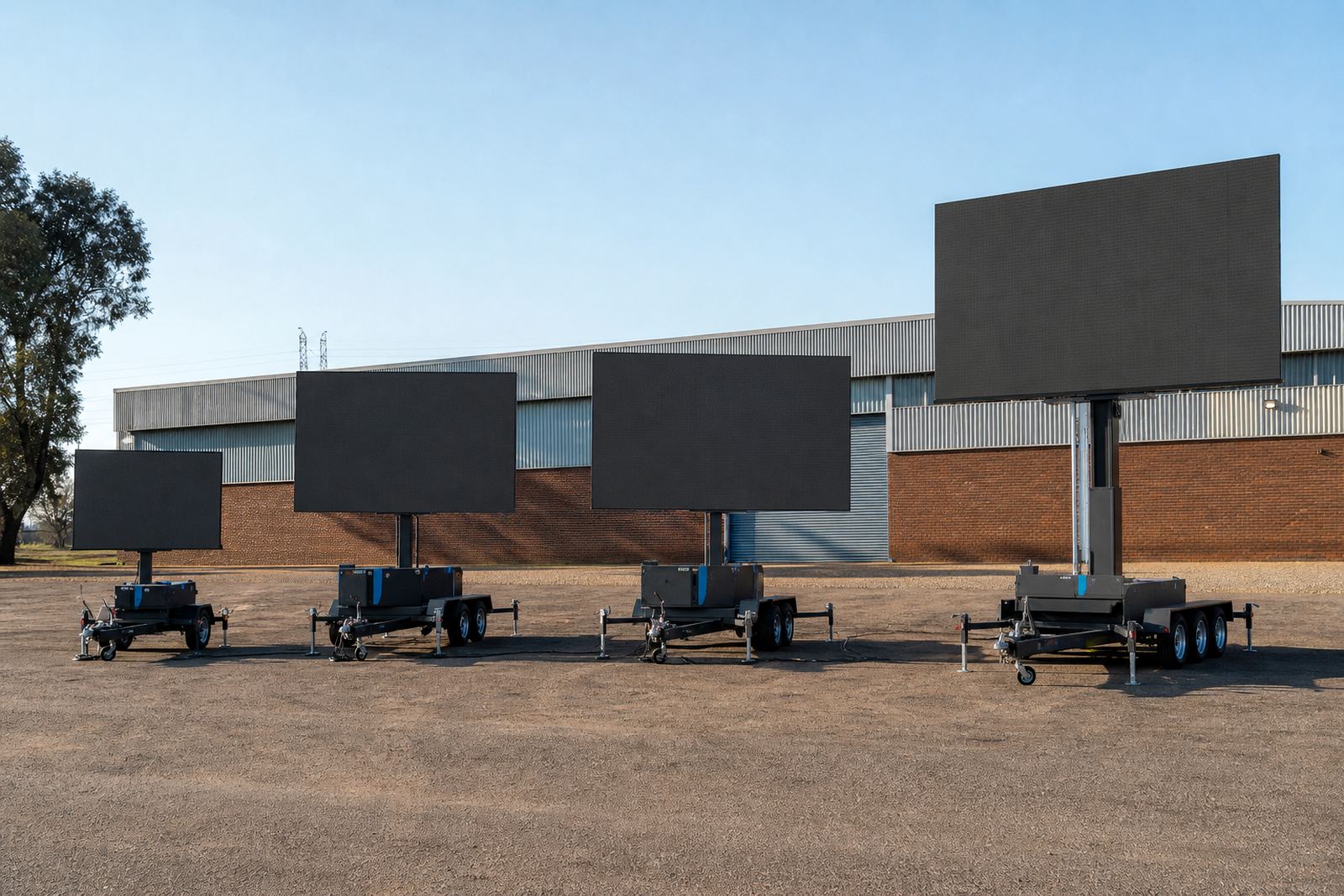
The main difference is usable screen footprint and how the trailer behaves once parked and raised. Bigger units need more clear space for stabilising legs, lifting, rotation and safe crowd separation, while compact trailers are easier to position in tighter venues, side streets and smaller launch areas.
- Compact trailer sizes suit tighter access points and simpler traffic flow.
- Mid-size units balance visibility with easier positioning on hardstands or paved areas.
- Larger screens create a stronger viewing impact at distance and in open venues.
- Heavy-duty sites may need a more careful look at turning space, slope and ground firmness.
Access, ground space and setup room
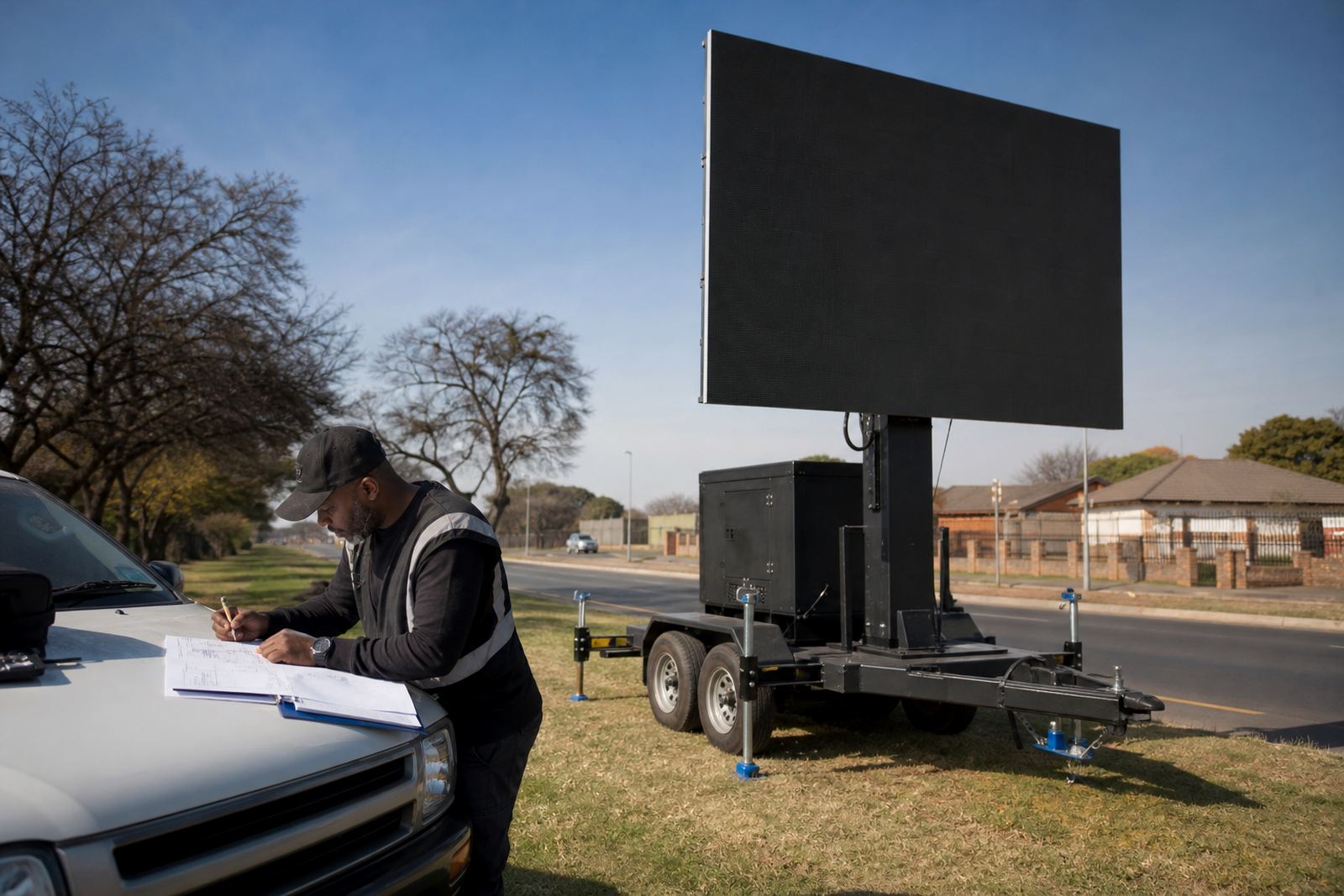
Before picking a size, check whether the trailer can enter the site, turn into position and stand level. A screen trailer needs enough room for the tow vehicle, the trailer body, the lift path and the working area around it. Tight gates, low branches, kerbs and uneven paving can all limit the size that will work in practice.
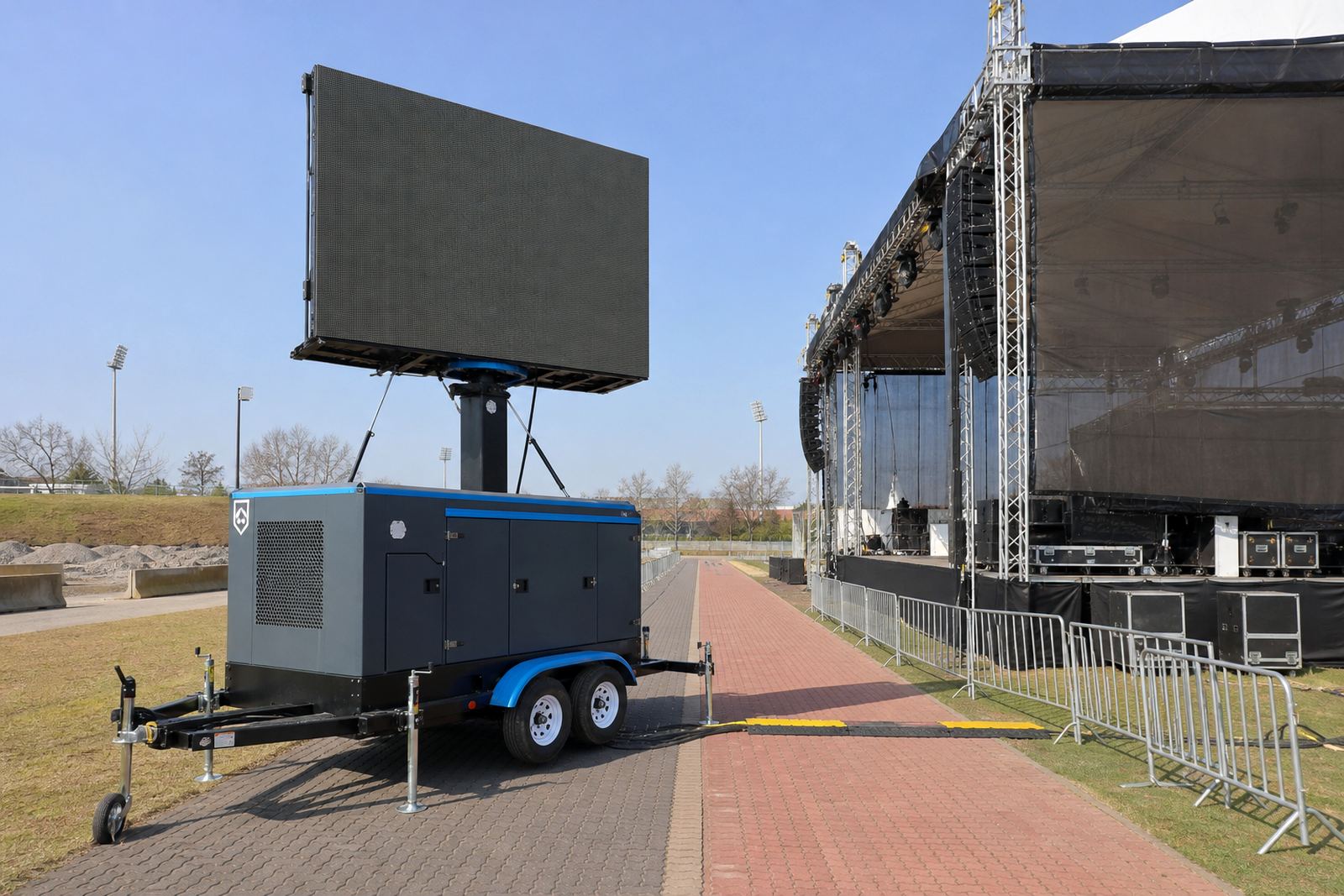
Hydraulic lift systems raise the screen to operating height, and some units allow rotation once the trailer is secure. That makes layout planning important, especially where the audience area, access road and stage or speaker line all share the same ground.
Power, playback and live feed needs
Trailer dimensions are just one piece of the job. The display also needs the right power setup and content feed. Some venues run on generators, others draw from mains electricity, and the best option depends on the site layout, event length and the load it can handle safely.
Content playback can be loaded in advance, or managed live from a technician position on site. For sports days, concerts and roadshows, live feed support may also be needed so the audience can see camera input, sponsor loops or scheduled messages without interruption.
- Check whether the unit will run on generator power or mains supply.
- Allow for safe cable routes and a clean technician position.
- Match the trailer size to the amount of content movement needed.
- Plan for daylight visibility if the event runs outdoors for long hours.
Wind, weather and permit planning
Outdoor LED trailers need proper weather monitoring and a sensible wind limit for safe operation. Larger screens catch more wind and may need stricter handling, so the ground conditions and forecast matter before the lift goes up. A site near the coast, or an open field with little shelter, can need extra caution even when the sky looks clear.
Municipal permit rules can vary by area, especially when the trailer sits beside a public road, on municipal land or in a busy retail zone. Some sites also need access control, traffic awareness and a clear plan for pack down once the activity ends.
Picking a size for your specific venue
A good choice starts with the venue shape and how people will move through it. A compact trailer can suit a branded stop in Kempton Park or a tighter activation outside a busy retail frontage. A larger format may work better for a stadium edge, a civic square or an open event field where the viewing line is longer.
If the audience is close and the access is narrow, lean smaller. If the crowd stands further back and the message must carry across a wider area, step up to a larger screen footprint. For a multi-stop roadshow, the best option is often the size that loads, levels and travels cleanly from one stop to the next without creating access problems.
- Measure the usable ground, not only the total venue size.
- Map the audience distance from screen to standing area.
- Check gates, slopes, paving and overhead clearance.
- Decide whether the content needs close-detail viewing or broad visibility.
- Keep space for setup, technician access and pack down.