
Stage angle before the trailer rolls in
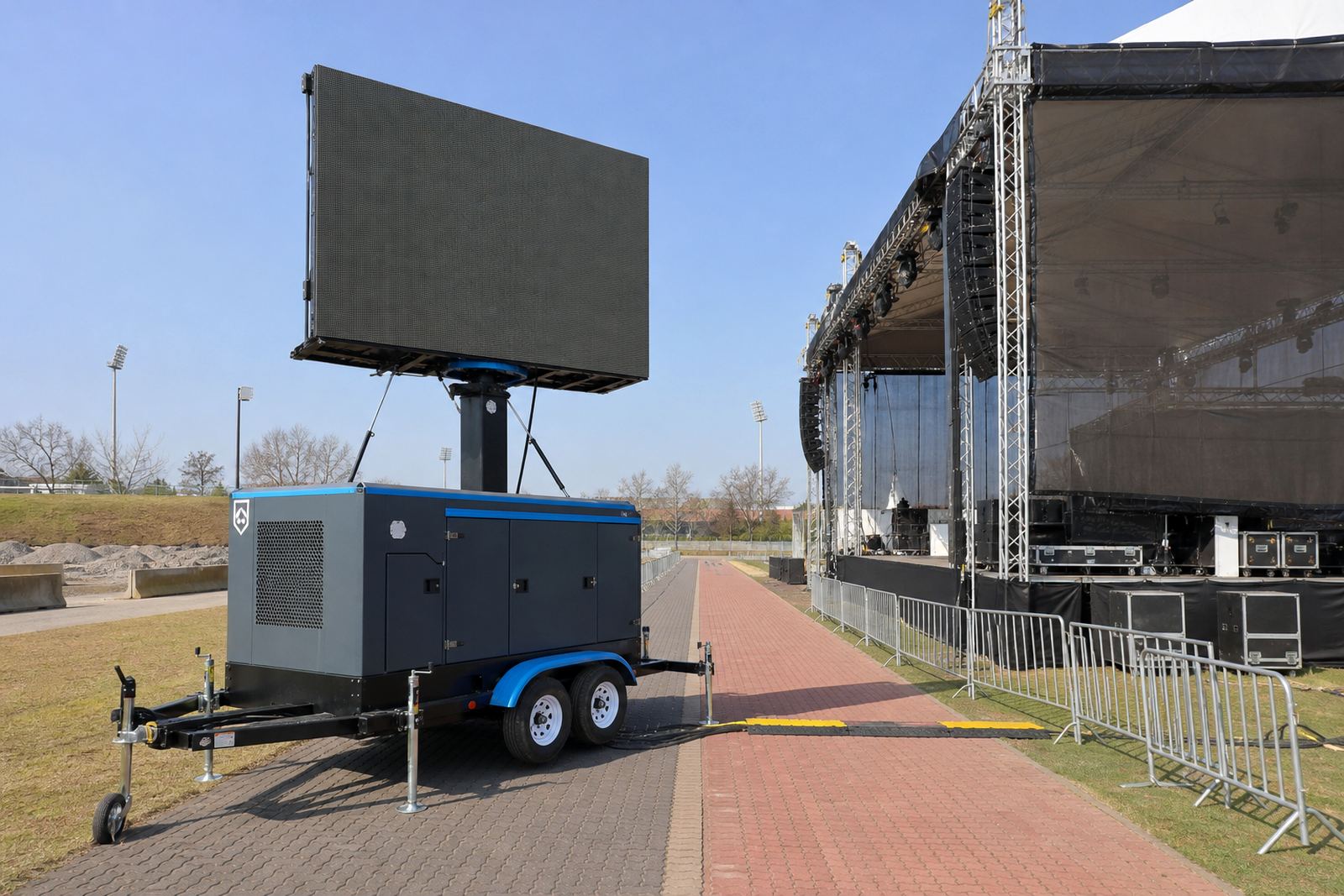
Find the stage first. If the stage faces into a wide crowd bowl, the LED screen should support the viewing line rather than fight it. A trailer screen placed too far off-axis can leave the side crowd squinting at a poor angle, while a unit placed too close behind stage can crowd lighting trusses and camera positions.
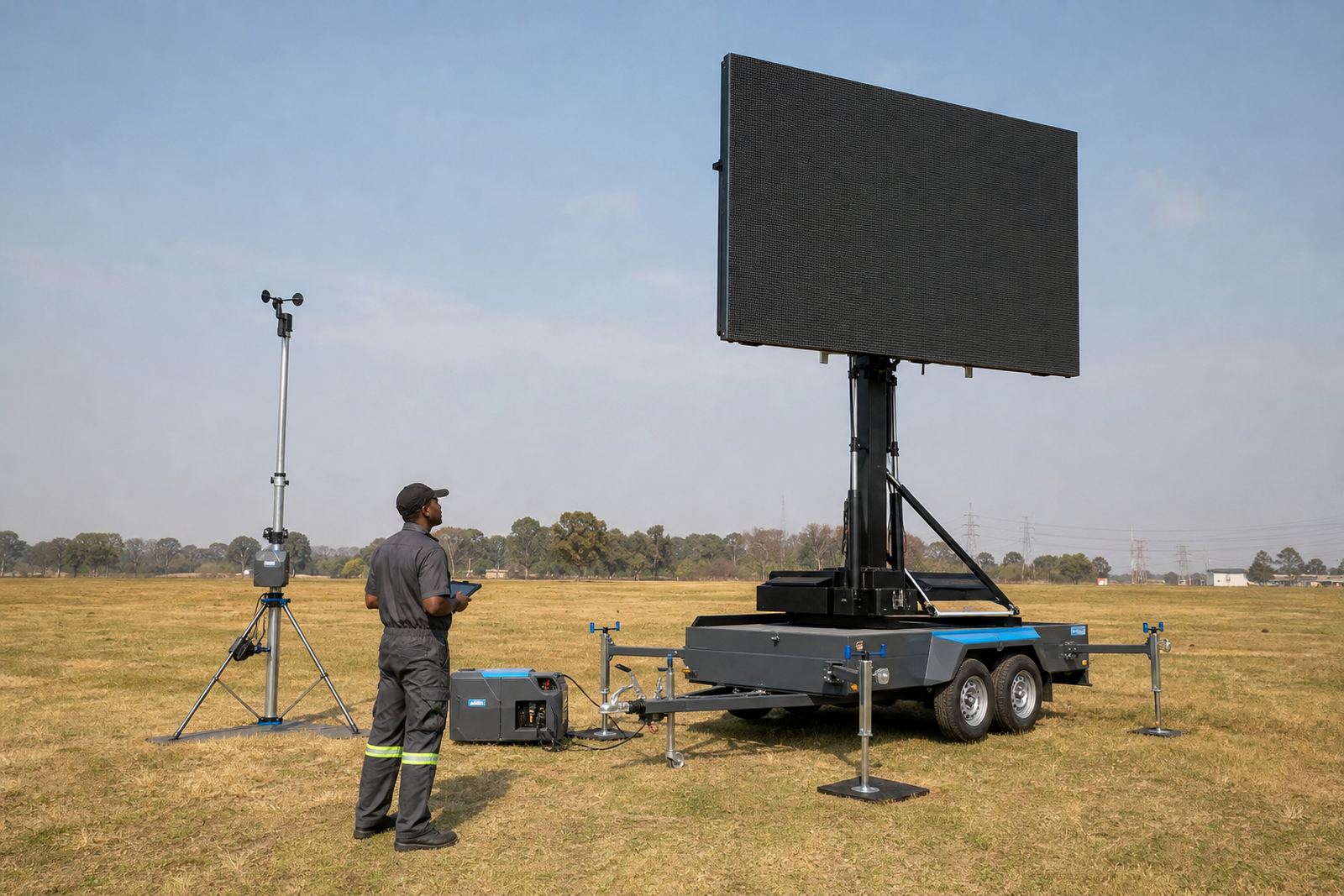
For concerts in open fields, school grounds or municipal parks around Germiston, Johannesburg or Pretoria, the trailer usually needs a flat surface and clear turning space. That matters when the hydraulic lift raises the screen and the cabinet rotates into final position. If the rig has to sit near a barrier or access road, allow room for the tow vehicle, crew movement and the technician working at the rear panel.
- Check where the audience will stand, then mark the central sightline.
- Leave space for the trailer to lift, rotate and stabilise.
- Keep lighting ladders, audio stacks and camera tripods out of the swing path.
- Watch for trees, power lines and banner frames that can block the top edge.
Pick the screen spec that suits daylight and distance
Concerts often run from late afternoon into dark, so brightness and pixel pitch both matter. A daylight screen needs enough brightness to stay readable before sunset, while the pixel pitch should match the viewing distance. For a crowd standing close to the stage, a finer pitch gives cleaner faces, text and motion graphics. For larger outdoor fields, a broader pitch can still work well if the camera feed and content are built for distance.
Content playback should be tested on the exact screen size before gates open. Lower thirds, sponsor slates, singer close-ups and lyric loops all behave differently on a tall, wide outdoor display. The playback system also needs to handle live feed switching without stutter, because concert cues leave little space for mistakes.
- Choose brightness that holds in direct sun, not only after dark.
- Match pixel pitch to the nearest crowd distance, not just the biggest number on the spec sheet.
- Load test slides, video clips and live camera cues in advance.
- Check colour balance, black levels and text size on the actual cabinet.
Cue timing with the sound and lighting counter
Concert screen work is tied to cue timing. The screen may need to show walk-on footage, artist branding, sponsor frames or live camera images at exact moments. If the playback operator is not briefed on the run of show, a clip can land late and throw off the whole stage rhythm. The same applies when a live feed is being cut between cameras and playback content.
For events with multiple acts, the technician should know where each break sits, what content comes off the screen and which cue returns after the set change. If the venue has a production manager, stage manager and lighting lead, they should all be aligned on the screen plan. That reduces shouting across the pit and helps side-of-stage traffic stay controlled.
- Mark every cue point against the stage manager’s running order.
- Agree who calls content changes and who triggers them.
- Test live feed audio and video sync before the crowd enters.
- Keep backup clips ready in case a file fails to play cleanly.
Safe access behind and beside the trailer
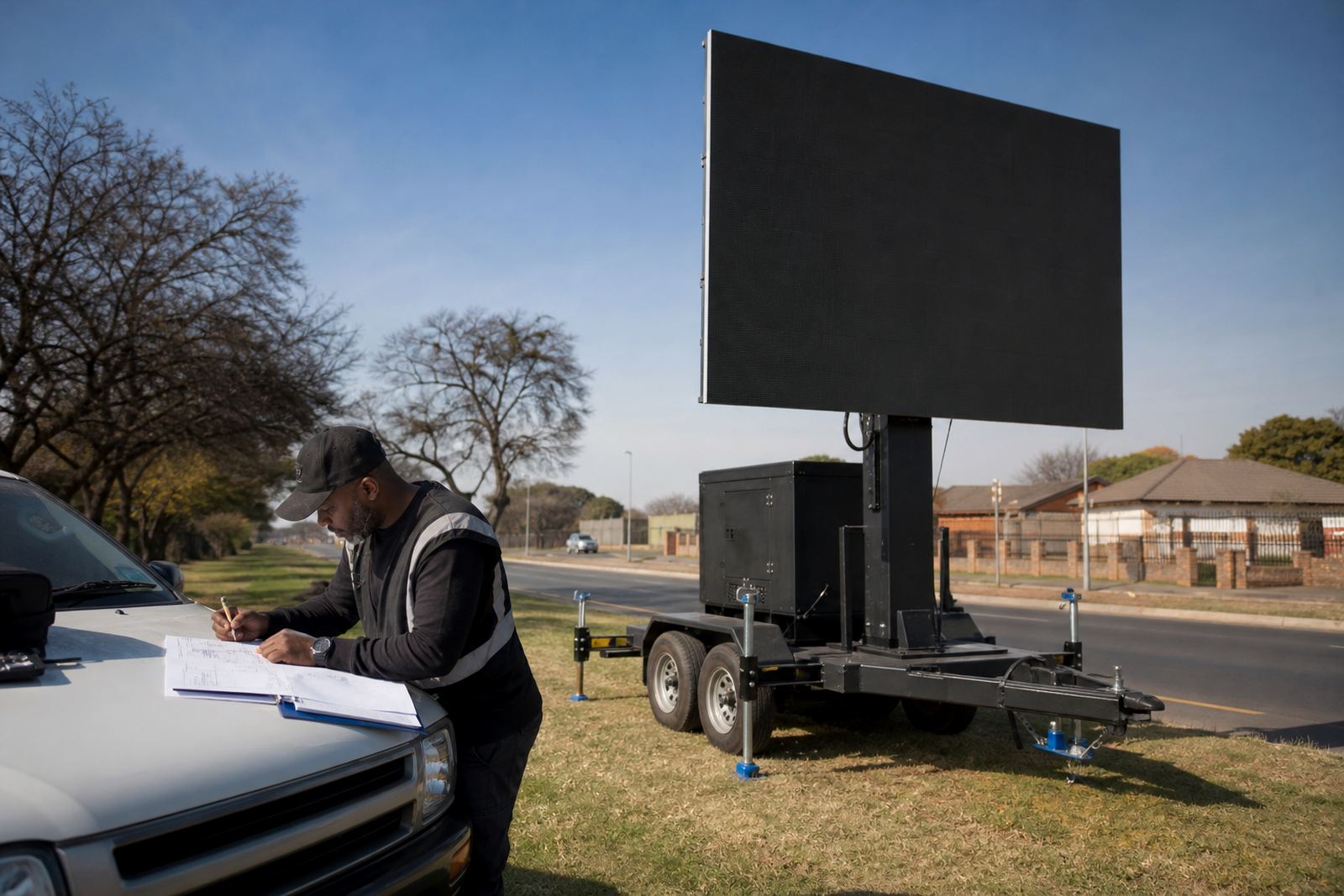
Safe access matters as much as image quality. Crew need a clear path to the rear of the trailer for power checks, content loading and any quick correction during the show. Side-of-stage access should stay open for security, medical staff and camera crew, with cabling taped or routed away from walking lines. On a busy concert floor, one loose cable can become a real problem fast.
Weather monitoring also belongs in the access plan. Outdoor LED screens tolerate wind only within their rated limits and the screen must be secured before conditions change. In heavier weather, the technician may need to pause operation, lower the screen or recheck the trailer position. For municipal venues, permit guidance often covers placement, crowd barriers, emergency access and any restriction near public roads or walkways.
- Keep the rear service area clear of storage boxes and spare cases.
- Mark crew routes with tape, cones or barriers where needed.
- Plan for wind checks before doors open and during long events.
- Confirm that emergency access is never blocked by the trailer or power kit.
Power planning for concert trailers
Some concert trailers run on generator power, while others can tie into mains supply where the site allows it. Either way, the load plan should be settled before setup begins. Screen brightness, playback kit and any live feed equipment all add to the draw, so the technician needs a proper view of the available supply and the cable path. In outdoor venues, a clean power route helps keep the backline area tidier and reduces trip hazards.
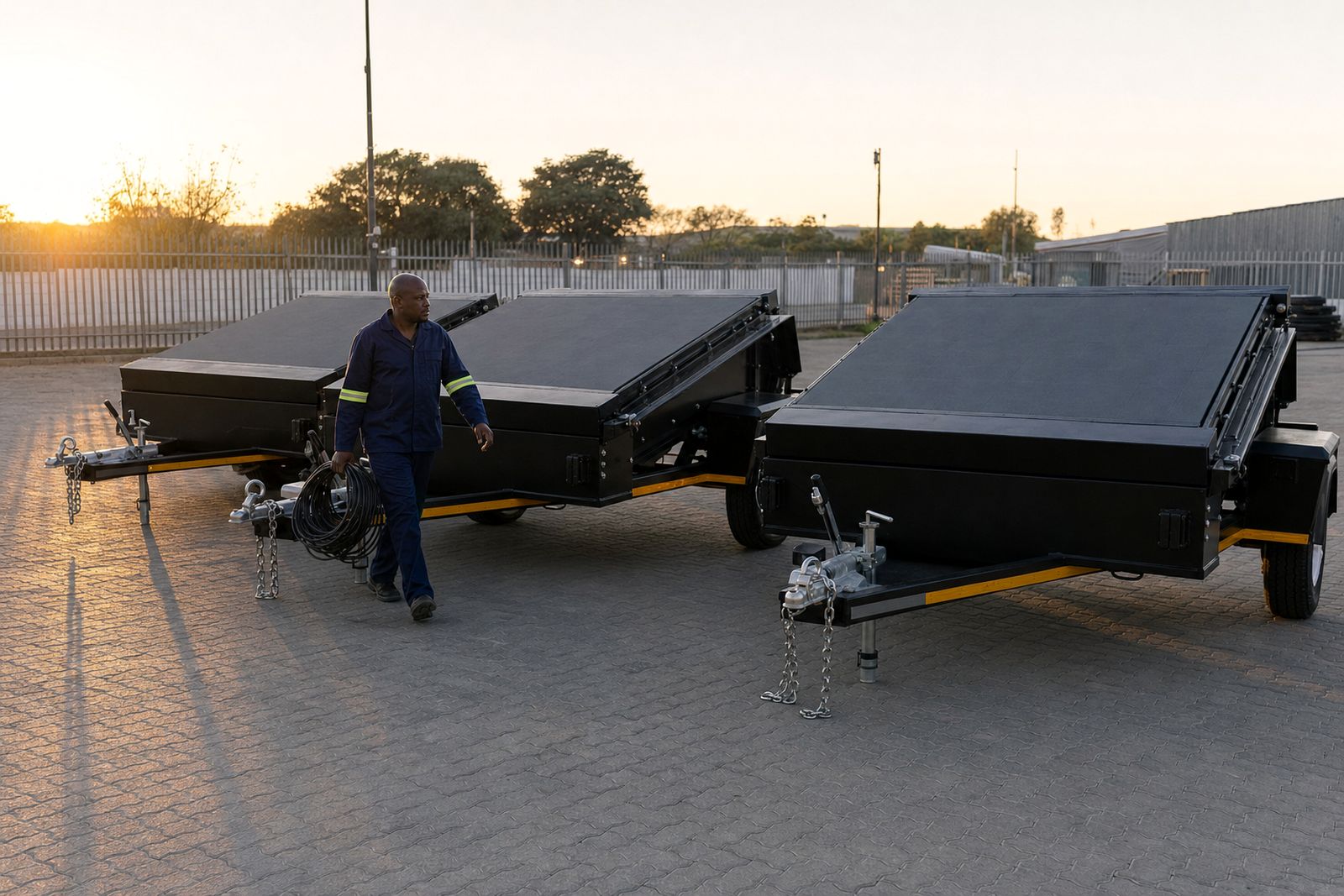
Roadshows and touring concerts also benefit from multi-stop planning. When the screen has to move between towns such as Durban, Bloemfontein and Polokwane, the trailer setup, pack down and transport timing need to be handled with care. That includes checking ground conditions, access gates, arrival space and the route for the tow vehicle.
- Confirm whether the site will use generator or mains power.
- Check cable length, connection points and the path back to the trailer.
- Allow enough time for setup, testing and pack down.
- Plan every stop in a roadshow as a separate site, not as one general move.
A short concert checklist before gates open
A concert screen works best when the basics are already settled. The site check should confirm the trailer position, audience angle, lift clearance, power source and cue order. If the screen is part of a larger promotion, the content list should be trimmed to what the crowd actually needs on the day, not filled with spare material that only clutters the show.
For advertisers, event teams and roadshow planners, the best results usually come from one technician owning the screen from setup through to pack down. That gives the production team one point of control for playback, live feed support and weather watch. It also helps keep the screen focused on the programme, not on last-minute improvisation.
- Stage position and audience sightline confirmed.
- Screen brightness and pixel pitch matched to viewing distance.
- Playback files loaded and tested on the unit.
- Power route, barriers and access lanes in place.
- Wind and weather checks logged before opening.
- Pack down path and exit route kept clear.