
Map the route before the first venue change
A roadshow is not only a list of towns. It is a moving sequence of access roads, parking points, turning space and load-in conditions that change from one site to the next. In Germiston, Johannesburg or Pretoria, a tight city stop can feel very different from a wide-open parking area in Bloemfontein or Polokwane, so route timing has to follow the site, not just the distance on a map.
For outdoor LED screen trailers, the route plan should show where the unit stands, where vehicles enter and exit, and whether the trailer can be levelled on the ground available. If the site has narrow entrances, sharp corners or soft soil, those points need to be called out early. The same applies where a municipal road or public verge is involved, because that may change the permit discussion.
- List every stop in order, with the access time for each site.
- Note height limits, gate width and parking control at every venue.
- Record whether the trailer stands on tar, paving, grass or compacted ground.
- Mark any stop where traffic marshals or access control are needed.
When the route is written properly, the rest of the roadshow becomes easier to manage. Delivery, setup and pack down can follow the same rhythm from one town to the next without guessing at each gate or driveway.
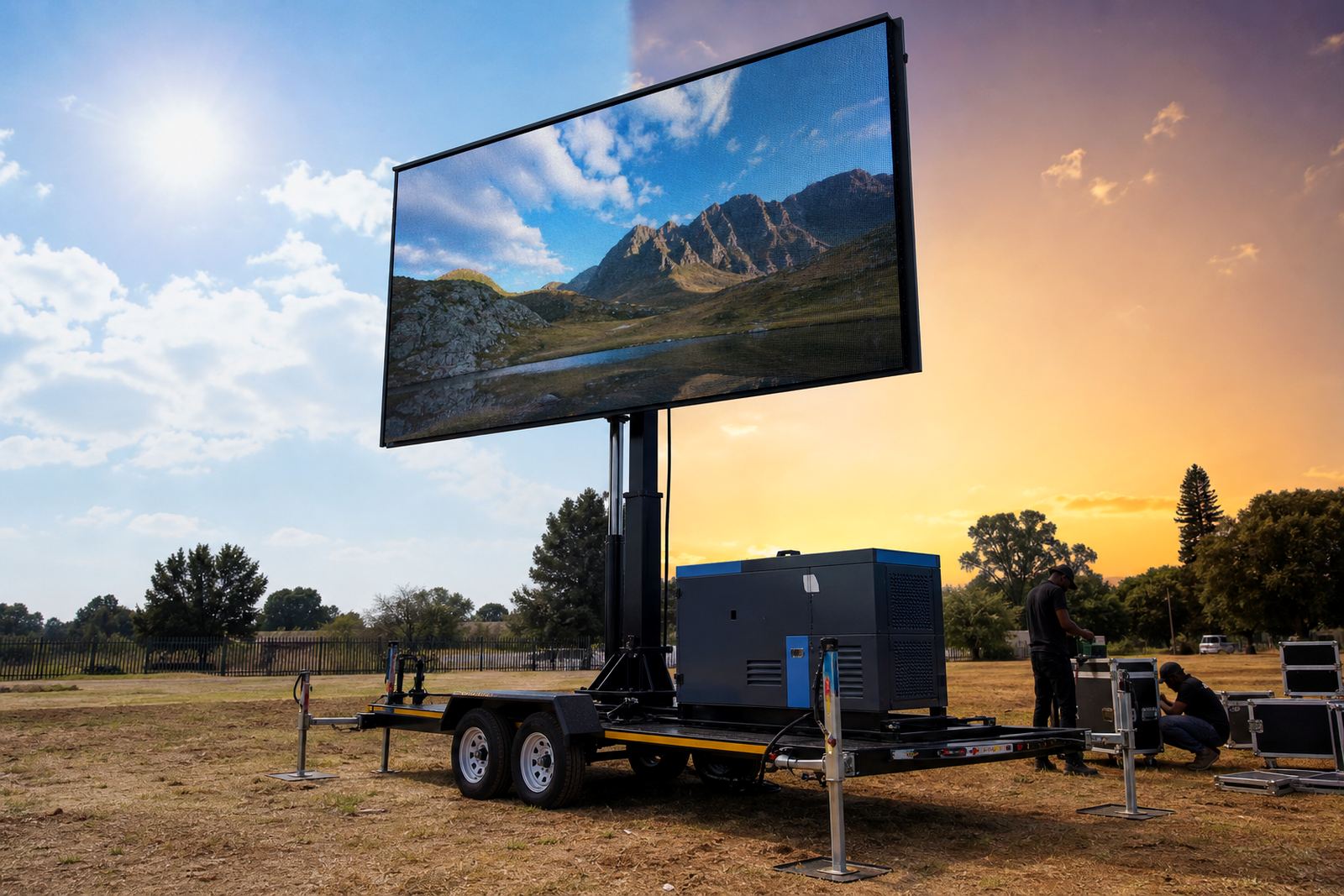
Choose the trailer specification for daylight viewing
Roadshow content works best when the playback order is settled before the first stop. A schedule that shifts every few hours can cause confusion, so the content list should be grouped by venue, by time of day or by audience type. That is especially useful when the same screen is used for advertising, sports days, concert promotion or live announcements in one long route.
Content loading should be checked in advance for format, file naming and aspect ratio. The on-site technician can then manage playback without pausing the crowd for last minute fixes. If a live feed is part of the programme, the signal path must be tested at the venue and not left to guesswork once the crowd has already gathered.
Good playback management keeps the screen useful through the day. Shorter clips suit busy roadside stops, while longer messages can work where people stay in one place for a set period. If the roadshow includes more than one stop, the content should be easy to reload and simple to sort on the day.
- Load every approved file in the same naming system.
- Separate general brand messages from stop-specific items.
- Keep live feed content in a clear order, with backup files ready.
- Check audio only where the venue and programme require it.
Permit guidance and site checks for public spaces
Many roadshow stops need some level of permit guidance, especially when the screen stands near public roads, municipal land or a busy pavement edge. The exact requirements depend on the local authority, the site owner and how the trailer is positioned. In Ekurhuleni and other metro areas, site rules can change from one ward to the next, so it helps to review the location early and keep the paperwork tied to that exact stop.
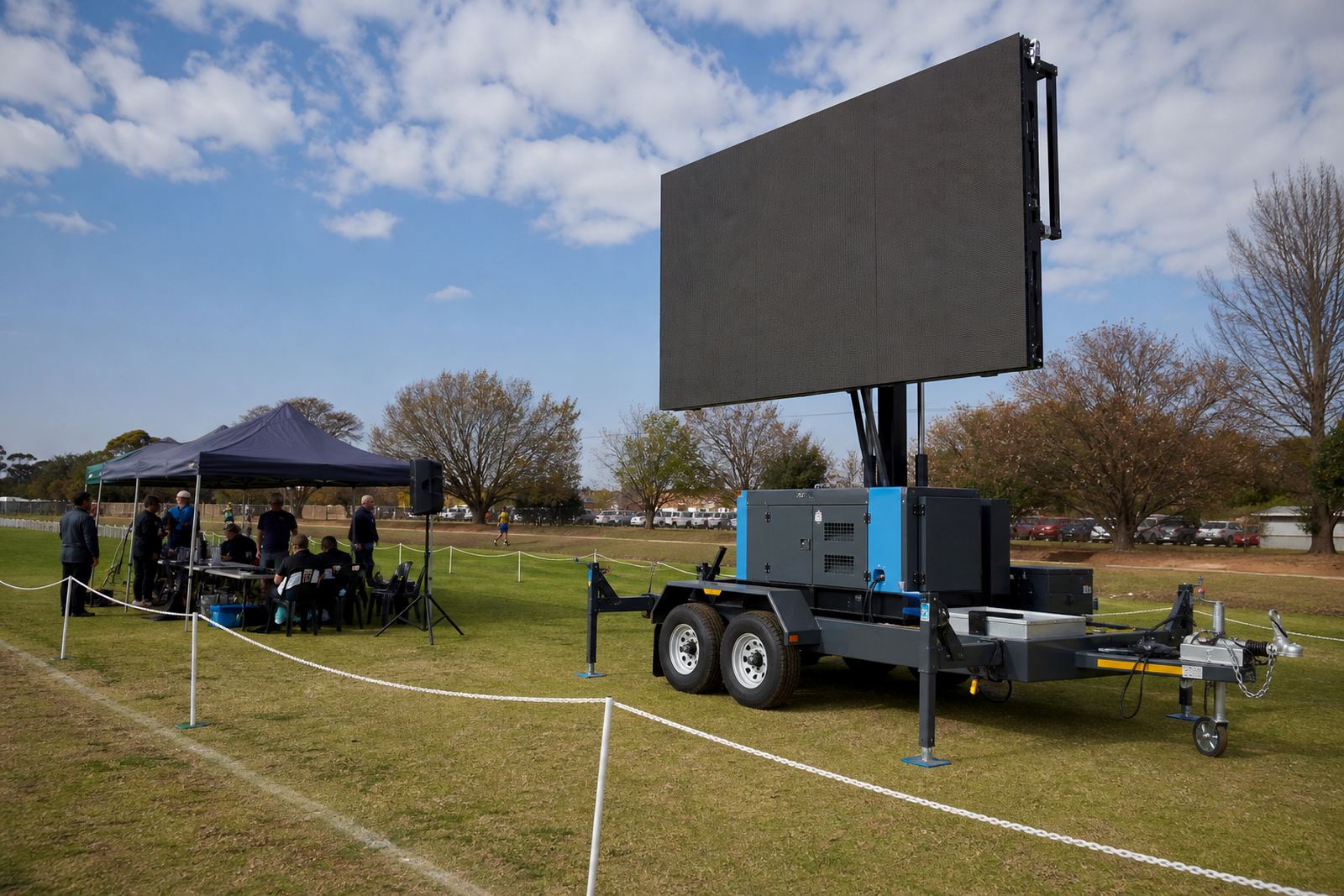
A site check should cover ground condition, access, overhead clearance, nearby traffic and where the audience will stand. If the screen faces a main road, reflection and sight lines matter. If the stop is in a school, sports ground or shopping area, pedestrian movement needs to be kept separate from the trailer movement and any cable run.
Permits are easier to handle when the roadshow plan has clear dates, site names and contact points. That gives the venue, the local authority and the technician the same picture of where the screen will sit and what the day will look like.
On-site crew roles that keep the day steady
A roadshow runs more smoothly when each person has a clear role. The driver, technician and logistics team should not be improvising once they reach the venue. The setup method must stay consistent from Germiston to Durban, because repeated moves are where small mistakes usually start.
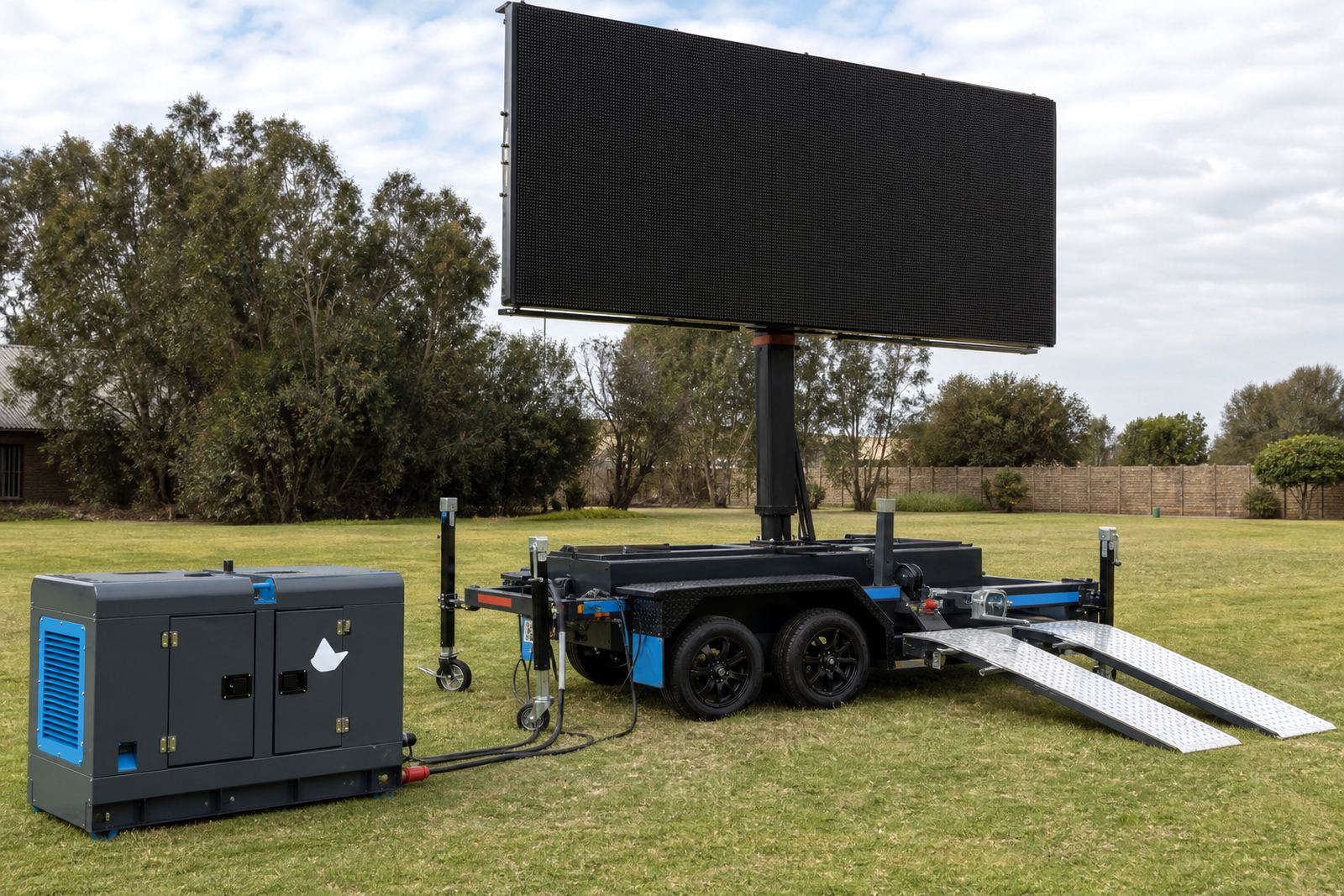
The screen technician handles lifting, rotation, power checks and playback. The logistics coordinator watches route changes, access notes and the order of the stops. The operations manager keeps the sequence aligned with the schedule, while fabrication support is useful when a trailer part or mounting detail needs attention before the next departure.
At site level, the practical checklist should stay short and direct.
- Confirm level ground and safe wheel chocking.
- Set the screen angle before content starts running.
- Test the playback source and backup source.
- Check wind, cable protection and viewing distance.
- Walk the audience area for trip hazards and safe access.
Packing down, moving on, and holding the pace
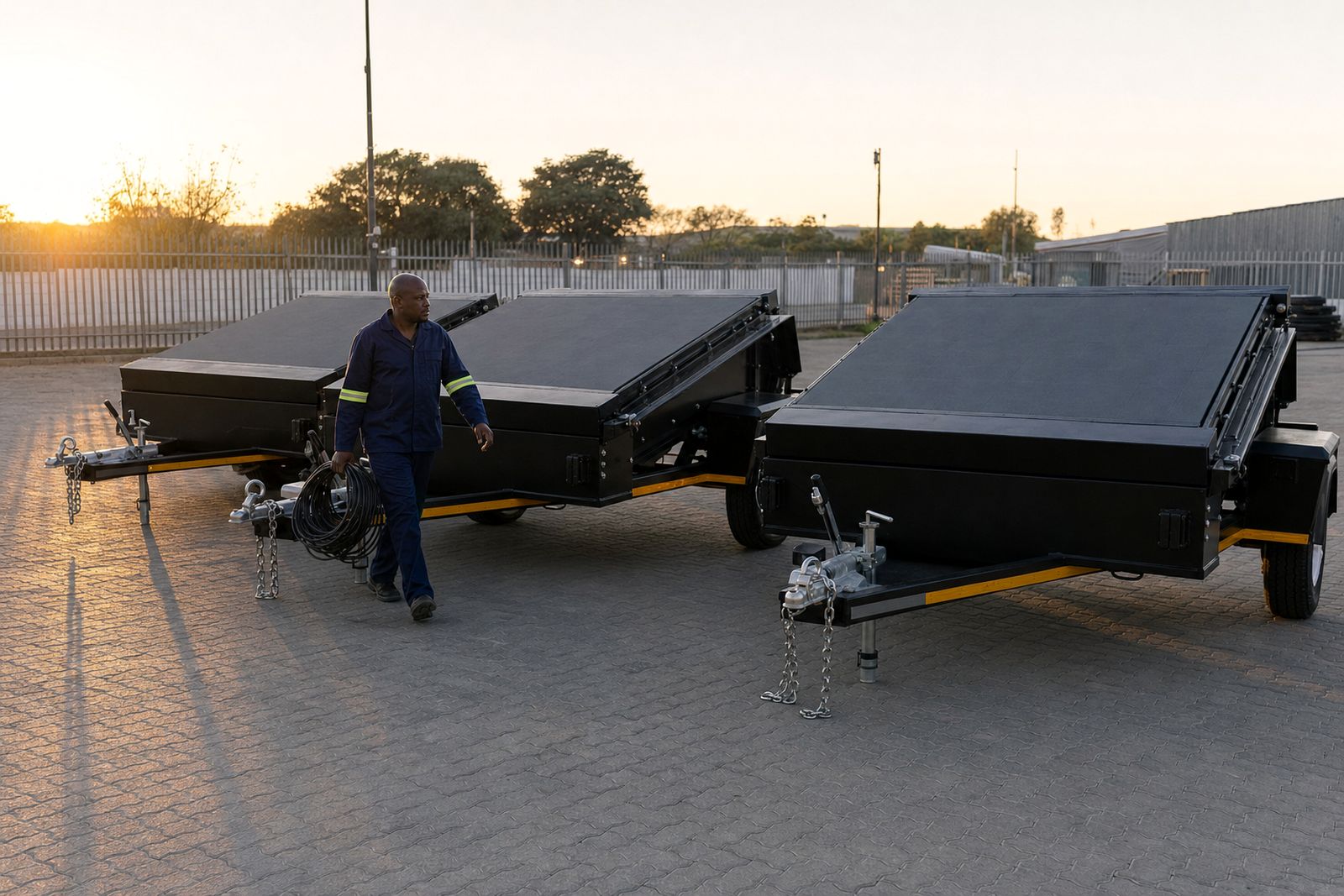
Pack down matters as much as setup because the next stop depends on how cleanly the trailer leaves the previous one. A rushed breakdown can damage cables, slow the following load-in and create avoidable delays on the route. After each stop, the screen should be secured, the lift lowered properly and the cables packed so the next site begins in good order.
For multi-stop roadshows, the sequence should allow enough margin for traffic, weather and public movement. That is true even where the route is short, because one gate issue or one crowded exit can affect the rest of the day. The same planning also helps when a screen is hired for a weekend programme and the unit must move between towns without losing the content schedule.
When the schedule, route and playback plan all line up, a roadshow feels organised on the ground. The screen stays readable, the technician knows the next move and the audience gets the message without confusion.