
Read the site before the screen rises
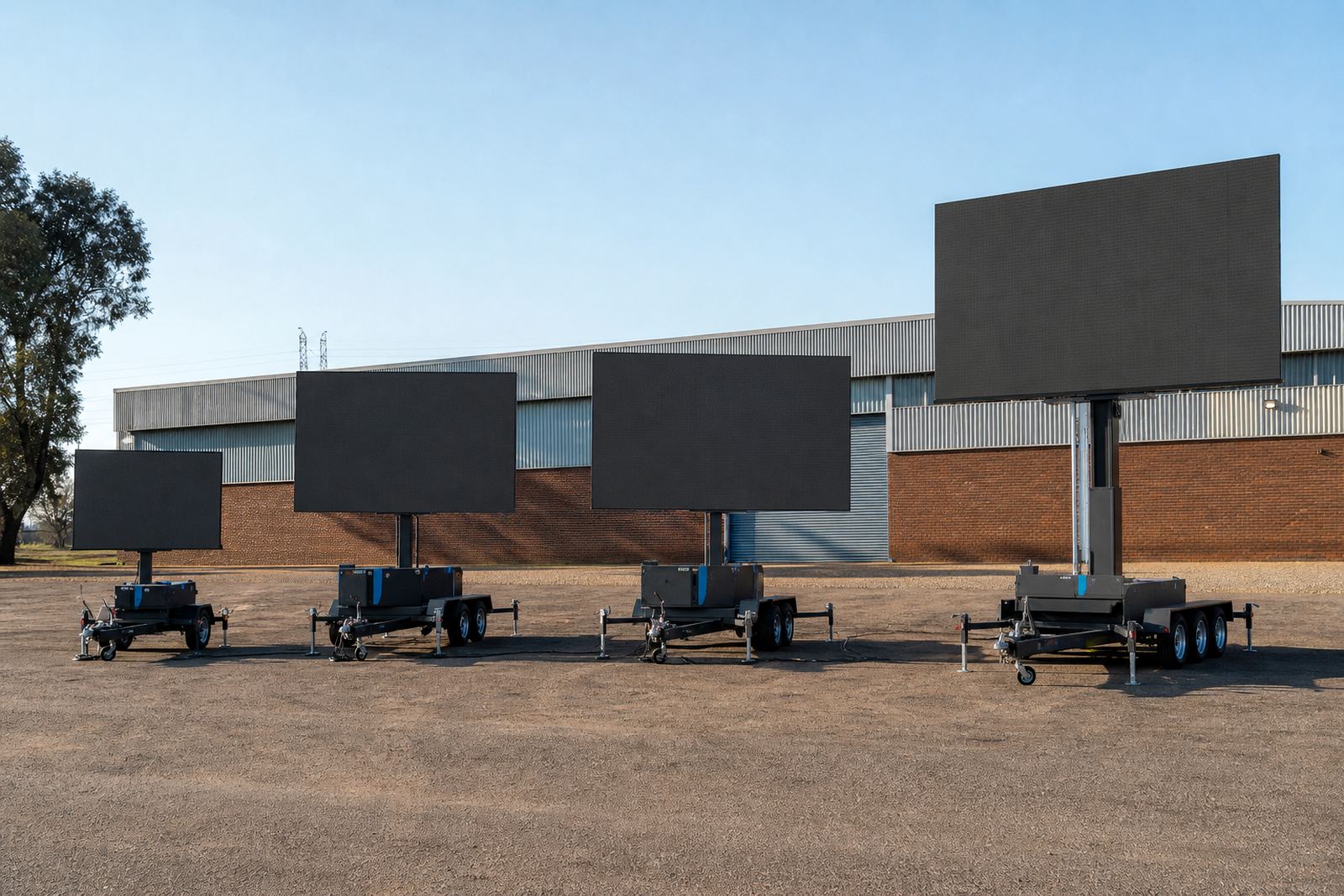
Start with the open space around the trailer, not only the space where it will park. A screen that looks fine at ground level can behave differently once the mast is up and the panel face catches the wind. Wide open parks, sports grounds and roadside shoulders each create different conditions, especially where gusts move between buildings or across open veld.
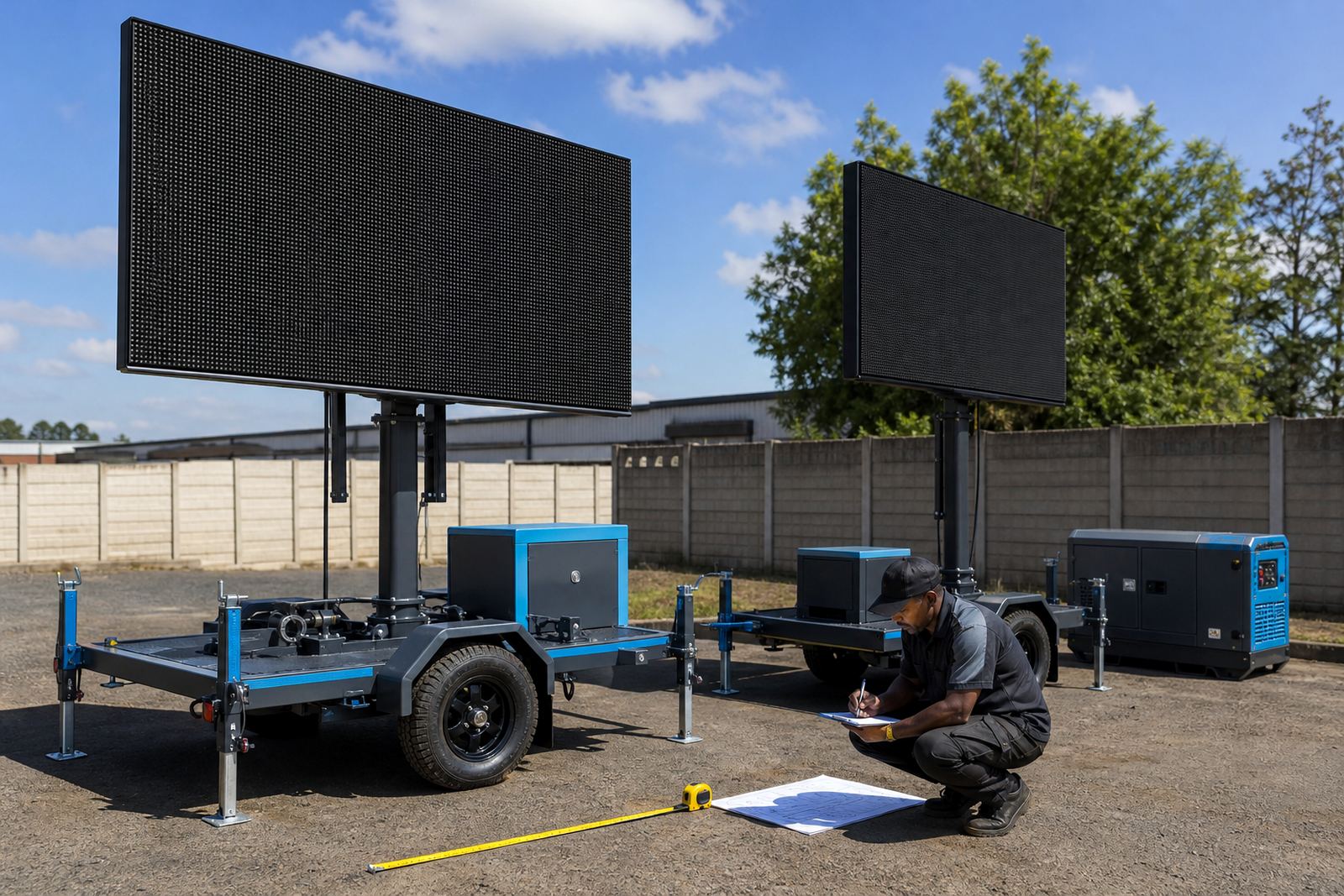
Check the ground first. Soft verges, loose gravel and waterlogged soil can shift under stabilisers and outriggers. On a slope, the trailer may need repositioning so the base sits level and the screen presents a cleaner face to the wind. In Germiston and across Ekurhuleni, hard standing is usually the first choice, but even then drainage and nearby traffic movement matter.
- Look for overhead cables, trees and sign gantries.
- Check for tunnels between buildings that can funnel wind.
- Watch for standing water, soft shoulders and recently graded ground.
- Allow enough space for the trailer, tow vehicle and technician access.
Know which way the wind is pushing
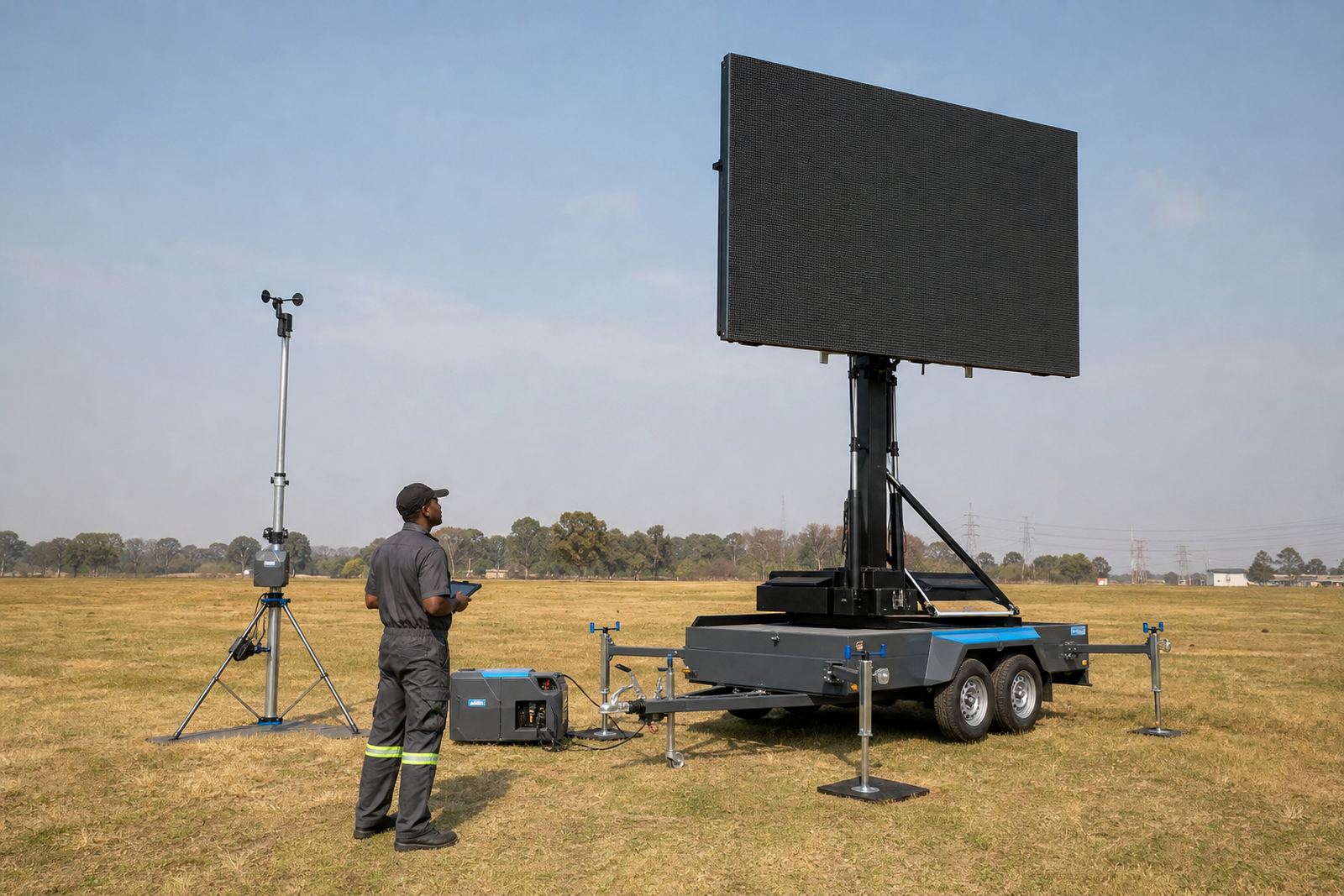
Direction matters as much as speed. A screen facing into a steady wind load behaves differently from one set at an angle, and a trailer parked with its side exposed can take a harder push than expected. Tall structures nearby can create swirls that are not obvious at street level. That is one reason a site check is useful before the lift goes up.
As a practical rule, a raised screen should never be treated like a fixed billboard. It is a mobile structure with a working height, hydraulic movement and a large face that catches air. When the wind changes during the day, the crew may need to lower the screen, adjust orientation or pause playback if conditions move outside the planned operating range.
- Face the trailer to reduce broadside exposure where possible.
- Avoid parking in narrow wind corridors between buildings.
- Plan for shifting gusts after midday heat builds up.
- Leave room to lower the screen quickly if needed.
Lift height, rotation and wind limits
Outdoor LED screen trailers usually use a hydraulic lift to raise the display to viewing height. Some units also rotate or re-angle the screen for better audience placement. Each movement changes how much wind the structure catches, so the lift height, angle and locking points all need to be treated as part of the wind plan.
Wind limits are not a guess on the day. They depend on the trailer design, screen size, ballast, mast height and the site itself. A technician should verify that stabilisers are firm, the mast is locked, the cabinet stack is secure and the screen face is not being pushed beyond the operating range. If the site becomes exposed after setup, the safest step may be to lower the screen and reset the layout.
- Confirm the hydraulic lift locks correctly at operating height.
- Check that rotation points are fixed before playback starts.
- Inspect stabilisers after lift and again after strong gusts.
- Use the manufacturer's rated wind limits for that unit.
Power, playback and weather inside the trailer
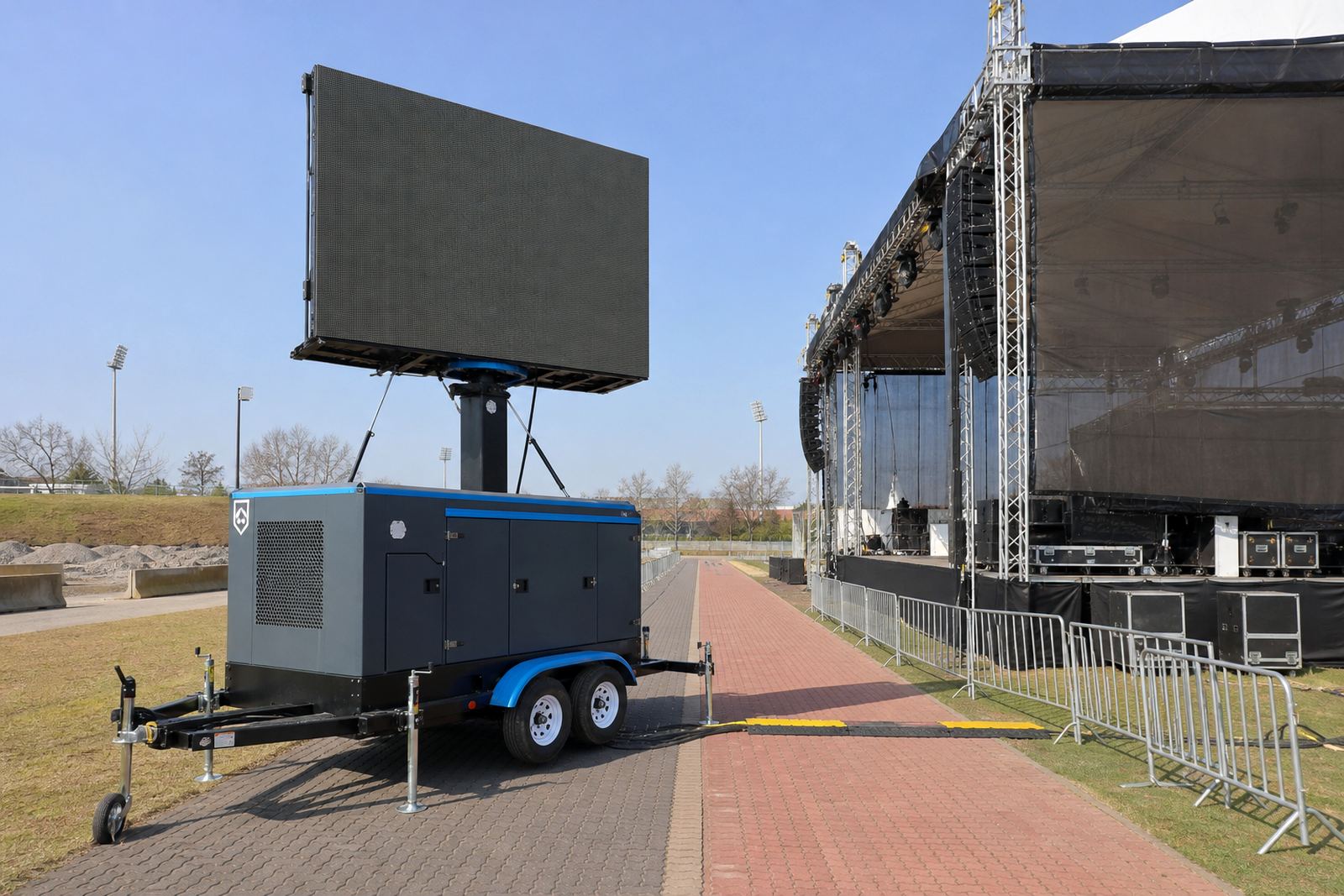
Wind planning is not only about the frame outside. Content playback, live feed support and power delivery should stay stable while the crew manages the screen. If the trailer runs on mains power, the cable route must be protected and kept clear of foot traffic. If a generator is in use, it needs firm placement and enough clearance so moving air and exhaust do not create extra trouble for the site.
Rain, dust and coastal humidity can all affect connectors and cabinet seals, especially on longer roadshow routes between Johannesburg, Durban and Polokwane. Content should be loaded before the event starts and checked for aspect ratio, sound cues and live feed switching. A screen that is being adjusted during windy weather needs an operator who can manage playback without leaving the site unattended.
- Test the file list and live feed before the crowd arrives.
- Keep cables tidy and protected from pulling or rubbing.
- Make sure the power source suits the site layout.
- Watch for moisture on plugs, panels and control points.
When permits and neighbours enter the picture
Some sites need municipal permission, road safety control or event approval before a raised screen can operate. That is especially true near roads, public walkways, sport grounds and busy trading areas. Permit guidance is not only paperwork. It affects where the trailer may stand, how much space must be left open and whether the screen can face a public route without creating a hazard.
Neighbours and nearby operators should also be considered. A screen placed close to residences, shopfronts or traffic signals may need a calmer orientation, lower viewing angle or more controlled operating window. If the site is exposed and wind is climbing, the safest plan is often to reposition before anyone starts questioning the setup on the ground.
A field checklist for the technician on site
This is the quick sequence that keeps the job disciplined. It works for advertising campaigns, sports days, concerts and roadshows, whether the screen is in Germiston, Kempton Park or on a longer intercity run. The aim is to spot the wind problem before the screen becomes the problem.
- Walk the site and note open sides, corners and wind corridors.
- Check ground firmness, slope and drainage.
- Set the trailer level and lock stabilisers.
- Raise the screen and confirm mast security.
- Review the screen face, angle and rotation position.
- Check power route, playback status and technician access.
- Keep watching for weather changes during the run.
If conditions change, the sequence should move in reverse without delay. Lowering the screen early is better than forcing a structure to sit in the wrong wind for too long. That habit protects the unit, the audience and the event schedule.