
Start With The Screen Size And Shape
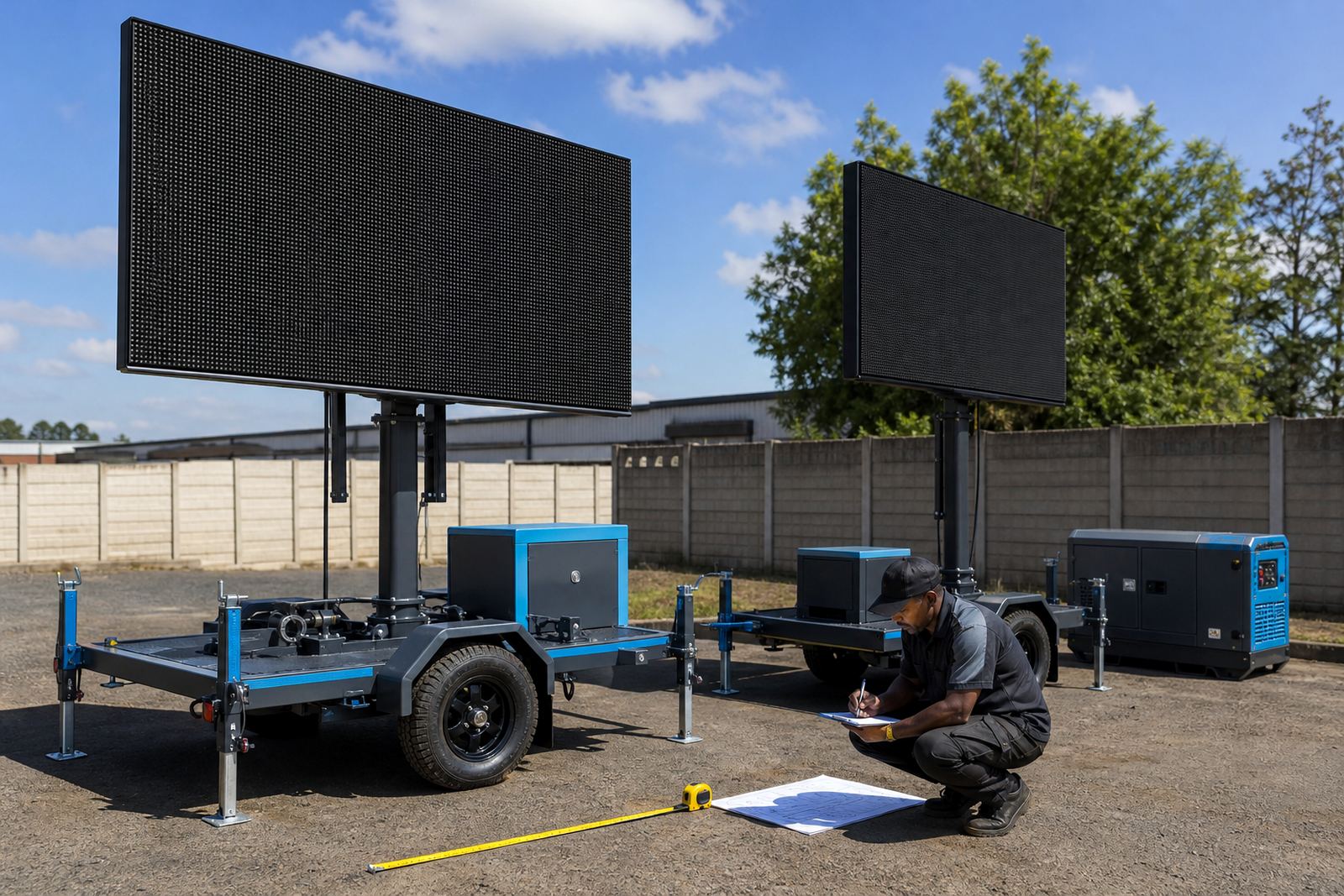
Before anyone exports a file, match the content to the screen that will carry it. Outdoor LED trailers are often set in wide formats that suit stage backdrops, roadshow messaging and sports-day scoreboards, while some jobs need a taller layout for sponsor logos or a strong visual frame. Ask for the exact pixel dimensions, then build to that size rather than guessing from a standard TV ratio.
It helps to know the pixel pitch as well. A finer pitch gives more detail at closer viewing distances, while a wider pitch suits larger audiences and stand-off viewing. Brightness matters too, because daylight playback needs a screen that can hold its colour and contrast in sun, dust and glare. If your graphics depend on small text, the artwork needs to be simpler or the copy will vanish once it is scaled up outdoors.
- Confirm the screen width and height in pixels.
- Think about whether people will see the trailer close up or from far off.
- Use larger type for short messages and sponsor names.
- Keep essential text away from the edges.
Build Files That Play Cleanly On Site
Content should arrive in a format that can be loaded without fuss. Most jobs work best when the main video is supplied in a common digital format with a steady frame rate and the correct orientation. If the display will loop images, video and live feed, each item must be named clearly so the technician can place it in order without wasting time sorting through files.
Keep animation controlled. Heavy motion, tiny lettering and fast cuts can look messy on a large outdoor display, especially in full sun. Simple transitions, strong contrast and a clean colour palette usually hold better. Where a live feed is part of the programme, the background graphics, lower thirds and sponsor frames should be supplied separately so they can be mixed neatly with the live source.
- Send the main show file in the agreed resolution.
- Include stills for holding slides, breaks and standby periods.
- Separate live-feed graphics from pre-recorded video.
- Label each file with its run order.
Sort Approvals Before The Trailer Arrives
Approvals are easier when they are handled before setup begins. If a campaign carries sponsor logos, municipal branding, safety notices or event rules, those elements should be checked and signed off early. For roadshows and public events, permit guidance may also be needed where local rules apply to placement, noise, crowd flow or roadside visibility. That part is usually easier when the final artwork is already locked.
For outdoor work, the sign-off trail matters. A corrected spelling on a sponsor panel is one thing, but a late change to a schedule board or prize message can affect the whole loop. Keep a dated final version and make sure everyone is working from the same file set. That prevents the usual confusion when different people are editing the same campaign at once.
- Freeze the final text before export.
- Get sponsor logos approved in their final colour treatment.
- Check legal copy, disclaimers and contact details.
- Keep one named final version for playback.
Plan Power, Playback And The Weather
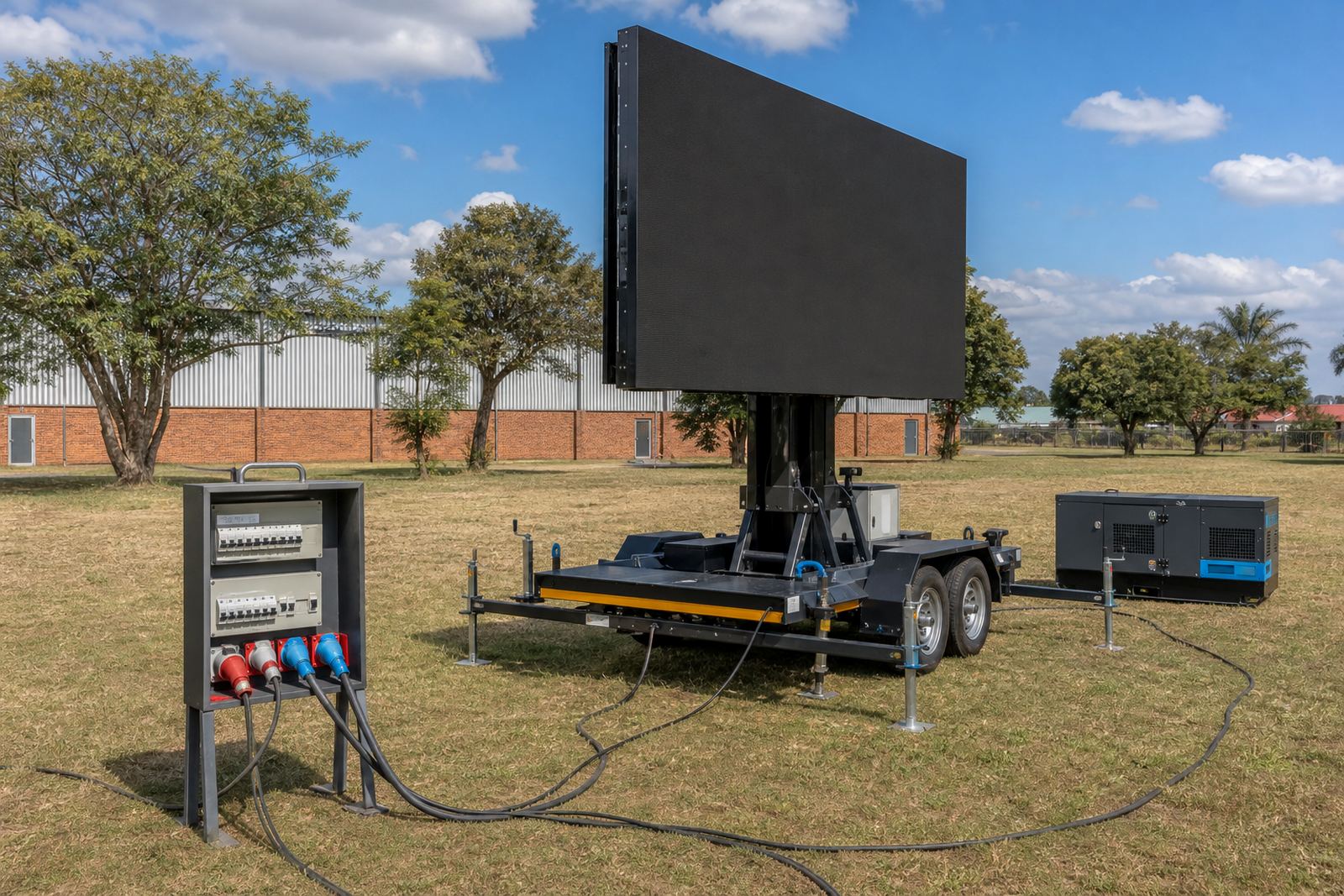
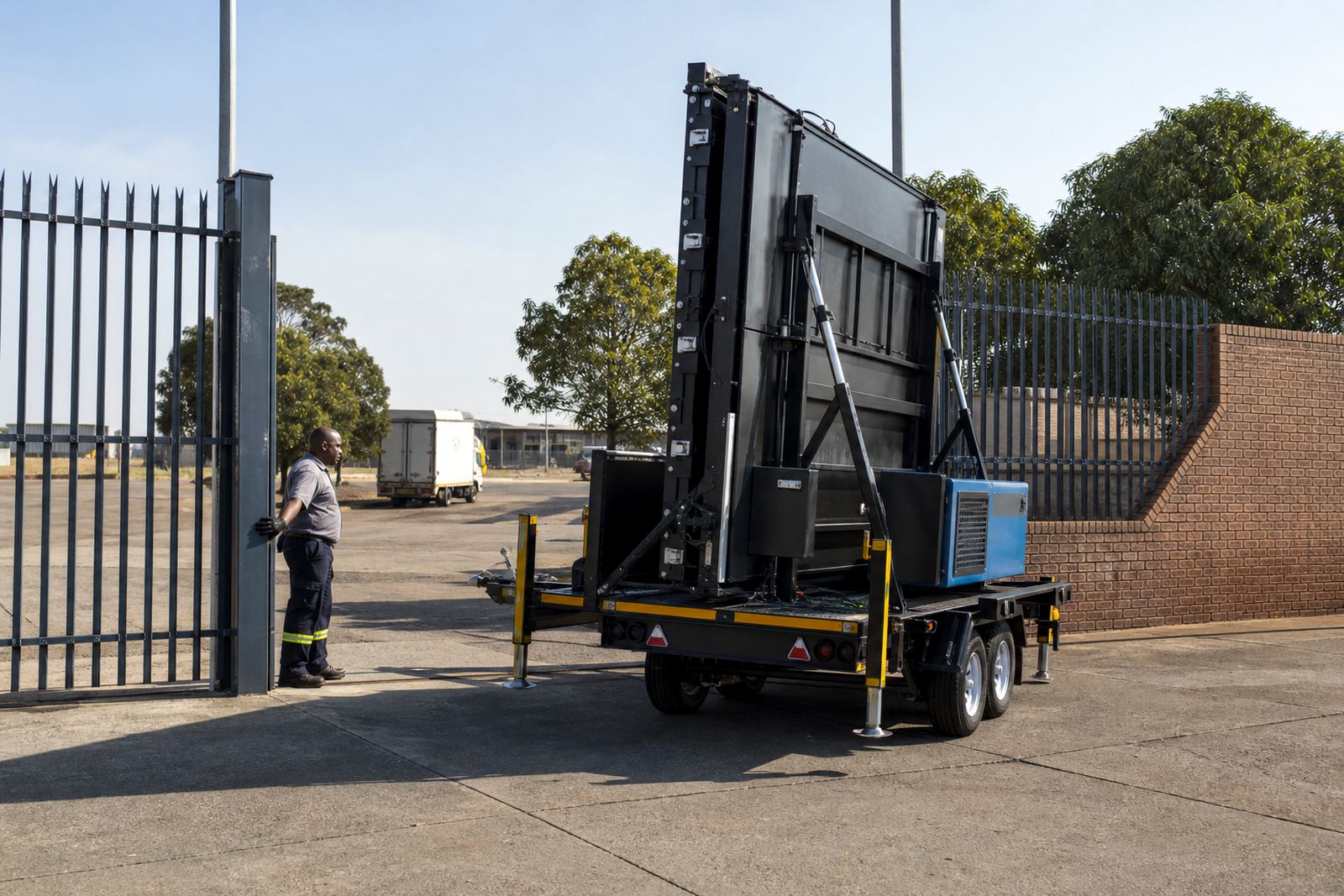
Outdoor LED screen trailers may run from generator power or mains power, depending on the site. If the programme includes a long live activation, a music set or a sports day that runs across the afternoon, power planning should be discussed with the technician early. The trailer also needs enough space for safe setup, rotation and, where fitted, hydraulic lifting. Content prep matters here too because a poor file or missing audio cue can slow down an otherwise tidy site build.
Plan the content around the weather from the first draft. Bright sunlight, wind and dust all affect what the audience sees and how the trailer is positioned. Wind limits are always site specific, so content should never rely on a banner-like effect that needs the screen parked in an awkward spot. When the weather shifts, the playback sequence may need to change so the most important message reaches people first.
- Confirm whether the site uses generator or mains power.
- Allow space for trailer positioning and screen lift.
- Prepare a shorter loop if the weather becomes difficult.
- Keep the strongest message early in the playlist.
What To Send For Playback Loading
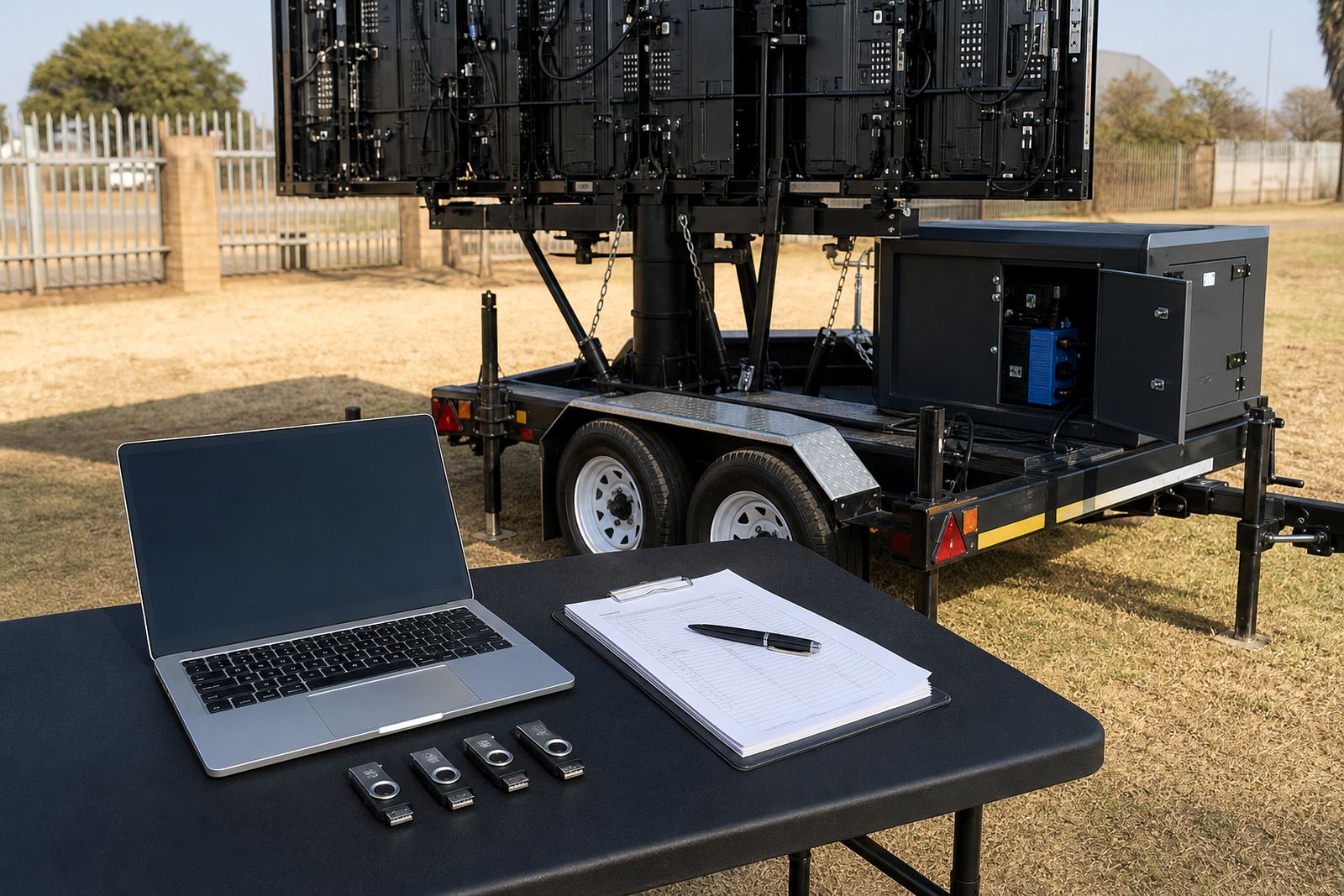
Loading runs more smoothly when the file pack is complete. The technician will usually need the final video loops, stills, logos, live-feed notes and any schedule changes in one organised set. If the content will be updated during the event, mark which files can be swapped and which ones must stay fixed. That matters on roadshows and multi-stop campaigns where the same trailer moves between towns and the running order changes from site to site.
Audio is worth checking as well. If the display area is noisy or outdoors near traffic, small sound details can be lost, so the visuals must carry the message on their own. If the campaign depends on voice-over, make sure the level is clear and the timing matches the screen cuts. A clean cue sheet saves a lot of guesswork once the trailer is on site and the programme is moving.
- Provide the final loop and any backup versions.
- Include a cue sheet with start, stop and change points.
- State whether live feed input is required.
- Keep music and voice-over levels consistent across clips.
A Short Pre-Event Check Before Load-In
The final check should be practical and brief. Confirm the file names, the screen ratio, the run order and the people allowed to approve any changes. If the job is in Germiston, Johannesburg, Pretoria, Durban, Bloemfontein or Polokwane, travel time and site access may affect when content gets loaded, so it helps to keep the pack neat and easy to read. A tidy folder saves the technician from hunting through half-finished versions while the trailer is being set.
Our team handles content loading, playback management, live feed support and on-site technician work, so the file handover matters. When the materials are organised well, the setup is cleaner and the display can move into test mode without avoidable delays. For enquiries about content prep, site checks or trailer hire, use our contact form.
- Final video exported at the correct ratio.
- Still images supplied in the same visual style.
- One approved contact person named for changes.
- Contact form available for booking and planning details.