
Reading the field before the trailer arrives
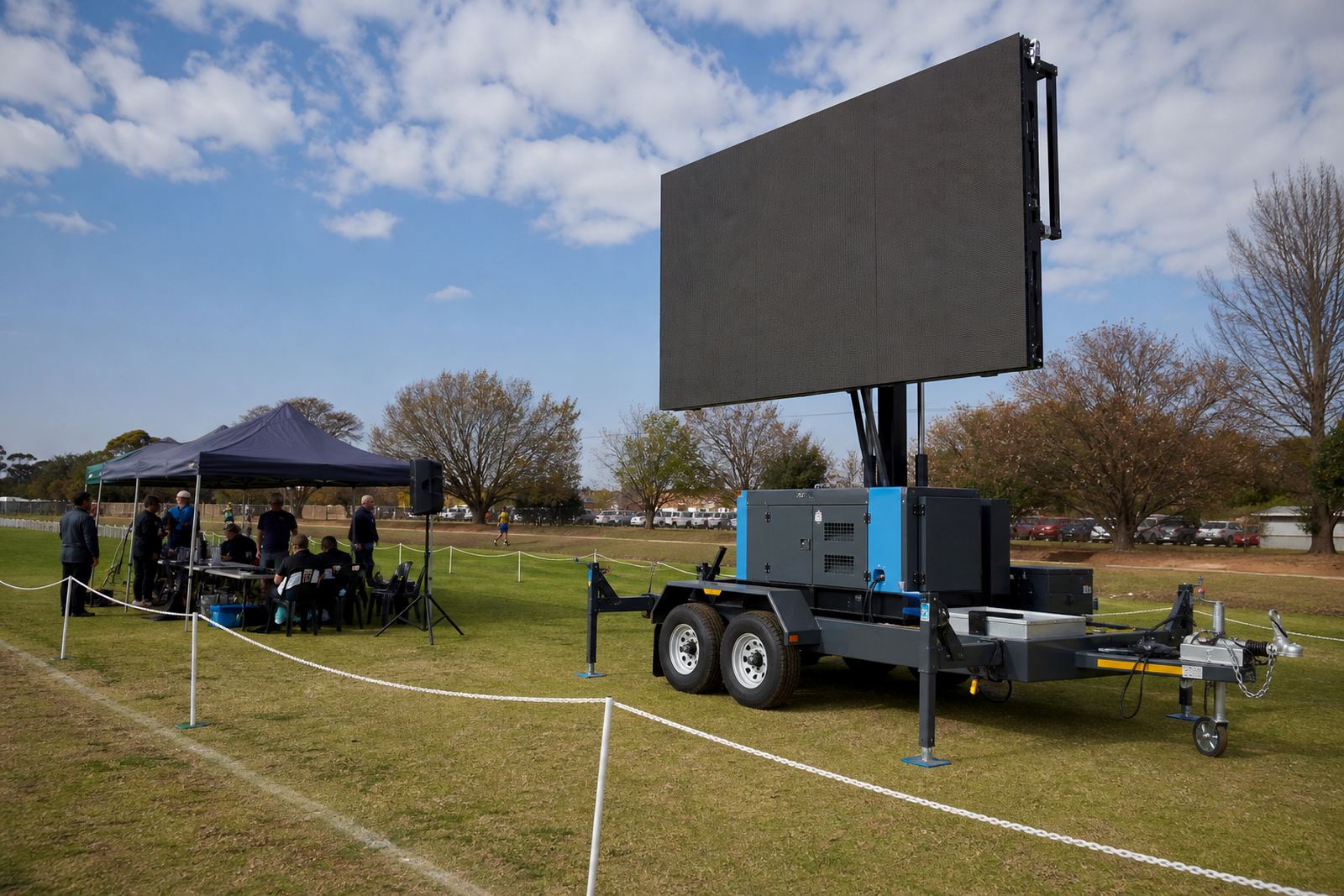
Start with the ground itself. A sports day at a school field, municipal oval or club ground needs a clear view from the main seating area, but the screen also has to sit where vehicles, goal lines, athletes and spectators are not squeezed around it. The best position is usually one with an open sightline, a firm surface and enough space for the trailer to stabilise properly.
Outdoor LED screen trailers are built for daylight viewing, so brightness matters. For sports day use, the screen needs to stay readable in harsh sun, with a pixel pitch suited to the viewing distance. A tighter pitch gives clearer text and numbers at closer range, while larger fields can work with a broader pitch if the audience is farther away.
- Keep the screen angled toward the main stand or gathering point.
- Leave room for the trailer, lift system and technician access.
- Check for trees, poles, goal posts and banner frames in the sightline.
- Plan a position that does not interfere with entrances or emergency routes.
In Germiston, Johannesburg and Pretoria, many fields have hard edges, parking bays and shared access lanes. So the tow route onto the field gets planned on the first call.
Getting the scoreboard message into view
Sports day screens do more than show logos. They carry race numbers, heat results, team names, timing updates and simple prompts that keep the programme moving. If the content is prepared well, the screen can cut down on shouting across the field and reduce confusion between events.
Content should be set up before the first whistle. Score layouts need large digits, clear labels and enough contrast to hold up in daylight. When the screen is also being used for sponsor messages or event branding, the playback order must stay clean so the next item appears without awkward gaps or rushed changes.
- Use large type for scores, times and lane numbers.
- Every slide should be glanceable from the far touchline.
- Test any live feed, graphics or timing overlay before the crowd builds.
- Prepare a backup file in case the schedule changes on the field.
A technician on site can manage the playback unit, check the content file format and keep the display moving between events. That matters when the day shifts from 100 metre heats to relays, medal calls and announcements from the commentator.
Working the screen with the public address team
The public address announcer and the screen should feel like one system. If the announcer calls a race result, the screen must support that call with the same name, number or time. When the screen and the PA drift apart, the crowd gets mixed messages and the organisers spend time correcting them instead of running the programme.
Good coordination starts with a shared run sheet. The technician, announcer and event lead should know what goes live next, who approves changes and who speaks when the programme moves on. For larger sports days, especially where multiple fields or age groups are involved, this keeps the day steady.
- Confirm the order of events before setup begins.
- Match screen text to the wording used by the announcer.
- Set a clear handover for last minute score updates.
- Keep a printed backup list for names, teams and heat numbers.
Live feed support can be useful for medal ceremonies, line-up shots or a camera feed from a central point, but it should never make the display harder to read. Simple, direct and high contrast usually works best.
Trailer setup, power and wind limits
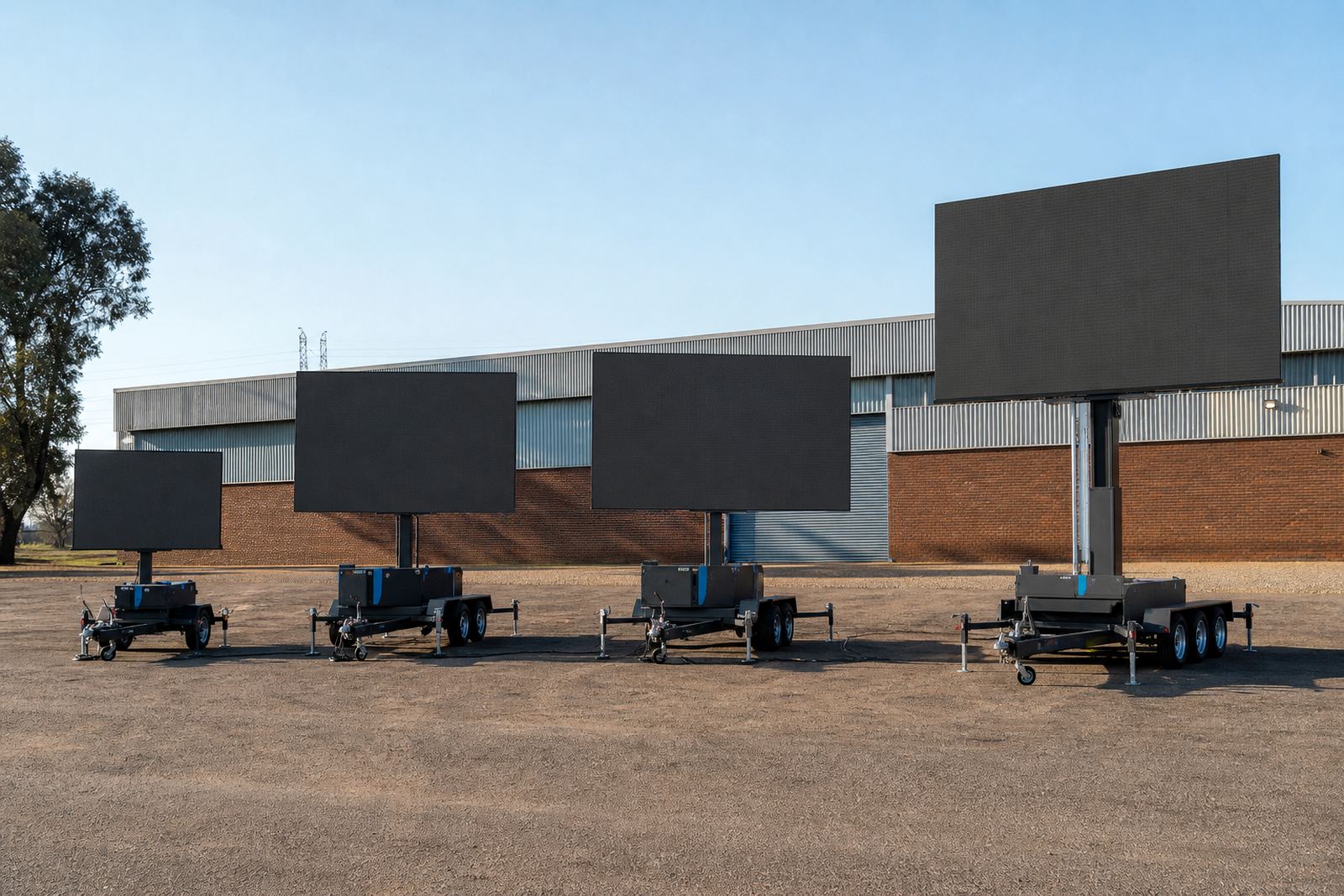
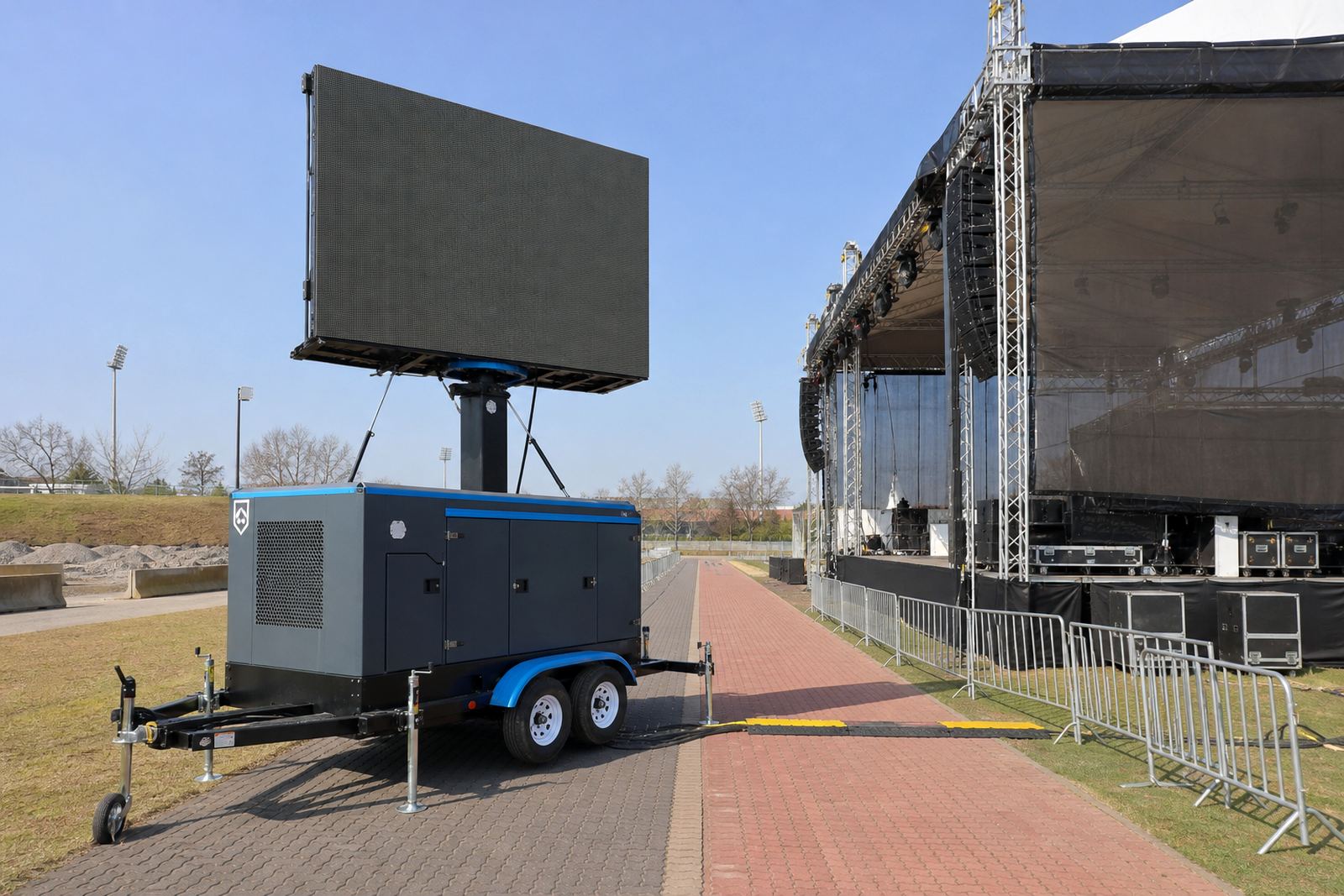
Outdoor LED screen trailers use a hydraulic lift so the display can rise to a good viewing height. Some jobs run on mains power, while others rely on a generator, depending on the venue and the electrical access on site. The power plan should be checked early, because a screen that is undersupplied can flicker, drop brightness or fail under load.
Wind conditions also matter. A raised screen has a larger surface area and must be used within safe wind limits. On open sports fields around Ekurhuleni, where gusts can move across the ground quickly, the technician may lower or pause operation if conditions call for it. A short pause while a gust passes is safer than a screen swaying above the crowd.
Municipal permission may also be needed where the trailer sits near public walkways, roads or council land. Permit guidance should be handled as part of the planning stage, especially for roadshows or events that use shared spaces.
- Confirm the power source before the trailer is booked into position.
- Check ground firmness for towing, levelling and lift operation.
- Leave open space around the trailer so people can move past and reach it safely.
- Follow wind and weather guidance from the technician on site.
What the technician checks on the day
A proper sports day setup is not just delivery and leave. The on-site technician handles the screen, monitors the playback and helps keep the display aligned with the programme. That includes checking the image, changing content when needed and making sure the screen stays visible as light changes through the day.
Before gates open, the technician should confirm the screen signal, content load, power status and viewing angle. If the day includes several school sections or a mix of track and field events, the technician may also coordinate pack-down timing, route access and any stop-start moves between areas.
- Inspect the trailer position and level before switching on.
- Test the score files, sponsor slides and event prompts.
- Check brightness, colour and readability from the crowd area.
- Verify cable runs, signal path and backup playback files.
For sports days in Durban or coastal towns, humidity and sea air can be part of the setup conversation. Electronics, connectors and cable handling need care, and the operator has to keep an eye on the weather as well as the programme.
A clean handover after the final race
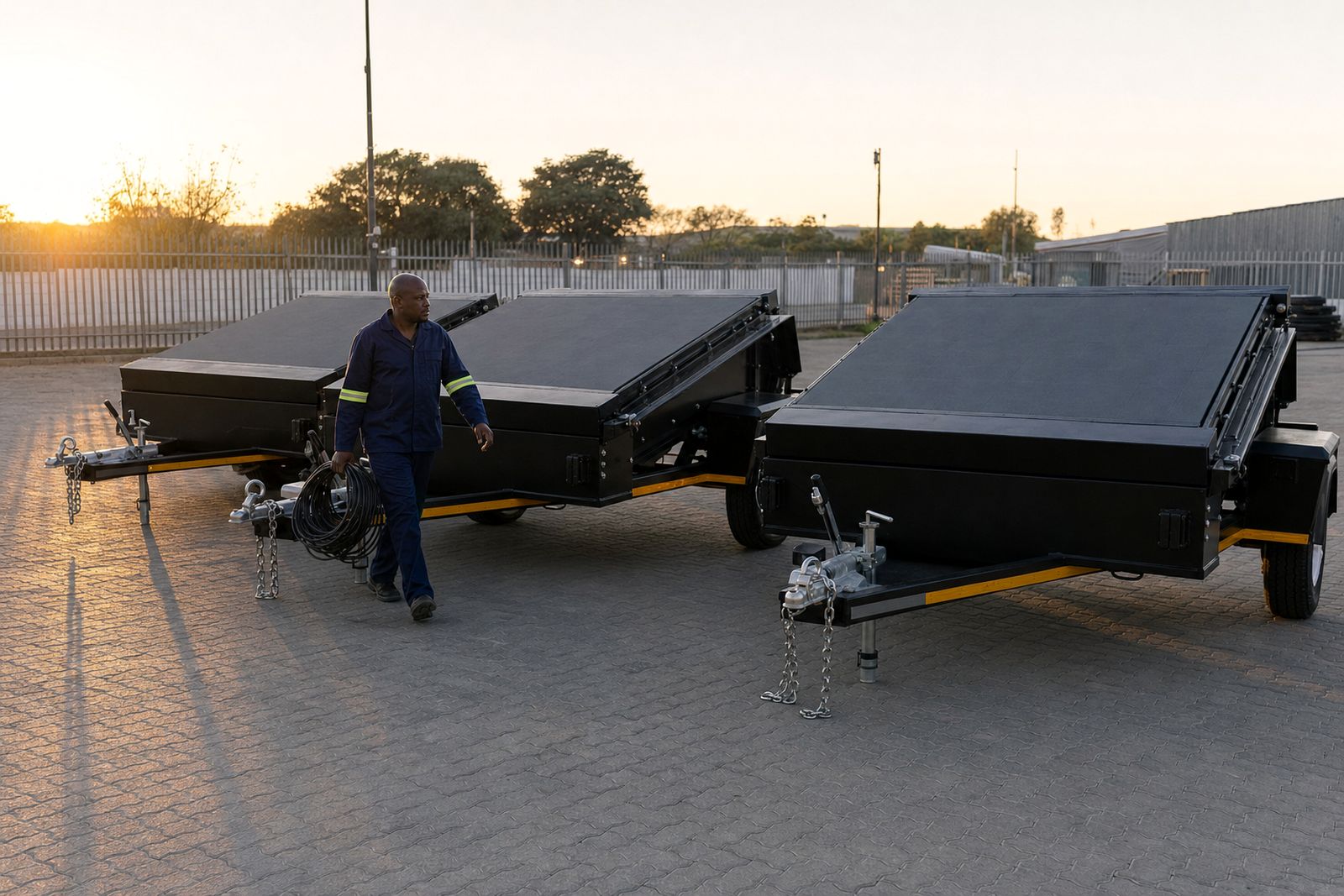
Pack down should be just as orderly as setup. Once the last presentation is done, the screen content needs to be saved, the trailer lowered safely and all cables removed in the right order. If the site is shared with other users, the team should leave the field, access road and viewing area as they were found.
For schools, sports clubs and event organisers, a short end-of-day review helps the next sports day run better. Note the position that worked, the line of sight that held up best and any points where the PA and screen needed tighter coordination. Those notes are useful when the event returns on a different calendar date or moves to another venue.
- Save the final content set and event run sheet.
- Check that no equipment is left near walkways or goal areas.
- Confirm the trailer is secured before departure.
- Record any weather or visibility issues for the next planning round.
From Germiston to Bloemfontein and Polokwane, the same basics apply: clear sightlines, clear numbers, proper power and a technician who can manage the screen while the field stays busy.