
Start with the screen shape, not the artwork
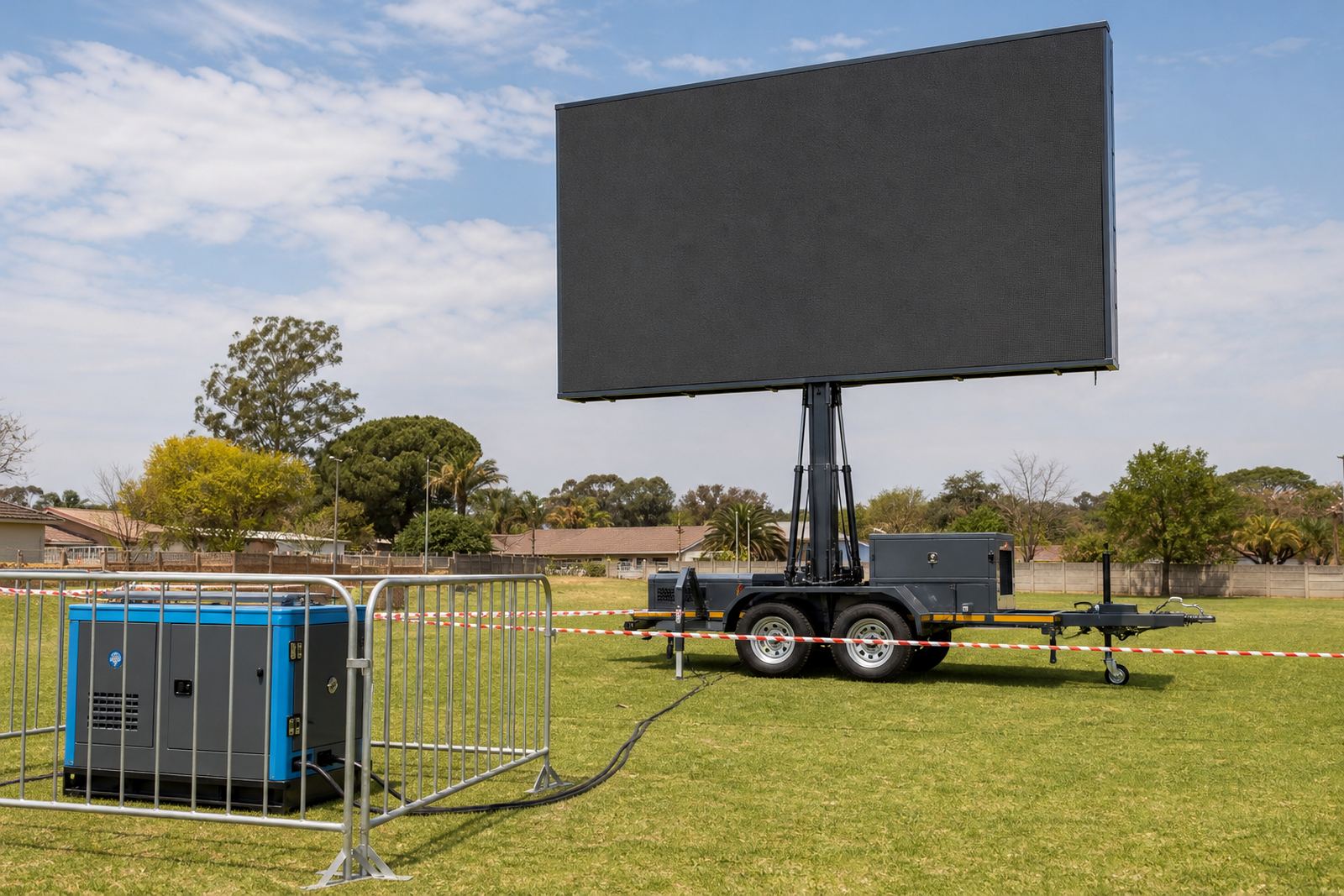
Outdoor LED trailers are usually wider than they are tall, and that changes the layout before a single graphic is placed. A file built for a phone screen or social post often leaves thin text, cropped logos or unused space on the display. Match the artwork to the exact screen ratio first, then set the resolution to suit the trailer being used.
For campaigns in Germiston, Kempton Park or along a roadside activation in Johannesburg, the layout must stay readable from a moving car as well as from the pavement. Large headline text, strong contrast and a simple visual stack work better than crowded slides. A live technician can test the file on site and adjust placement where needed.
- Use the trailer screen ratio supplied for the job.
- Keep logo placement away from the outer edge.
- Leave clear space around text and live captions.
- Build each slide for quick viewing, not long reading.
Pick a resolution that matches the pixel pitch
Pixel pitch refers to the distance between the LED points on the screen. A smaller pitch gives finer detail, while a larger pitch suits bigger viewing distances and strong outdoor brightness. That is why a file that looks sharp on one trailer can appear soft on another if the resolution is guessed instead of matched to the panel spec.
For outdoor screens, the content should be exported at the native resolution or at the scale requested by the technician. Oversized files can slow loading and sometimes create playback hiccups. Small files with poor compression can look blocky when played full size under sunlight. The safest route is to prepare artwork at the correct dimensions from the start.
- Confirm the trailer screen dimensions before final export.
- Use clean vector logos where possible.
- Avoid tiny body copy that disappears at distance.
- Keep image compression controlled, not extreme.
Keep daylight brightness in mind
Outdoor LED boxes and trailers are built for bright conditions, so the content must hold up in daylight. White backgrounds can flare if the contrast is too soft, while pale text on light blocks becomes difficult to read. Deep colour, bold type and sharp motion cues carry better in open sun, especially at sports days and roadside promotions.
A useful test is to step back from the file and imagine it on a windy afternoon in Durban or on a clear midday stand in Pretoria. If the message needs close reading, it is too dense. If it still makes sense from across a parking area, the layout is on the right track. Bright screens still need disciplined artwork, not more decoration.
- Use strong contrast between text and background.
- Keep animations slow enough for outdoor viewing.
- Where possible, keep each slide to one core message.
- Check colour balance on a bright monitor before upload.
Build slides for live playback, not office viewing
Content for an LED trailer often loops for long periods, so each slide must land quickly. Busy transitions, tiny disclaimers and long paragraphs lose attention before the message is read. Short video segments, clear stills and simple motion lines are easier to run through content playback software on site.
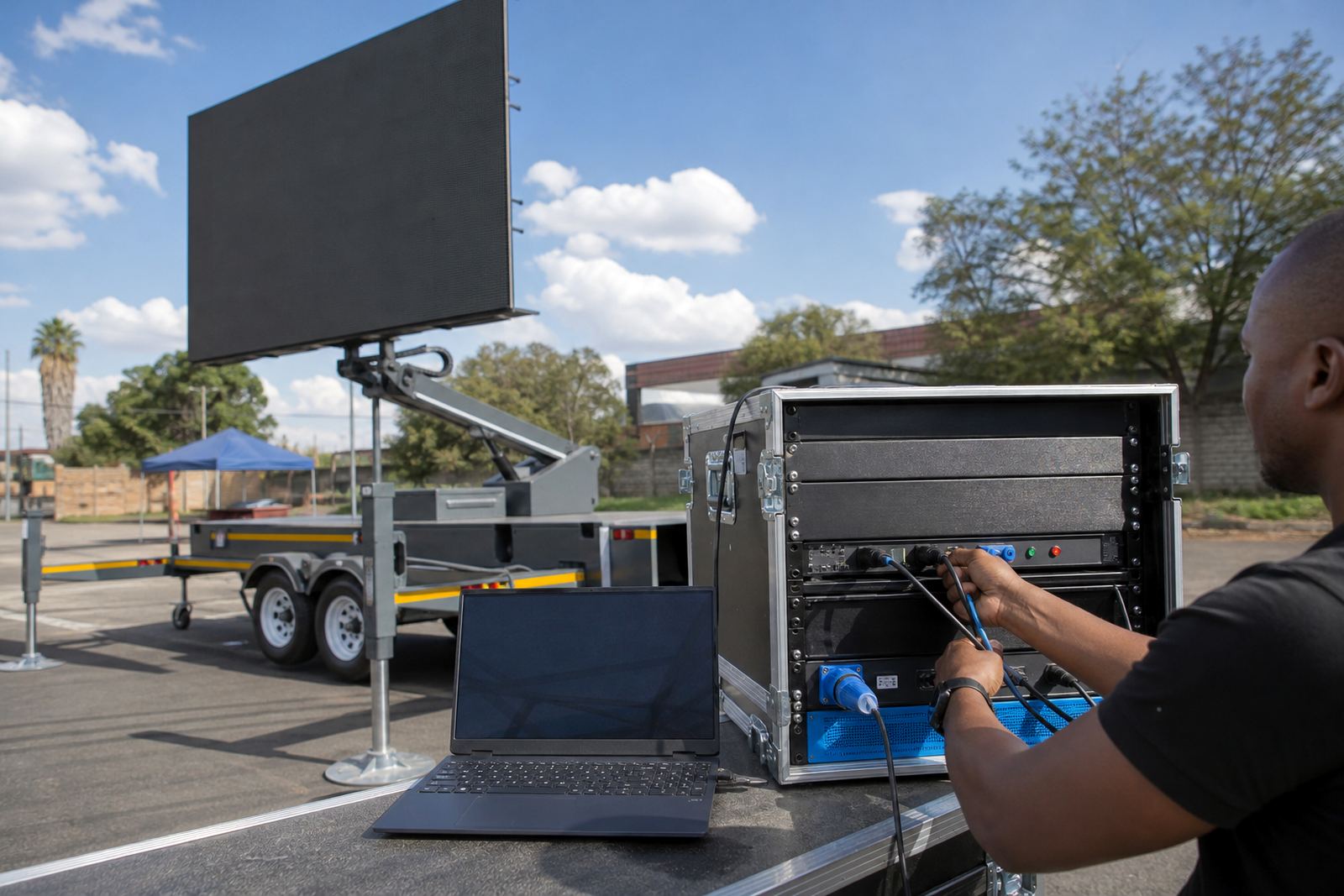
When a campaign includes live feed support, the file mix needs extra care. Lower thirds, score bars and camera overlays should be set out in advance so they do not clash with the screen crop. At roadshows or product launches, the playback operator can switch between promo slides, live camera and sponsor panels if the file naming is tidy and the order makes sense.
- Name files in a clear sequence before delivery.
- Place the strongest message at the start of the loop.
- Keep video clips trimmed to the useful section.
- Outline or embed every font file, or the player swaps in a default one.
Make room for power, permits and weather
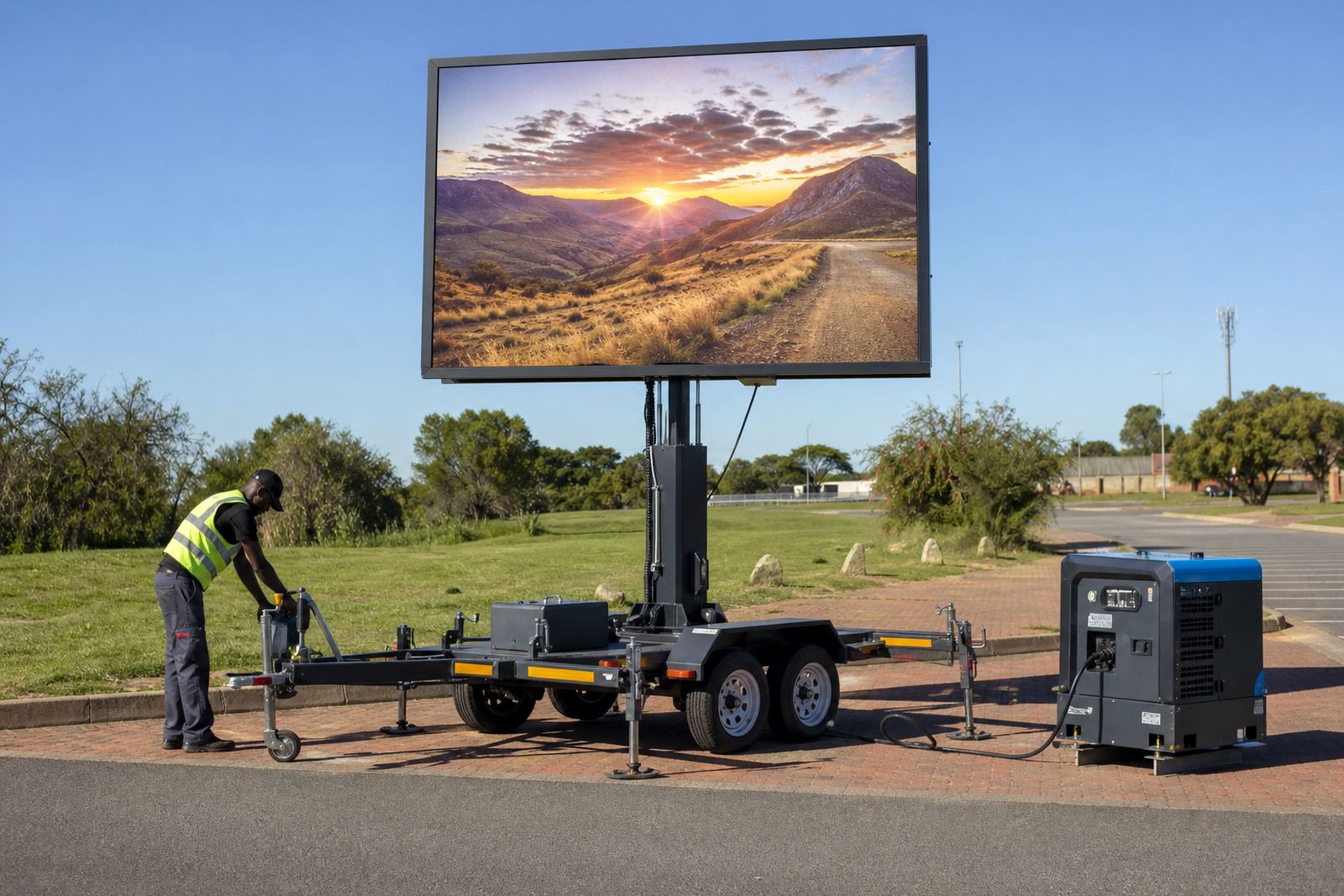
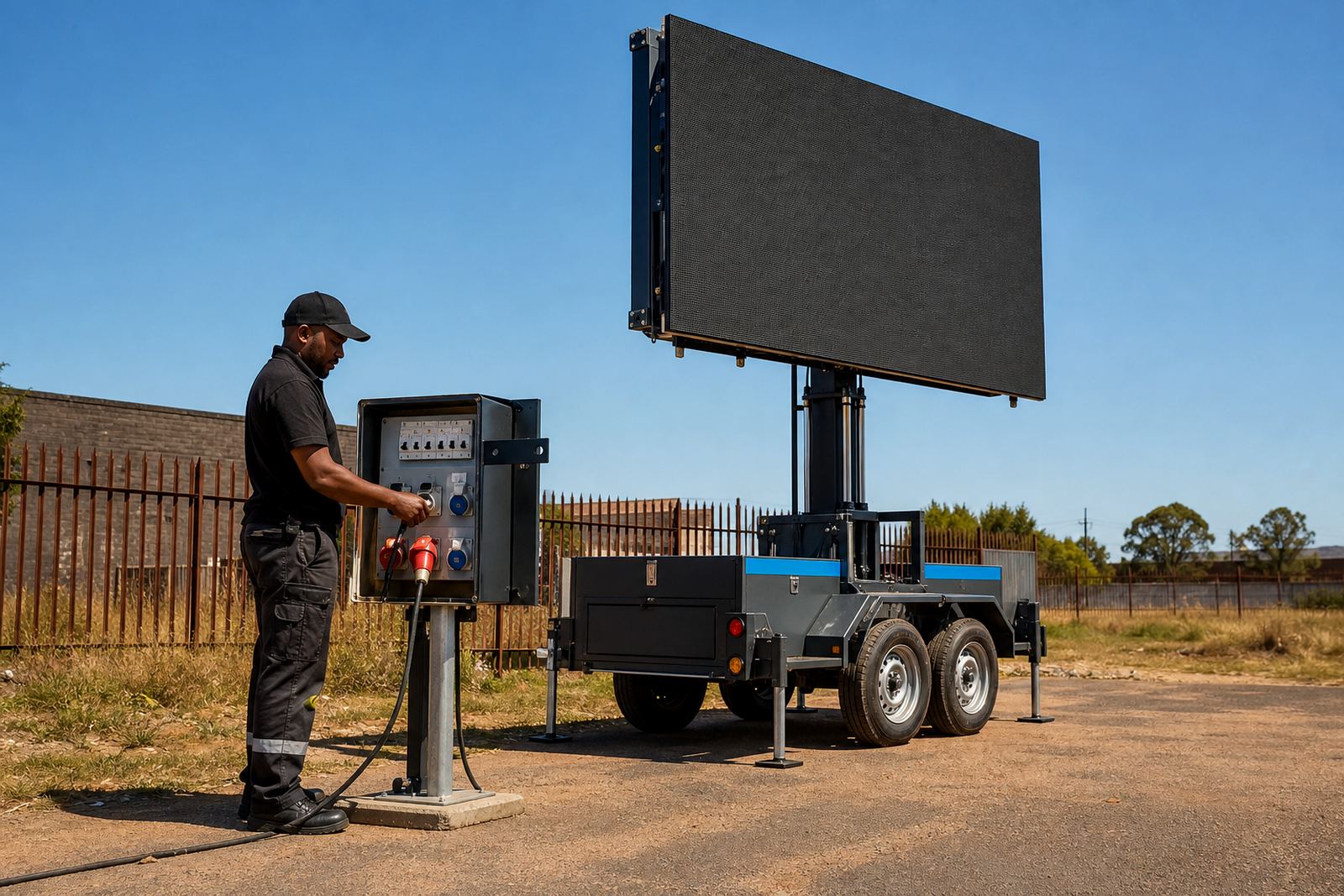
Content format does not sit alone. An outdoor LED screen trailer also has to work with power planning, permit guidance and weather monitoring. Some sites run from generator power, others from mains power where the venue allows it. If the screen is rotated, lifted hydraulically or positioned for a tight street fit, the final viewing angle can shift the way the artwork reads.
Municipal rules, placement limits and access points matter in public areas around Ekurhuleni and beyond. If the screen is installed near traffic or pedestrian flow, the content should stay legible when people are passing quickly. Wind limits also affect whether the trailer stays in the chosen position, so the file should remain readable if the viewing distance changes a little after setup.
- Keep critical text away from the very top and bottom edges.
- Allow for angle changes after the screen is raised.
- Prepare a backup file set in case the layout needs revision.
- Use content that still reads when viewers are moving.
When the files arrive ready, the Germiston crew relaxes
For a roadshow moving from Germiston to Johannesburg and later to Pretoria, the cleanest approach is usually a short loop with one message per scene. A product visual, a date panel and a contact call-out can sit in separate slides instead of forcing everything onto one frame. That reduces the chance of cropped text when the screen is used outdoors in changing light.
A technician on site can load the content, check playback and confirm that the file fits the trailer in front of the crowd. If the screen is being used at a sports day in Bloemfontein or a street activation in Polokwane, the same basic rule holds: keep the format simple, match the screen size and leave enough space for the message to breathe. Good content format saves time at setup and keeps the display looking steady through the run.
- Use one message per slide for moving audiences.
- Keep date and venue details large enough to read fast.
- Test the loop before the crowd gathers.
- Carry a second version if the screen ratio changes.