
Distance changes every design decision
Outdoor LED screen content is never read like a printed poster at arm’s length. A driver on the R21, a parent at a sports day in Germiston, and a crowd outside a concert gate all see the screen from different angles and distances, so the message has to survive that movement. The main task is not decoration, but clear reading.
That is why clean layouts are a stronger choice than busy ones. One headline, one supporting line and one clear call to action usually do more than a busy slide with small text, pale blocks and ten different visual elements. If the viewer needs to slow down or stop to understand the message, the screen has already lost some of its value.
- Cut the main message down until a passer-by can take it in at once.
- Give the headline enough breathing room around it.
- Use one focal point per frame, not four competing ones.
- Set the wording for movement, glare and quick viewing.
Bright daylight needs harder contrast
Morning sun, harsh midday light and reflective surfaces all work against weak content. Outdoor screens need strong contrast, dark type on light backgrounds or the reverse, and colours that still separate cleanly when the scene is washed by daylight. Soft pastels can disappear. Thin fonts can fade. A good screen may be bright enough for exterior use, but the artwork still has to do its share.
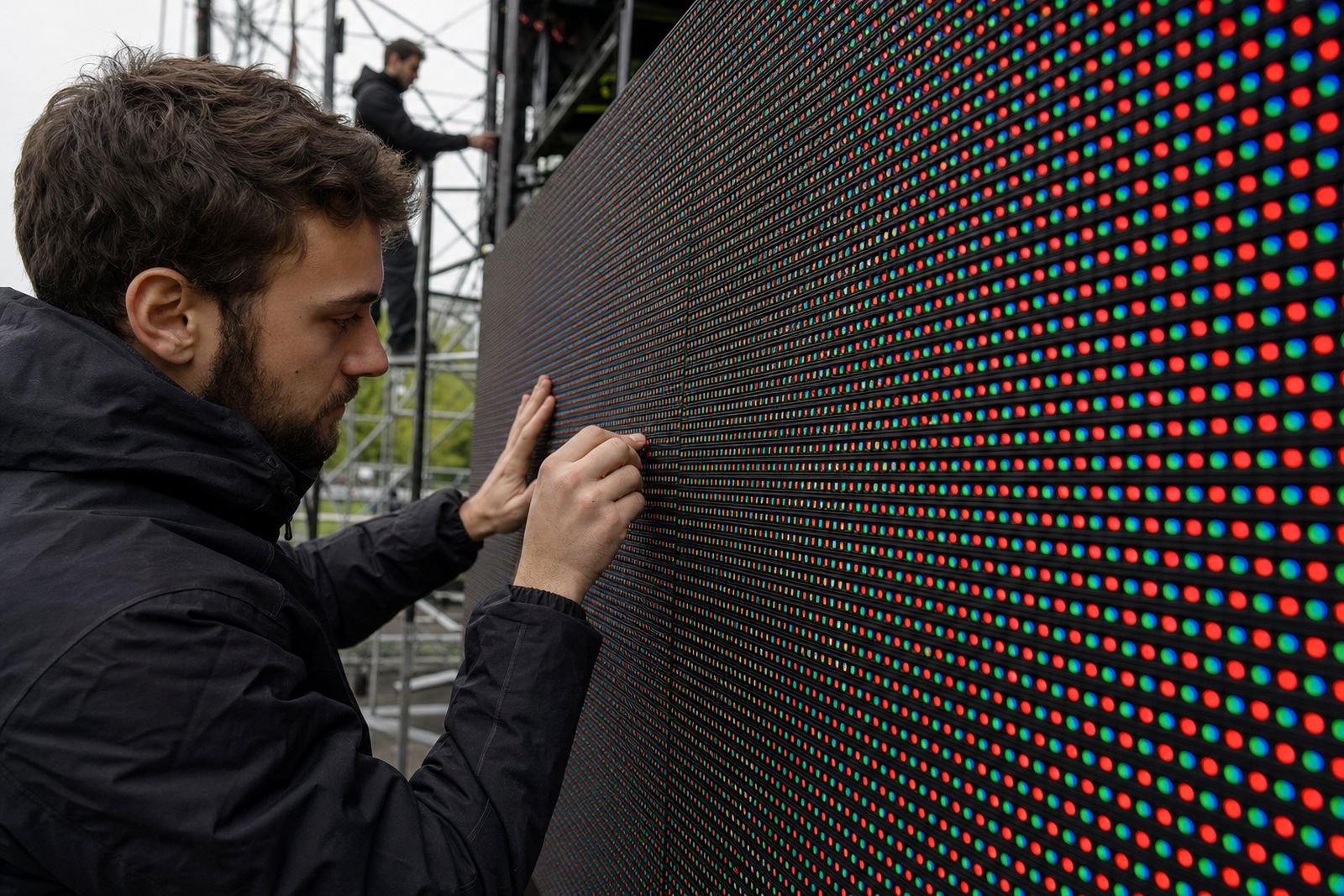
Pixel pitch also matters. Smaller pixel pitch gives finer detail when people are close to the screen, while larger viewing distances allow a slightly coarser setup without losing clarity. For roadside use in Johannesburg or Pretoria, the message should be designed for quick scanning, not long reading. The screen can show movement, but the words should stay steady and easy to catch.
- Use bold lettering with enough thickness to hold shape outdoors.
- Limit the number of words per frame.
- Avoid light text over busy backgrounds.
- Check that logos and icons still read at distance.
A trailer setup adds movement and planning
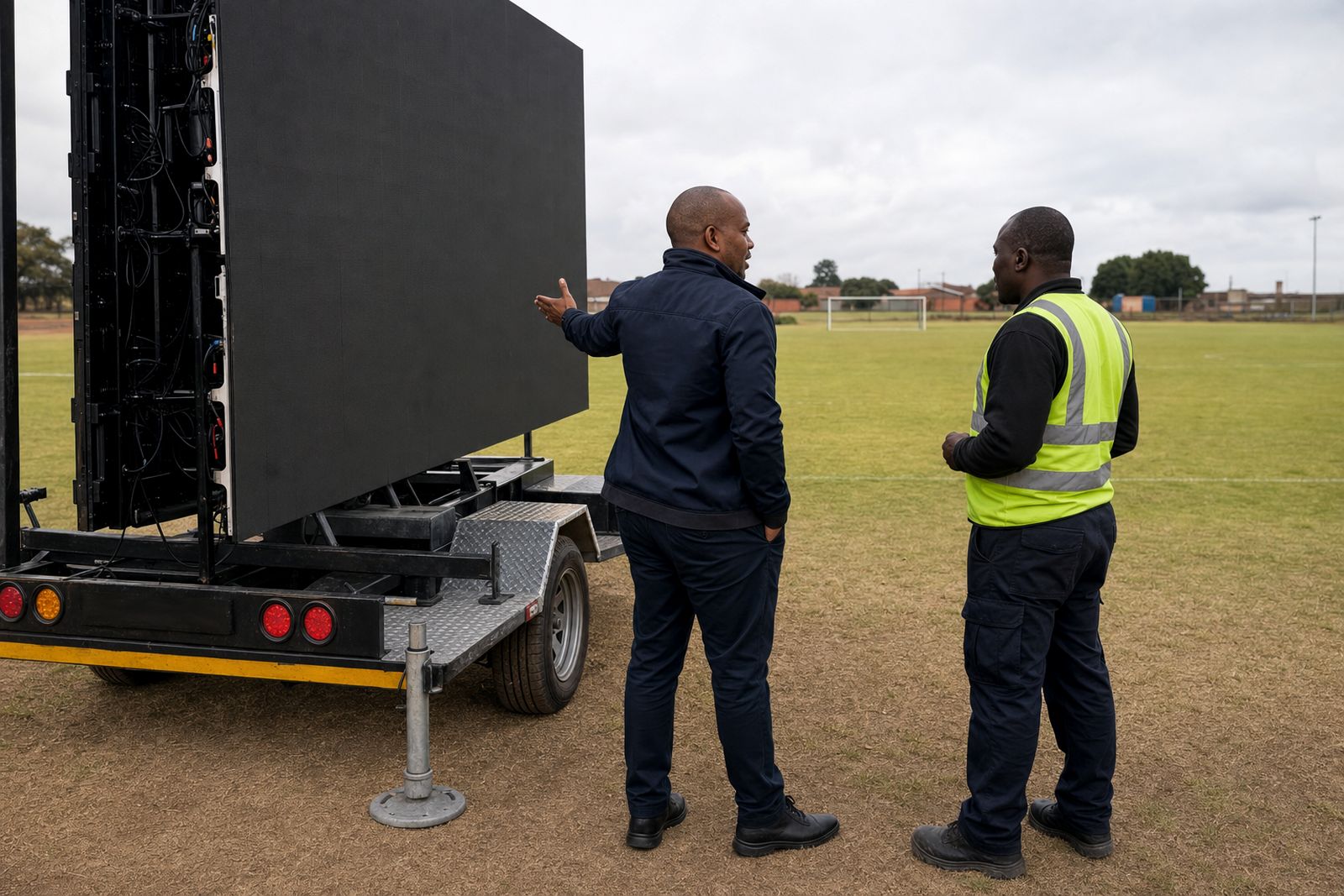
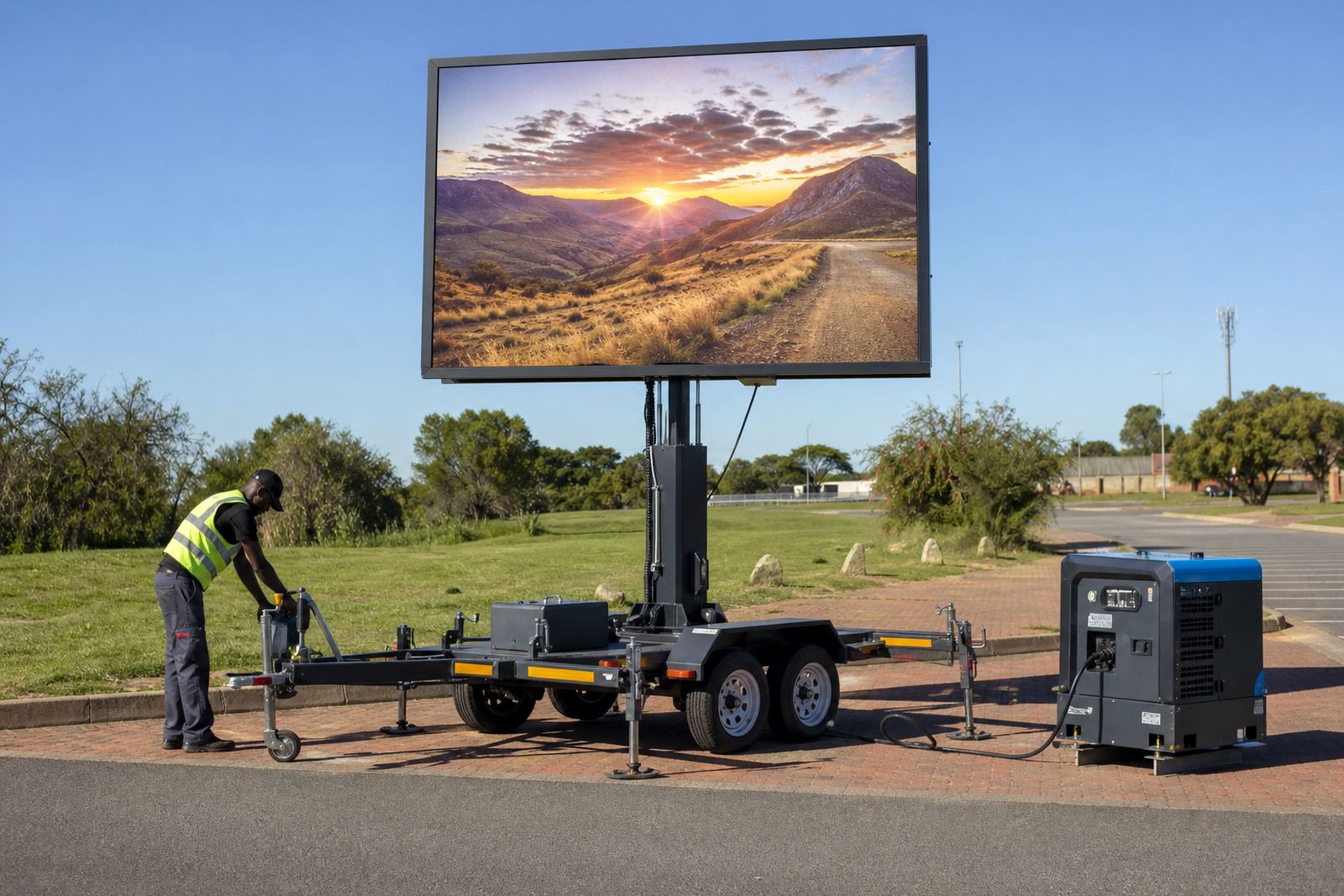
An outdoor LED screen trailer is not just a display on wheels. It has height, angle, wind exposure and access to consider before the first frame goes up. Hydraulic lift systems let the screen rise into view, and some trailer units can rotate to face the crowd or the road better. Those mechanical details change how the content should be framed, because the viewing area may shift a little during setup.
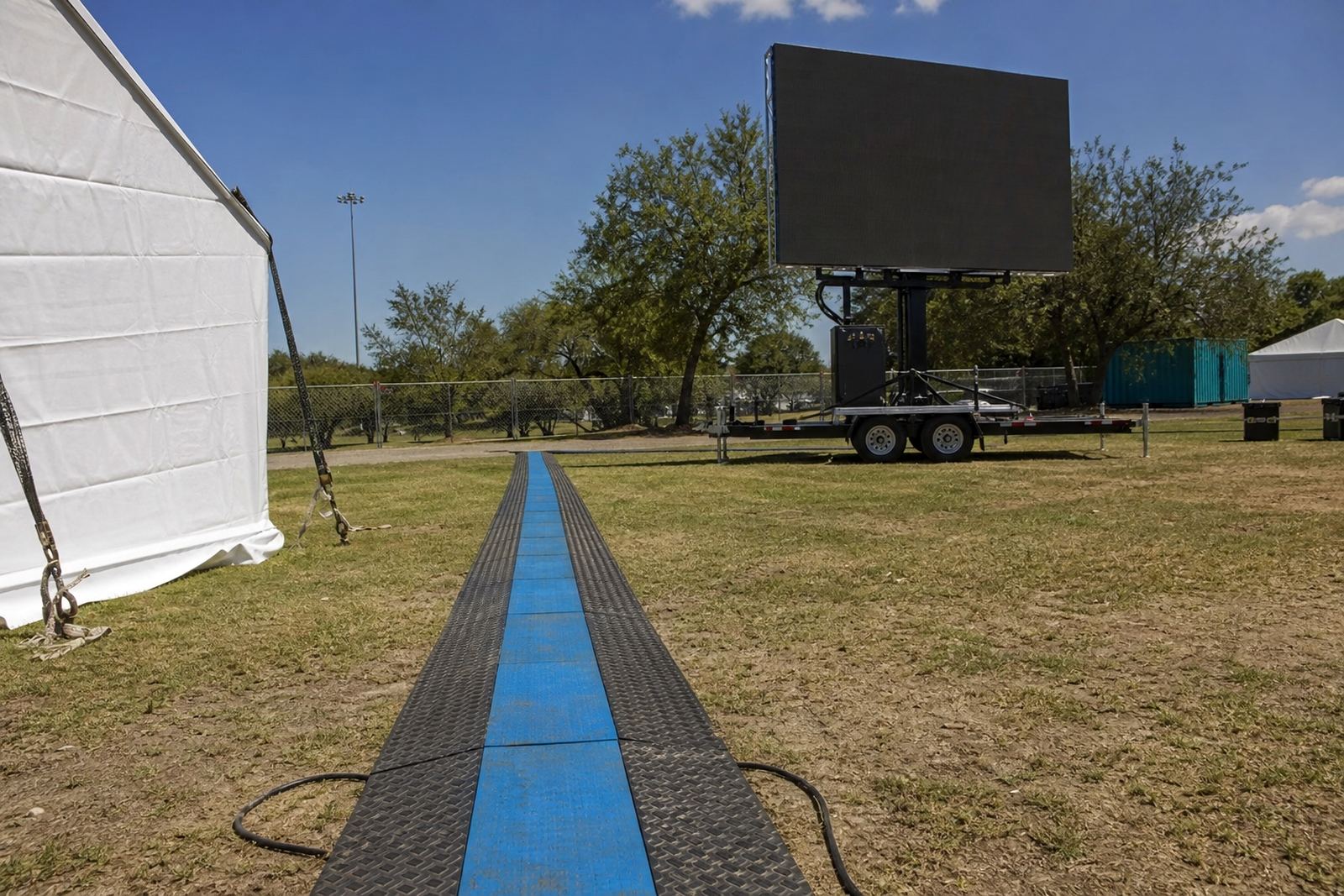
Power planning also plays a part. Some sites run from a generator, others can use mains power, and both options need proper cable routing and safe placement. For a roadshow in Durban or a campus event in Polokwane, the content has to stay legible even when the trailer is positioned further back from foot traffic or turned away from direct sun. Weather monitoring and wind limits are not decoration either, they shape how the site is used.
- Plan the screen height around crowd lines and vehicle lines.
- Allow for the trailer angle when laying out the image.
- Keep key text away from the outer edges of the frame.
- Match the playback format to the screen resolution before load-in.
Fonts and motion need discipline
Fonts should carry their weight without trying to become the main attraction. Sans serif styles usually hold up better outdoors because they stay cleaner at speed and distance. Script faces, narrow caps and decorative lettering can blur together when the screen is viewed from an angle. The same applies to motion. Fast wipes, cluttered animation and tiny scroll text make the viewer work too hard.
Motion can still be useful if it supports the message. A clean fade, a slow reveal or a short clip with a clear title can keep attention without disturbing reading. Live feed support works best when the production team has already kept the lower thirds, titles and overlays tidy. Karabo Abrahams, who handles content playback for the team in Germiston, would usually keep the file structure plain so a show can move without confusion.
- Keep to one font family and keep weight styling steady.
- Leave enough line spacing for moving viewers.
- Avoid long scrolling paragraphs on outdoor screens.
- View motion from the distance people will actually stand, not only on a laptop.
Permits, timing and the street outside the frame
Outdoor viewing is shaped by the street as much as by the screen. In some places the setup sits near a road reserve, a municipal event space or a private site with its own access rules. Permit guidance helps clients think through the practical side of the placement, especially where public viewing, traffic flow and notice requirements need to be checked before a trailer is parked.
Simple legibility also helps with compliance. When a screen carries fewer words, site notices and scheduled messaging are easier to manage. For a roadshow moving through Ekurhuleni or a sports day in Kempton Park, the content can be loaded in advance, played in order and adjusted if the event layout changes. The less the design depends on fine detail, the easier it is to keep it readable while everything around it shifts.
Readable from the back of an East Rand car park
Picture a roadshow leaving Germiston and stopping in Johannesburg, then Pretoria later in the week. The message has to travel well, which means the artwork needs to survive different sun angles, different crowd distances and different viewing speeds. A clean headline, a large logo and one short supporting line can do the job without crowding the frame.
Ruan Mabena in fabrication, Noluthando Maluleke on logistics and Thabo Bhengu on screen setup all work inside the same constraint: the audience only gets a few seconds at most. That is where content loading and playback management matter. The screen has to be ready, the format has to fit, and the message has to hold up whether the trailer is parked in a suburban venue or beside a busy arterial route.
Outdoor legibility is not about speaking louder. It is about keeping the message clear enough to understand while the world keeps moving around it.