
What a proper test run must prove
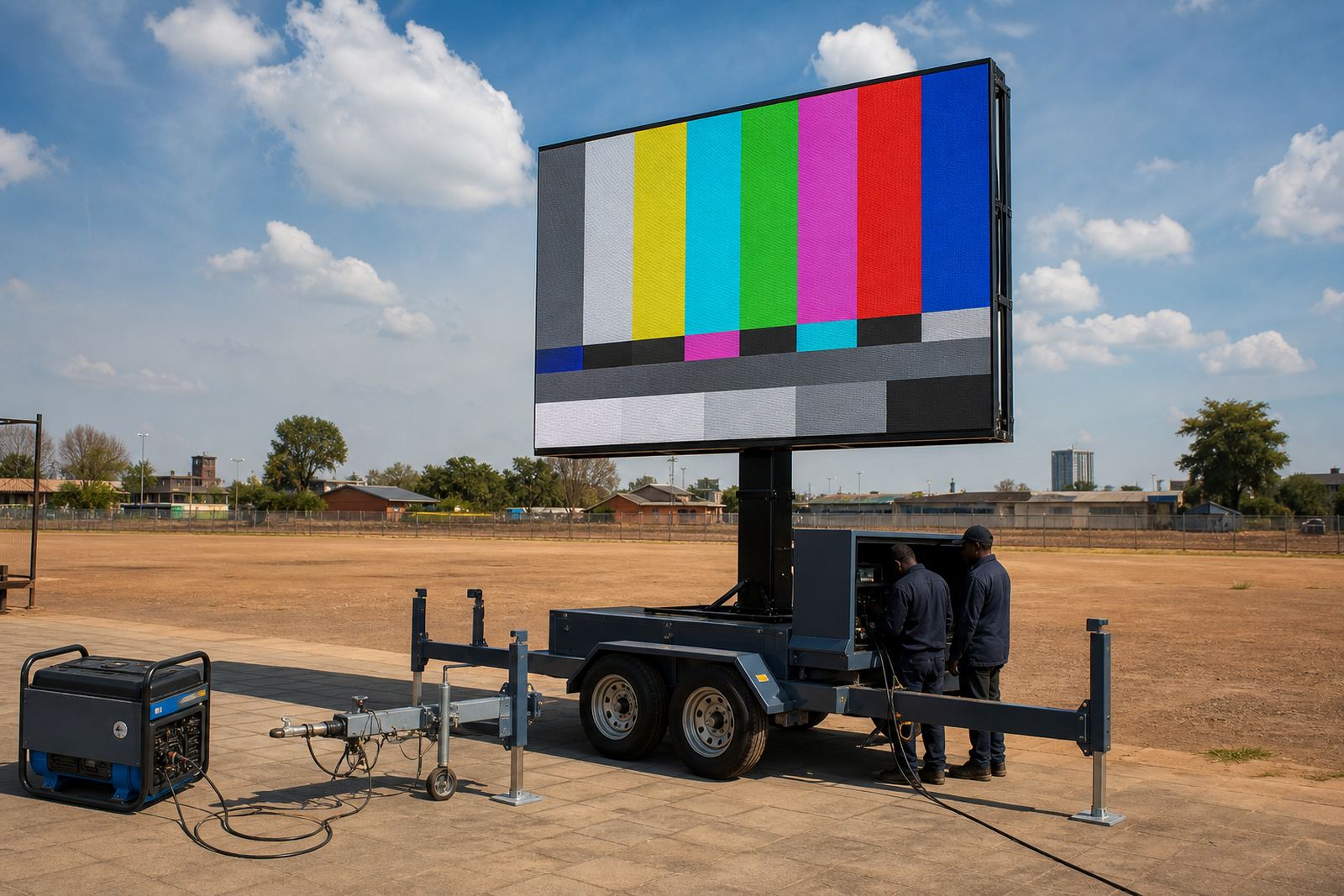
A useful pre-event test run is not just switching the screen on. It checks the full chain from content source to live display, then confirms that the trailer sits correctly, lifts cleanly and stays stable for the site. On a daylight job, brightness has to be high enough for clear viewing in sun, not only at dusk when the picture looks easy.
For outdoor LED screen trailers, the test also shows whether the pixel pitch suits the viewing distance. A tighter pitch gives finer detail for closer audiences, while a larger pitch can work well for sports days, roadshows and broader viewing areas. The goal is to see the image the way the crowd will see it, not the way it looks on a laptop in a quiet office.
- Check that the screen accepts the correct file format and resolution
- Confirm brightness settings for daylight and shade changes
- Test all signal paths, including backup playback options
- Watch the image from the front, sides and a fair distance
Power, lifting and the ground beneath the trailer
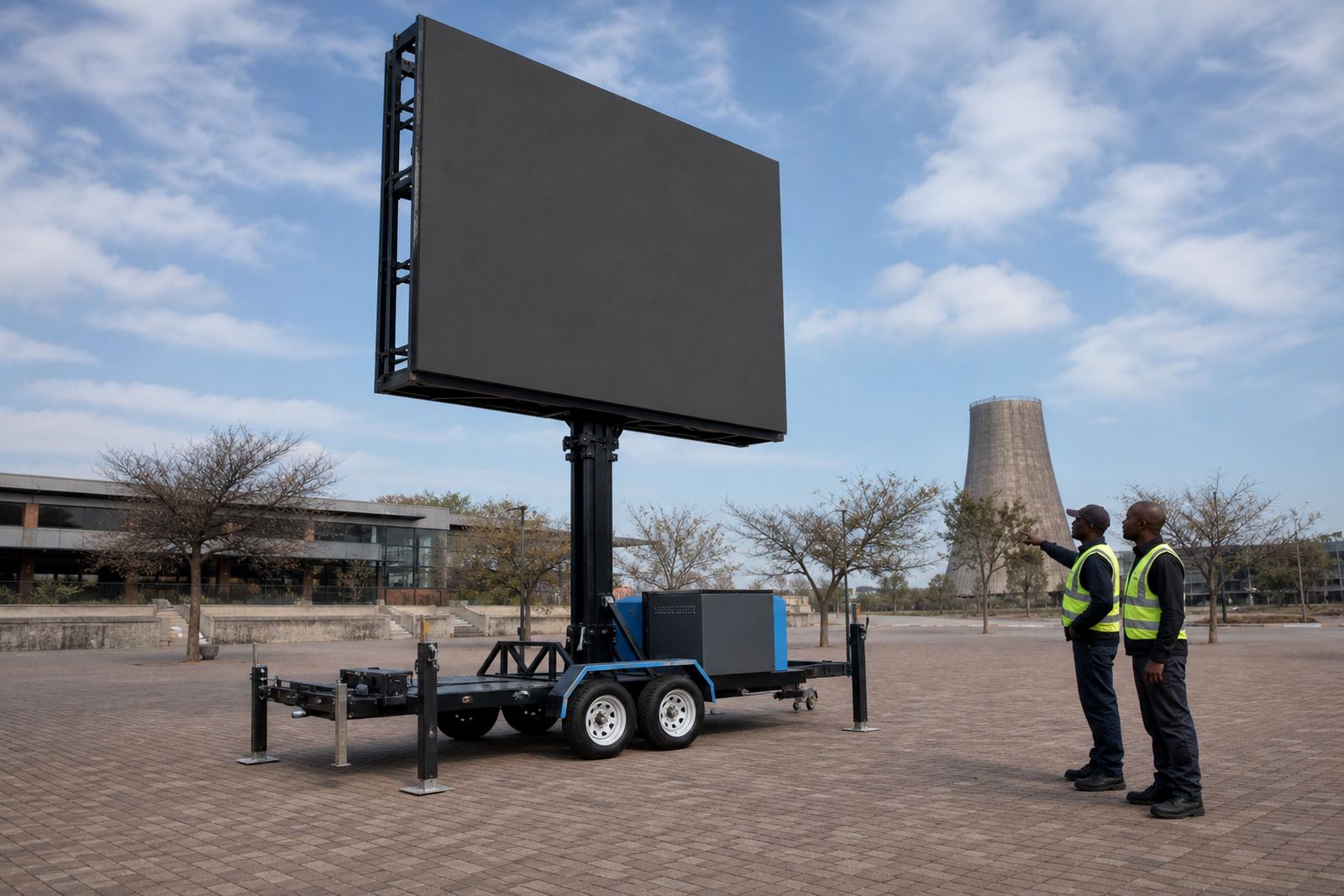
The trailer needs a solid base and enough space for safe lifting, rotation and cable routing. A hydraulic mast must raise and lower smoothly, and the screen should rotate to the planned angle without strain. If the site uses generator power, the fuel plan and cable run must suit the load. If it runs from mains power, the supply needs to be verified early, not guessed at the gate.
Wind matters too. An outdoor screen is exposed equipment and conditions can change quickly, especially on open sites around Germiston, Kempton Park or a coastal venue where gusts behave differently in the afternoon. A good test run checks the screen position, anchoring, and the safe operating limits for the day.
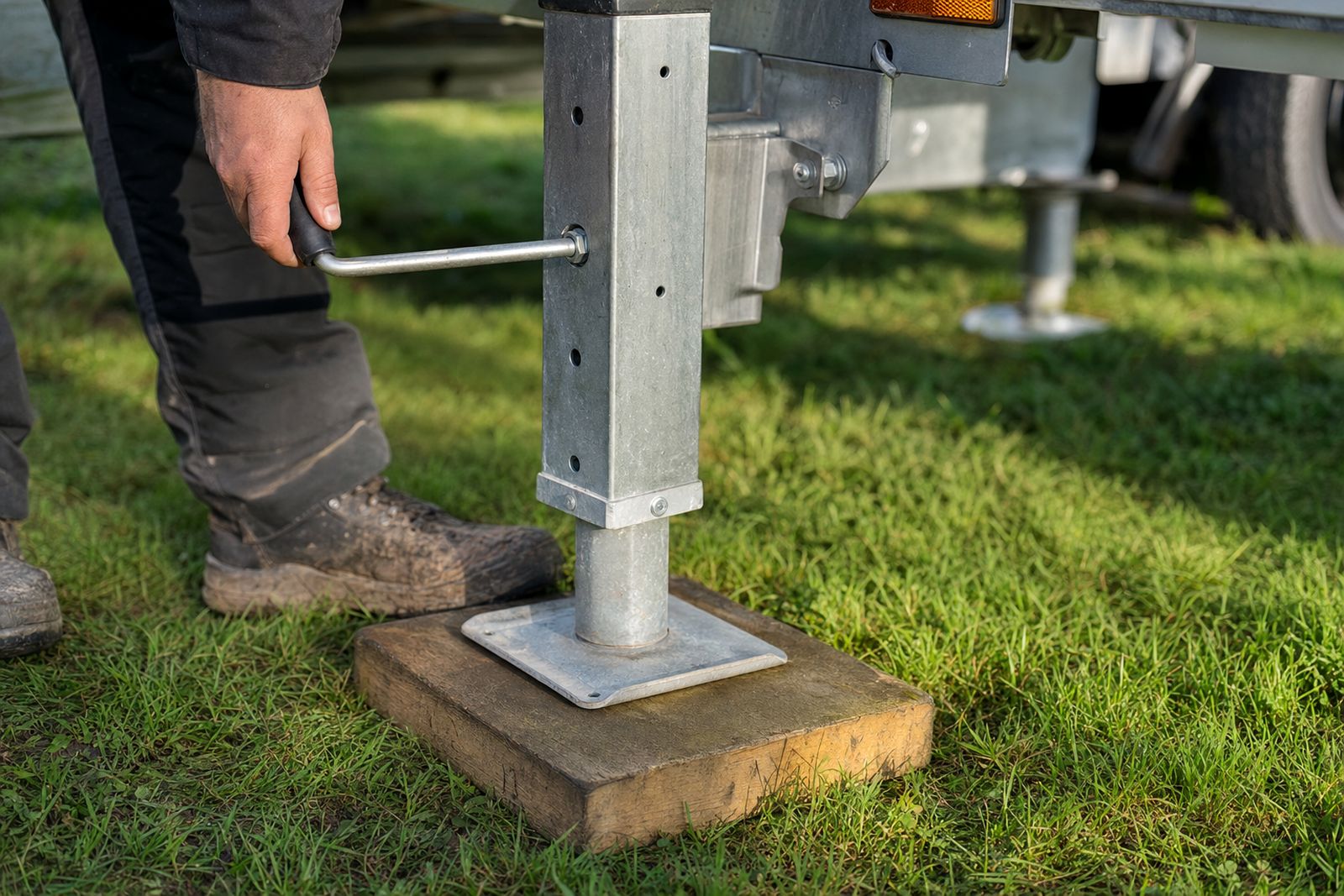
- Inspect the ground for slope, soft patches and overhead obstructions
- Confirm the lifting cycle and locking points on the trailer mast
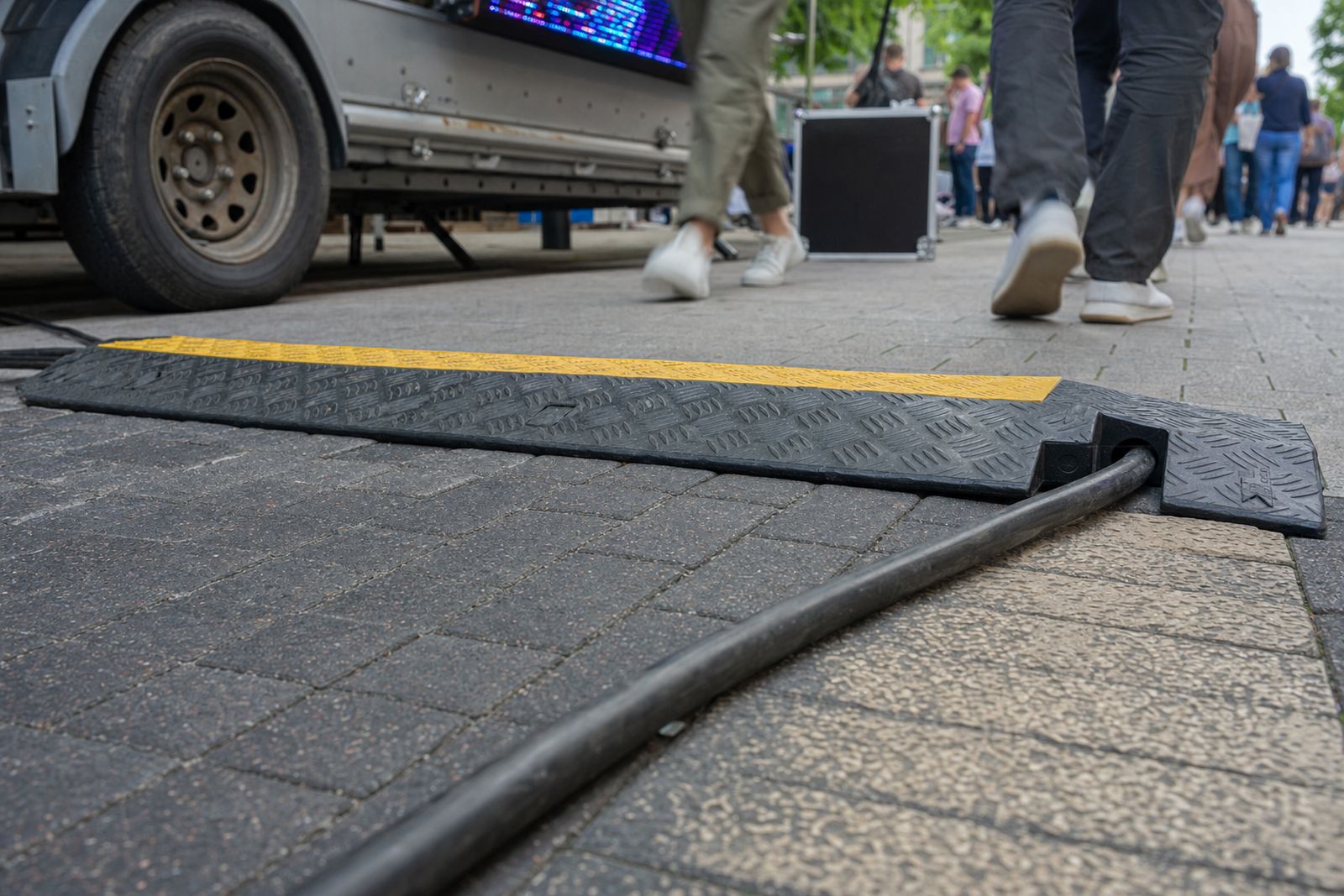
- Check cable lengths, connector condition and cable protection
- Review wind limits and what the site allows during setup
Media checks that save the show
Content playback is where many event problems show up first. A file may open, but still play with the wrong aspect ratio, missing audio, poor brightness balance or a frame rate that stutters under load. A pre-event test run lets the technician load the playlist, move between clips, and confirm that live feed support will switch in cleanly if the programme includes speeches, sports footage or camera coverage.
It also helps spot small mistakes before the crowd sees them. A text line can sit too close to the edge, a logo can be cropped, or a lower third can disappear into the sunlit background. Those details are much easier to fix when the screen is already on site and the content playback specialist can work against the actual display size.
- Play every file in sequence, not only the first one
- Test audio balance where sound is part of the brief
- Confirm safe margins on text, logos and video overlays
- Check the backup source in case the main player fails
Permits, neighbours and the real site rules
Municipal rules are different from place to place, and some sites need more planning than others. A trailer parked on a public verge may need permission, while a private venue can still have its own access conditions, safety rules and time restrictions. The point of a pre-event test run is not to chase paperwork at the last minute, but to see whether the planned position suits the site and the local conditions around it.
That is especially useful for roadshows that move between Johannesburg, Pretoria, Durban, Bloemfontein and Polokwane. Each stop can bring different ground conditions, traffic flow, noise limits and parking space. A pre-event check helps the team adjust the layout before the first guest arrives, so the screen is not fighting the site from the first minute.
When the venue wants a neat setup, permit guidance and site checks go hand in hand. The trailer may need to sit farther back, face a different angle, or avoid a fire lane and pedestrian route. A proper test run helps those details settle before doors open.