
Water finds the weakest point first
Outdoor LED screen trailers are built for weather, but rain still tests every join, lid and cable entry. The screen face may keep running in light rain if the cabinet design and sealing are in order, yet the weak points are usually the connectors, playback gear, lifting controls and any area where a technician has to stand with tools in hand.
That is why rain protection is not only about the panel surface. It is also about keeping the working side dry enough for safe access, stopping water from tracking into plugs, and making sure the unit can be powered down or isolated without standing in a puddle. In Germiston and the wider Ekurhuleni area, sudden summer storms can arrive with little warning, so the setup has to account for that from the first site check.
Connector covers and cable runs that stay dry
Water enters through gaps, not through intention. Outdoor systems should use weather rated connectors, sealed junctions and cable routes that do not leave low points where water can sit. Any tail of cable lying on wet ground becomes a wick, so leads should be lifted, tied off and routed away from runoff paths. If a trailer is being powered from mains, the connection point needs extra attention because a wet inlet or loose plug can create a failure at the worst time.
- Use covered or sealed connector points where the cabinet design allows it.
- Keep cable joints raised and away from pooled water.
- Fit drip loops so water runs away from sockets instead of into them.
- Inspect each plug, gland and cover before power-up.
- Separate signal paths from the wettest parts of the setup area.
For roadshows that move between Johannesburg, Pretoria and Durban, cable handling matters just as much as screen size. Each stop can have a different surface, slope and drainage pattern, so a neat cable run in one place may be a mess in the next.
Control points need a dry working zone
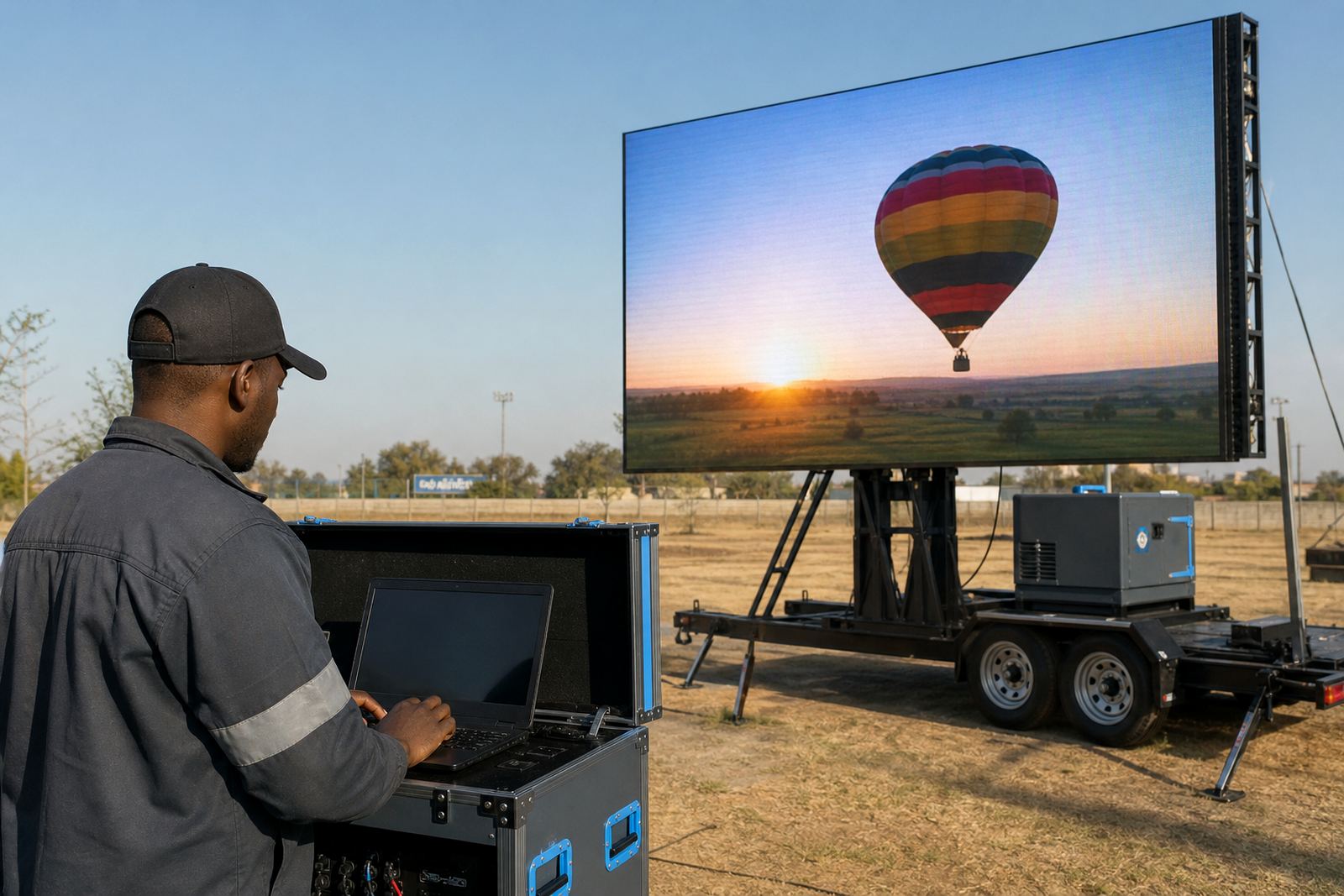
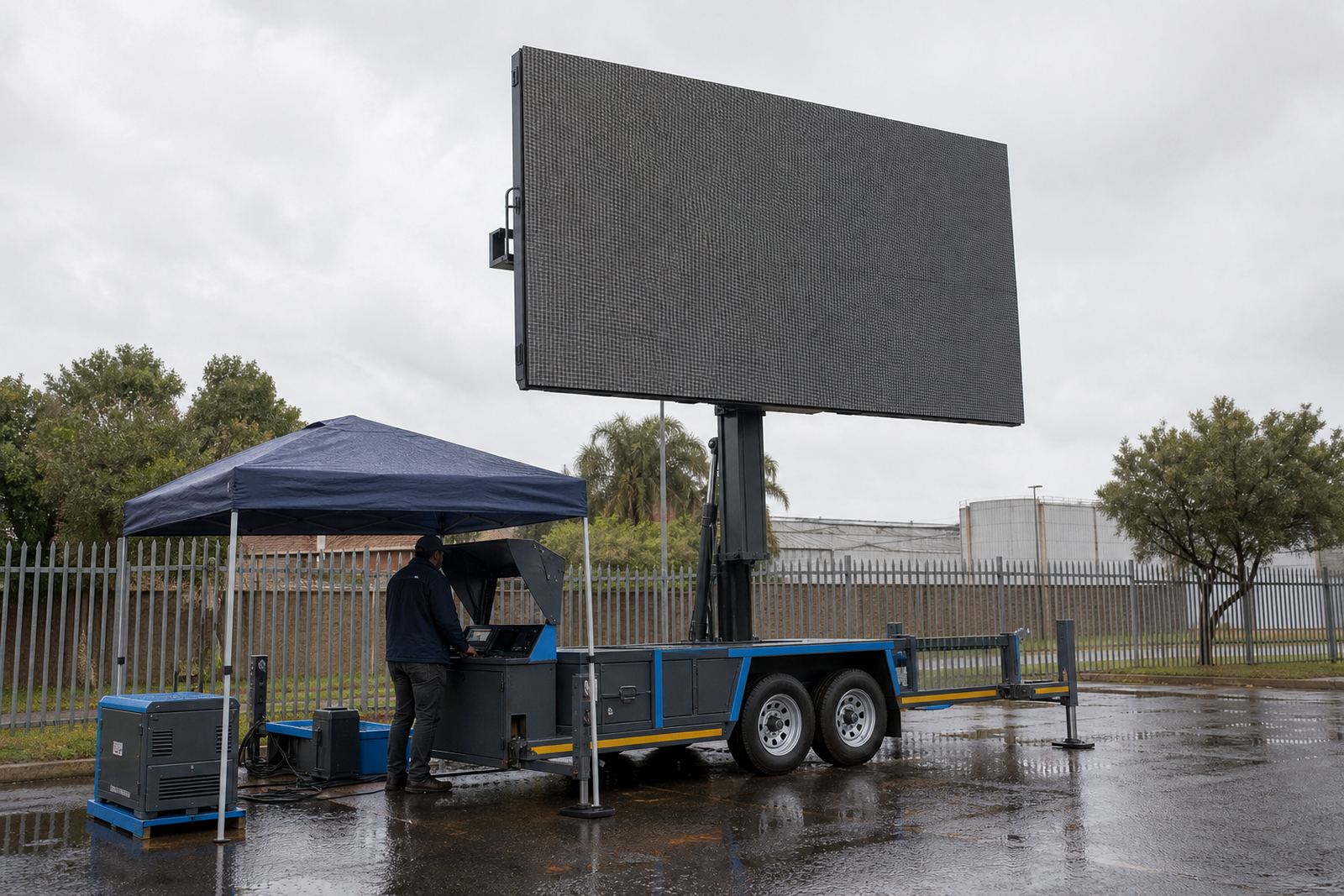
The technician does not only stand beside the screen to start playback. There is content loading, live feed support, checking signal, monitoring brightness and making sure the trailer stays stable. Those tasks need a small dry working zone, even if the weather looks manageable at call time. A simple canopy or protected access side can make the difference between a safe service point and a damp scramble around exposed equipment.
The control area should allow the technician to open covers without rain falling straight into the cabinet. It also helps to keep cleaning cloths, spare fuses and inspection tools in a dry bag or box nearby. When a sudden shower passes over Bloemfontein or Polokwane, the operator should not be hunting for a place to put a laptop, remote panel or content device while the rest of the team is still moving barriers.
- Keep the operator side sheltered from direct rain where possible.
- Store content devices in dry cases until they are needed.
- Use covers that can be opened and closed without snagging cables.
- Provide enough light for safe checking under grey skies.
Hydraulic lift, rotation and wind limits in wet weather
Rain often arrives with wind, and that changes the job. Trailer mounted LED screens usually rely on a hydraulic lift for height and, on some units, rotation to set the viewing angle. Those moving parts should not be adjusted carelessly during heavy rain or gusty conditions. Wet surfaces reduce grip, and strong wind can push water into places that are usually dry.
Wind limits are there for a reason. If the weather turns rough, the screen may need to be lowered, stowed or taken out of service until conditions settle. A technician should also check whether the ground is holding water, because a trailer sitting in soft soil or pooled rain can shift slightly and affect stability. Around Kempton Park loading areas or event grounds in Ekurhuleni, that ground check is often the part people forget first.
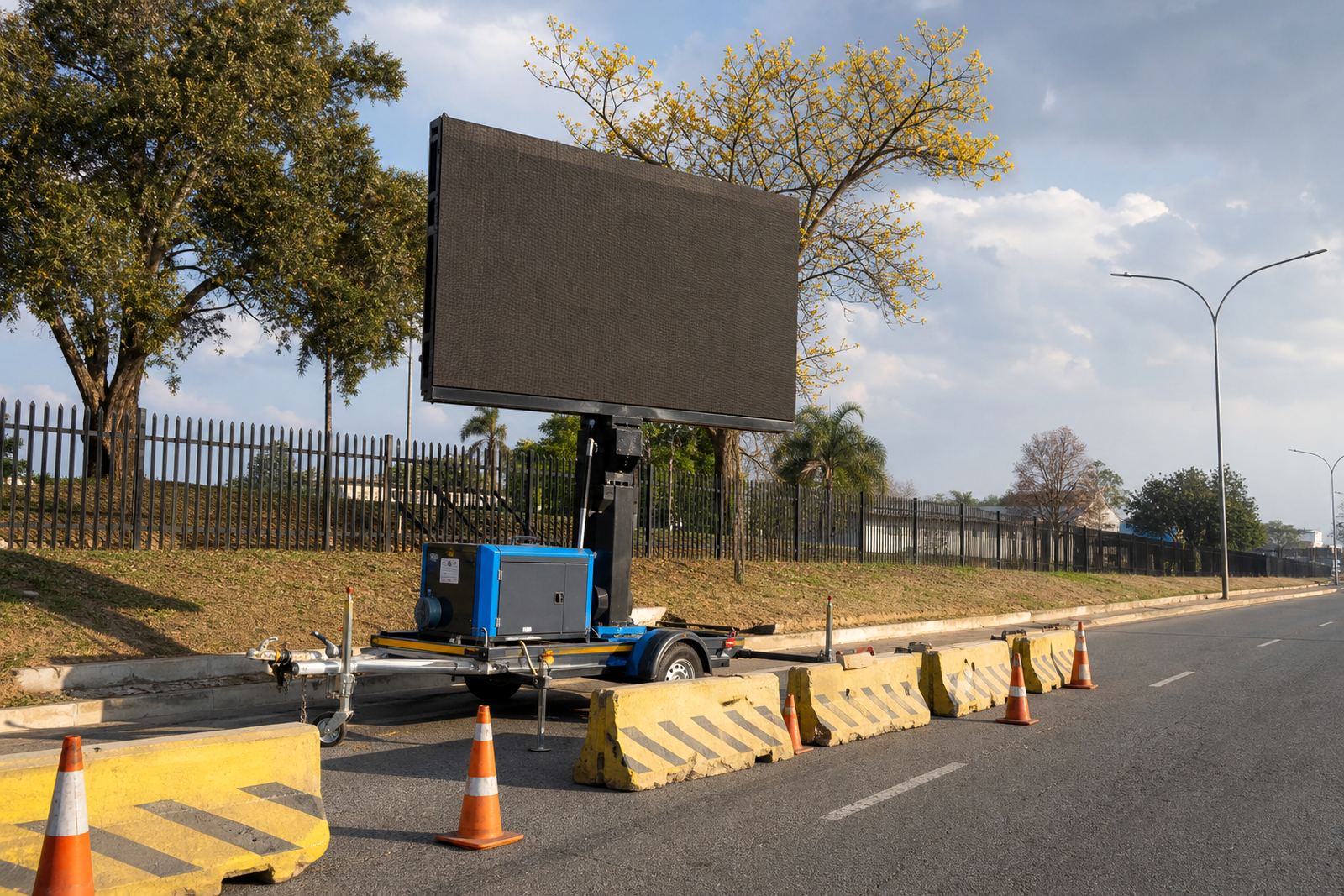
Municipal permits, venue rules and road closures also matter when a trailer is positioned in public view or along a route. If the screen is part of a campaign near a main road or public square, the setup should fit local access rules and allow enough space for safe placement and pack down.
Playback still has to look clean in the rain
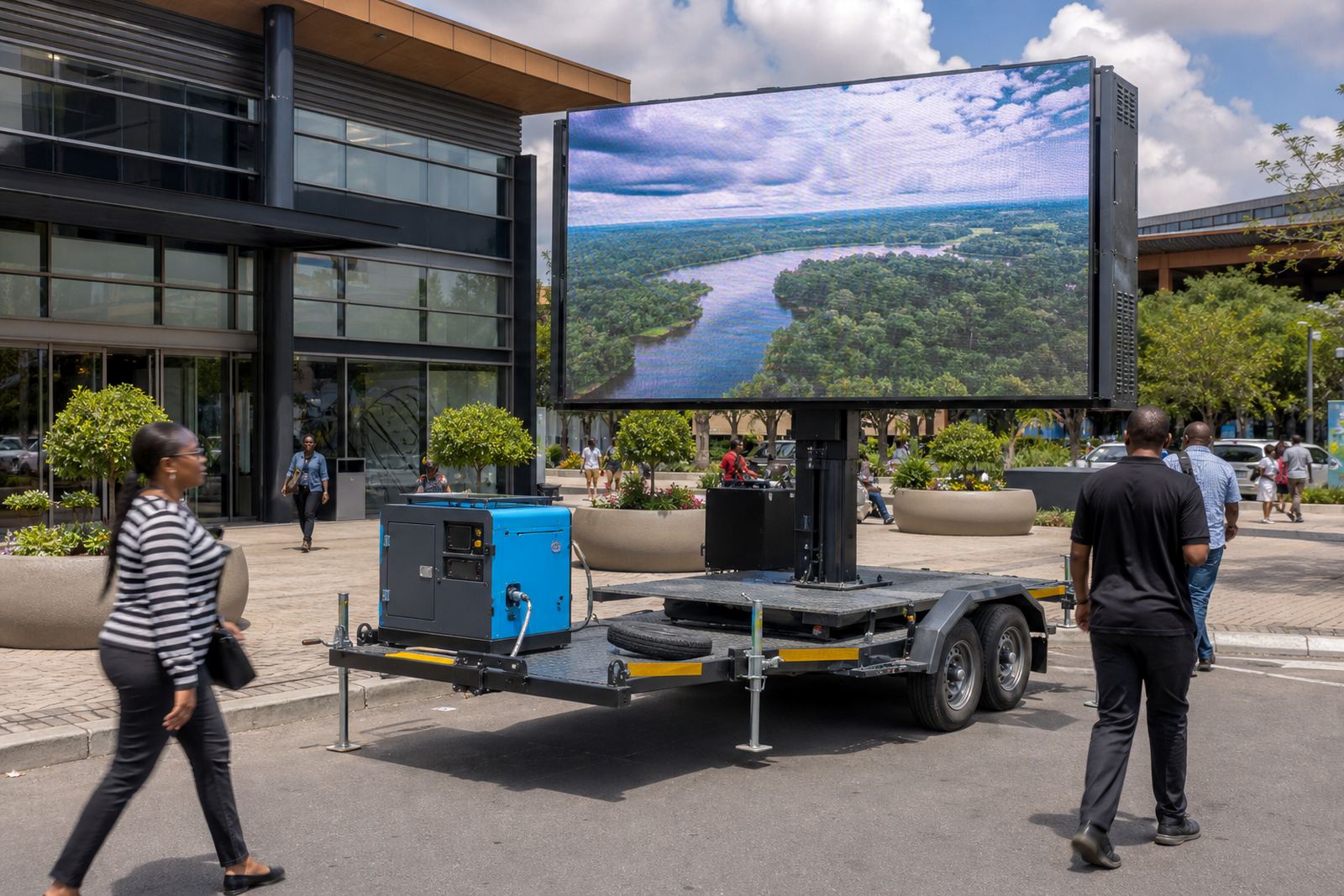
Rain does not only touch hardware. It changes how people see the content. Dark clouds, reflective wet surfaces and moving spray can make poor contrast even harder to read. That is why daylight brightness matters, especially on outdoor LED boxes used for advertising campaigns, sports days and concert crowds. The image should stay legible against grey skies, not only under bright sun.
Content playback also needs a fallback plan. If live feed support is part of the brief, the technician should know how to switch sources, mute trouble spots and keep the loop running while weather is being watched. A well-prepared playlist should avoid tiny text, weak contrast and busy backgrounds that disappear once the rain starts to bounce light off the surface.
- Use high contrast graphics that hold up in overcast light.
- Keep text large enough for passing traffic and foot traffic.
- Prepare a backup file in case live input becomes unstable.
- Check that the screen brightness suits daylight, not indoor viewing.
A rainy Saturday on the East Rand
Picture a Saturday activation in Germiston, with the trailer already on site and a dark cloud moving in from the west. The delivery team has placed the unit on level ground, the technician has checked the cable entry points, and the viewing face is ready for a midday crowd. Then the rain starts, not hard at first, just enough to test every cover and hinge.
The sensible move is not panic. It is a steady walk through the protection steps: confirm that the connectors are closed, move any exposed control items under cover, keep the technician area dry and watch the wind before lifting or rotating anything. If the storm builds, the screen can be paused, stowed or shut down in a controlled way. That is the real value of a proper outdoor setup, it gives the team a method instead of a scramble.
For campaigns moving across Johannesburg, Pretoria, Durban, Bloemfontein and Polokwane, rain covers, sealed cable joints and drainage mats travel on the trailer for every stop. It keeps the trailer usable, protects the work crew and helps the screen do its job when the weather turns messy.