
Start with the cabinet face, not the controls
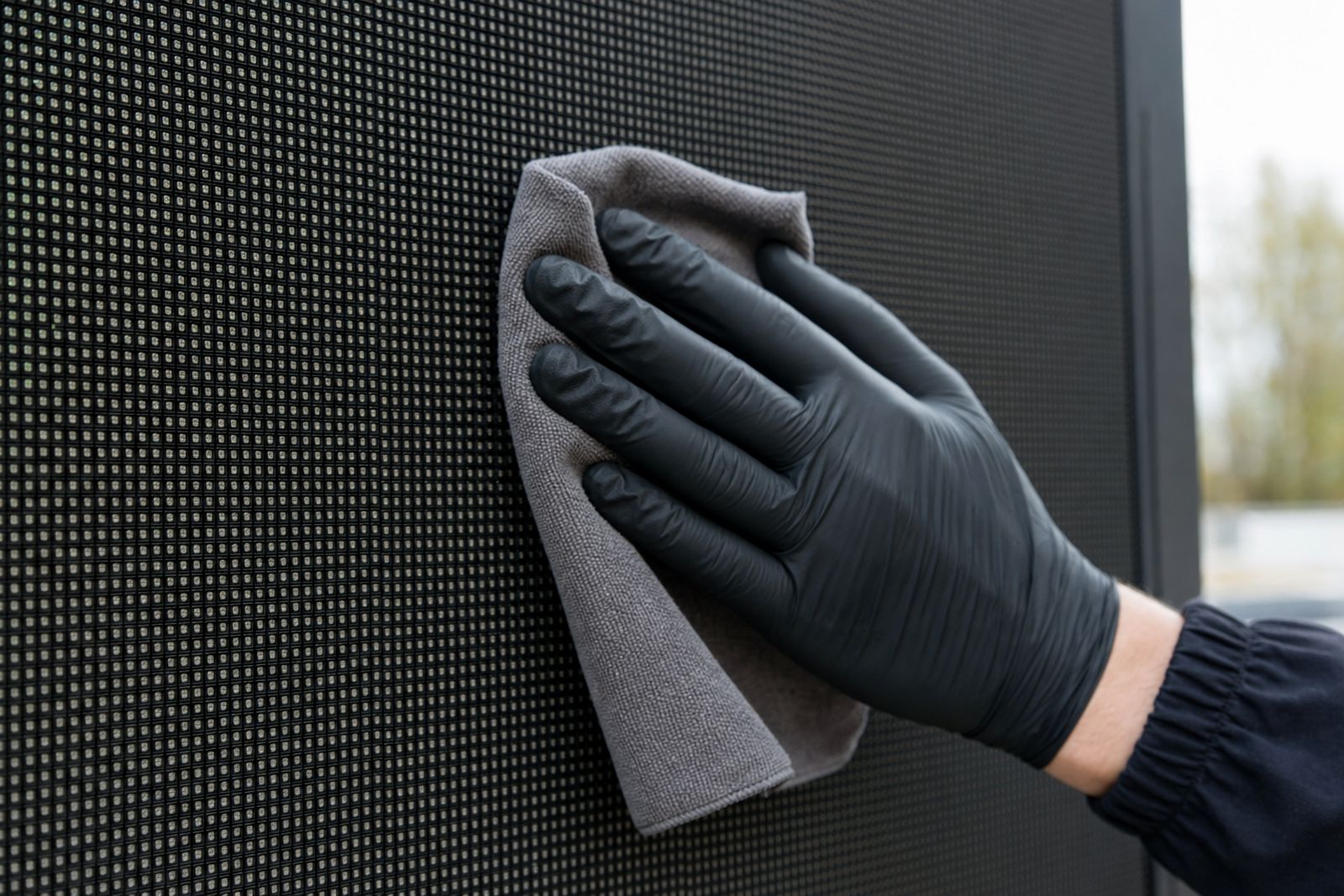
Begin with the outer cabinet surfaces and the frame around each module. A soft brush or clean microfibre cloth lifts loose dust before anything damp touches the screen, because grit can smear across the panel if it is dragged around first.
On daylight events in places like Germiston or Kempton Park, fine dust settles on the lower rows after road traffic and wind. Wipe with light pressure only, and avoid soaking the face or pushing moisture toward seams, cable entries or control boxes.
What belongs on a cleaning kit list
A small kit keeps the work tidy and avoids improvised tools that scratch paint or plastics. The aim is controlled cleaning, not a wet washdown.
- Microfibre cloths with clean, dry edges
- A soft detailing brush for corners and vents
- Lint-free wipes for control surfaces
- A mild cleaning solution approved for electronics housings
- A small hand torch for checking residue around latches
Steer clear of strong solvents, abrasive pads and water blasted at high pressure. Those shortcuts can mark the cabinet surface and force liquid into parts that should stay dry.
The control area needs more care than the screen face
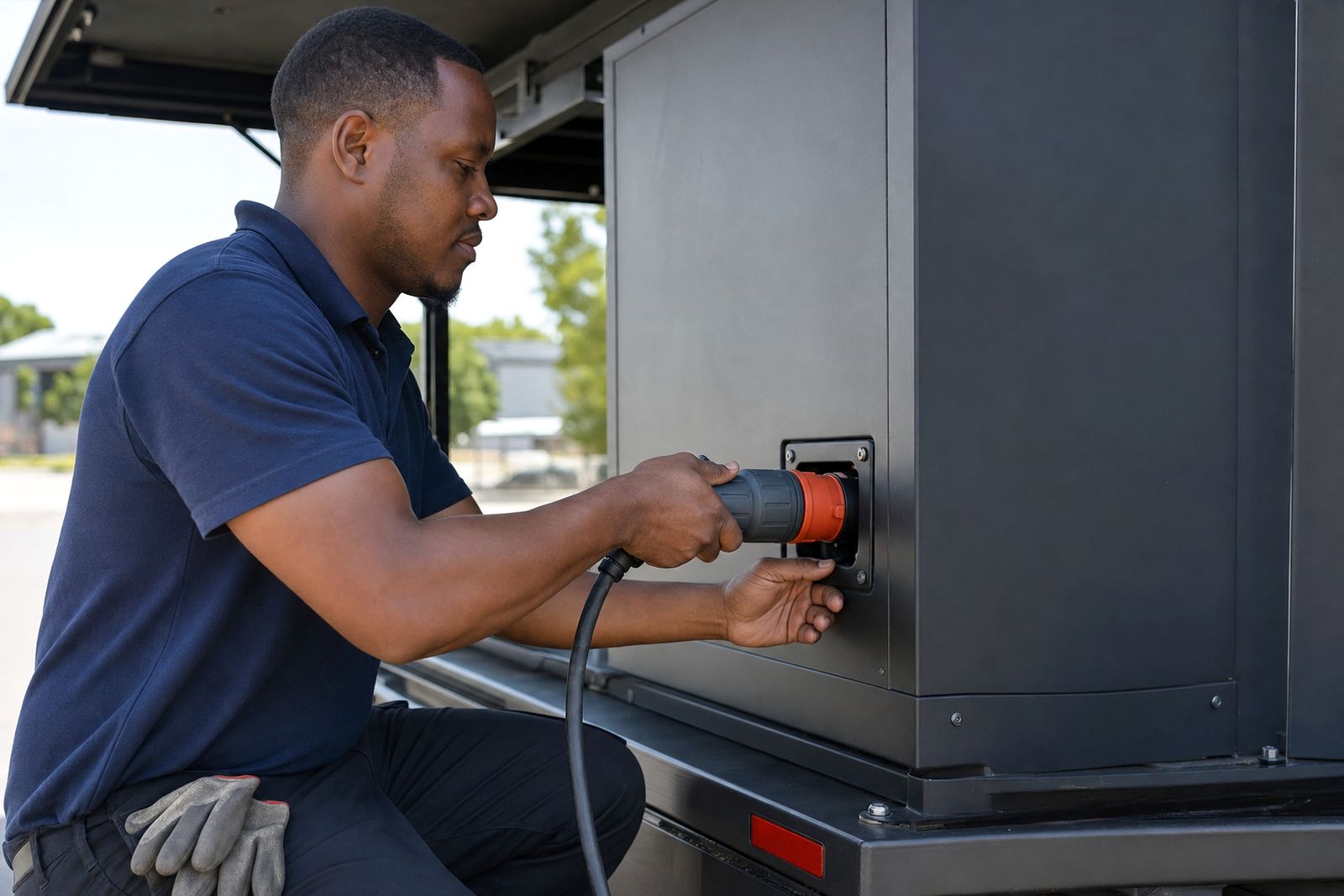
The back of the trailer, the controller bay and the cable routes deserve their own cleaning routine. These parts carry dust, fingerprints and handling marks from repeated setup, then they pick up more grime near loading bays and roadside stops.
Keep hands clean before touching playback equipment or connectors. If the surface feels sticky, use a lightly damp cloth and follow with a dry one, because leftover moisture can sit in corners longer than expected in humid coastal weather.
- Check latch handles for grit before closing them
- Wipe cable grips and door edges after every move
- Clear mud from step plates before pack down
- Inspect vents so airflow is not blocked
When weather changes the routine
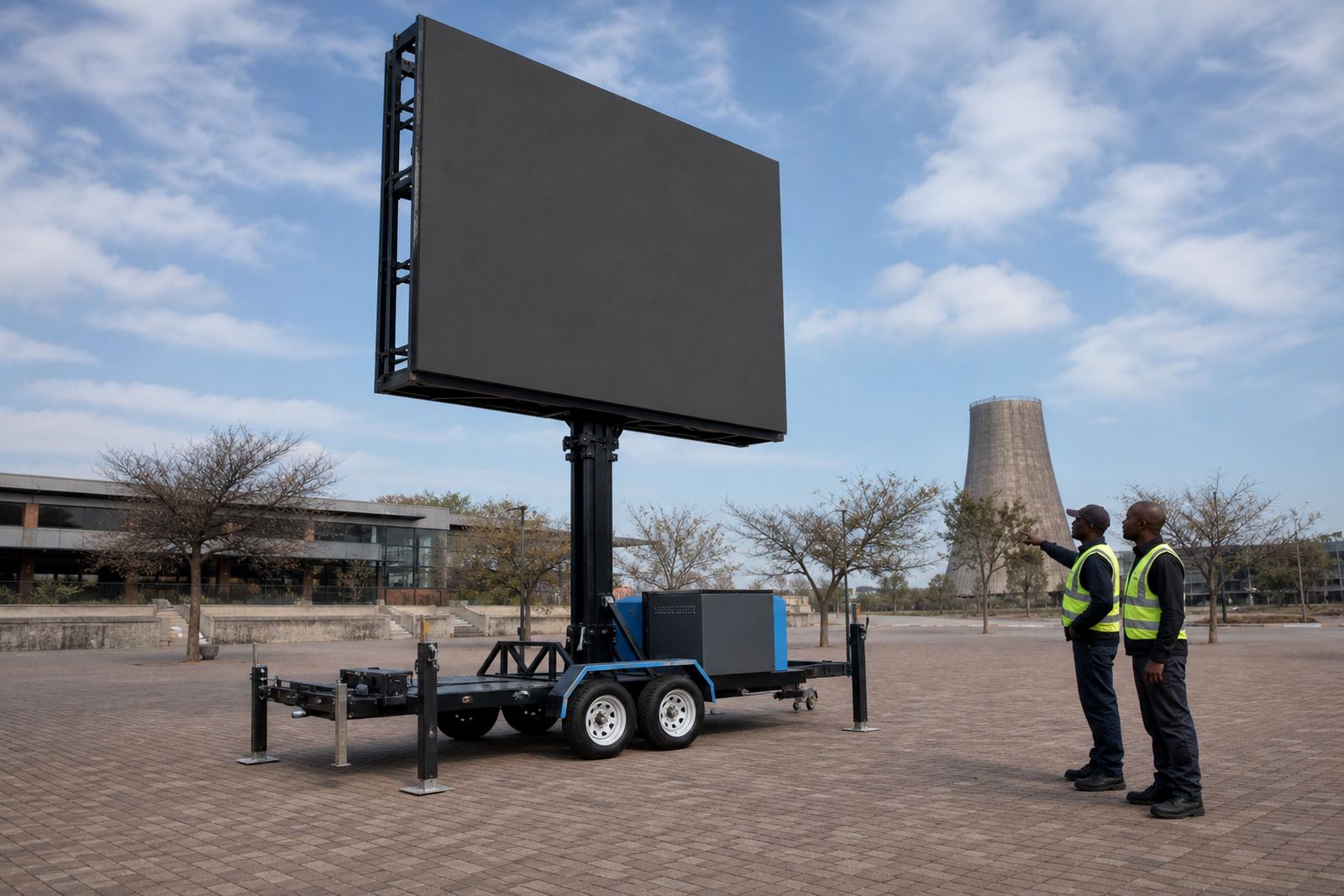
Outdoor screens face dust, drizzle, coastal humidity and sudden wind shifts. A screen trailer in Durban needs a different cleaning rhythm from one parked inland near Bloemfontein, where dry air and dust are more common.
If rain has passed through the site, dry the outer cabinet surfaces before closing up. Leaving moisture trapped against seals or beneath folded panels can lead to staining, corrosion marks and sticky dirt that is harder to remove the next day.
For windy sites, pause the cleaning if dust keeps landing on the face. There is little point wiping a panel that is being coated again while you work.
Cleaning between runs on an Ekurhuleni roadside campaign
A trailer parked beside a busy road in Ekurhuleni can collect brake dust, fine sand and fingerprints from repeated content checks. A clean face matters there because daylight playback already has enough visual pressure from the environment.
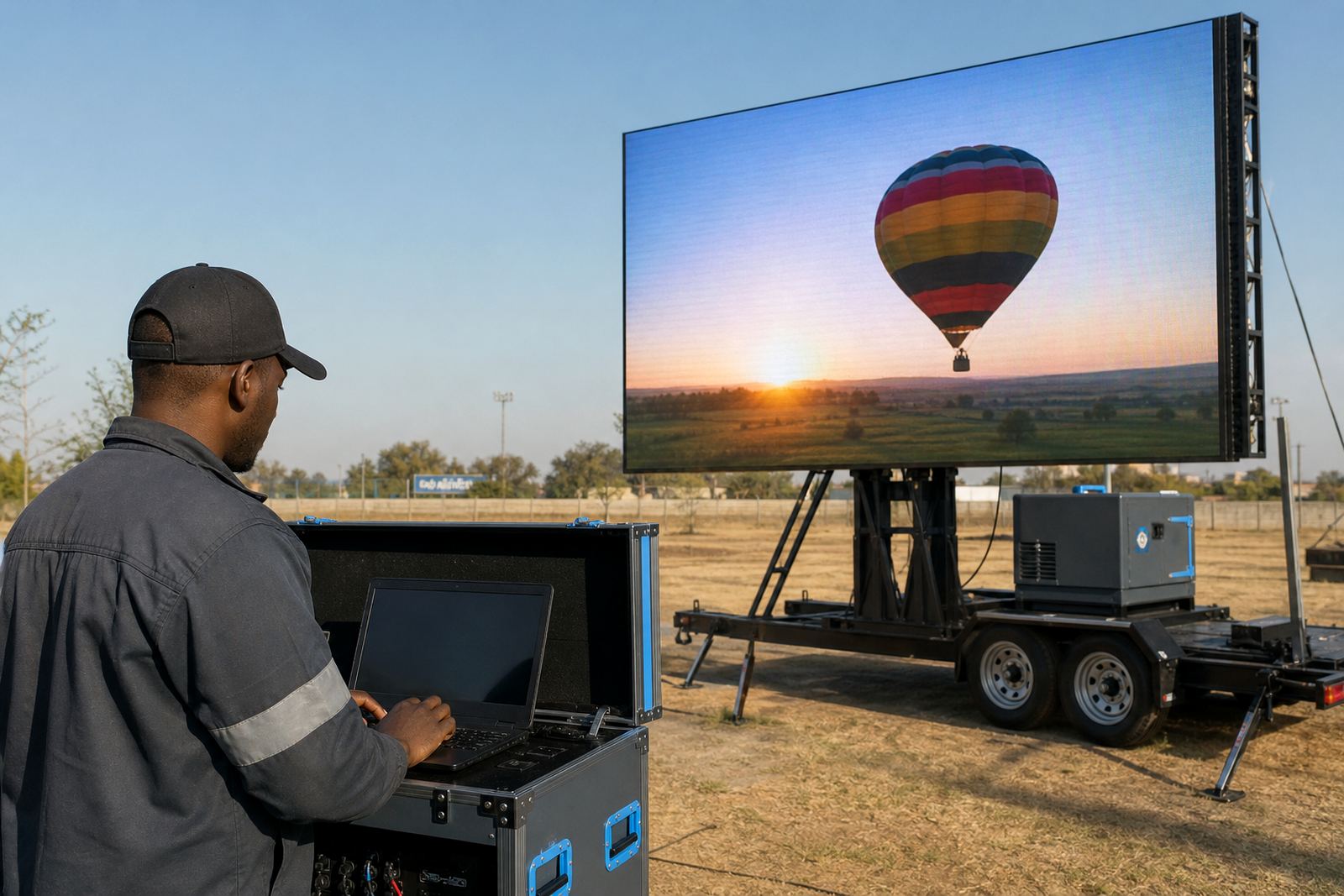
Our on-site technician would usually treat the cabinets before content loading, then give the control area a second wipe after final checks. That order matters because it keeps the dust from the panels away from the playback area and avoids carrying grime onto the interface controls.
- Clean before the first playback test
- Wipe again after final setup handling
- Check the screen after the first hour outdoors
- Repeat light cleaning after pack down
What to leave to trained hands
Some jobs are cleaning, and some are inspection work in disguise. If a panel shows unusual staining, if a latch sticks, or if moisture appears inside a housing, the issue needs proper attention before the trailer is moved or powered again.
That is also where permit guidance, weather monitoring and power planning connect to cleaning. A tidy screen is easier to inspect, easier to transport and easier to present when the trailer reaches a new site in Johannesburg, Pretoria, Bloemfontein or Polokwane.
Clean surfaces do not replace maintenance, but they do make the whole system easier to handle day after day.