
Start with the field, not the trailer
A sports day layout begins with the ground itself. Mark the finish line, the main spectator bank, the officials table and the athlete gathering area before the trailer is rolled in, because the screen has to support movement not block it.
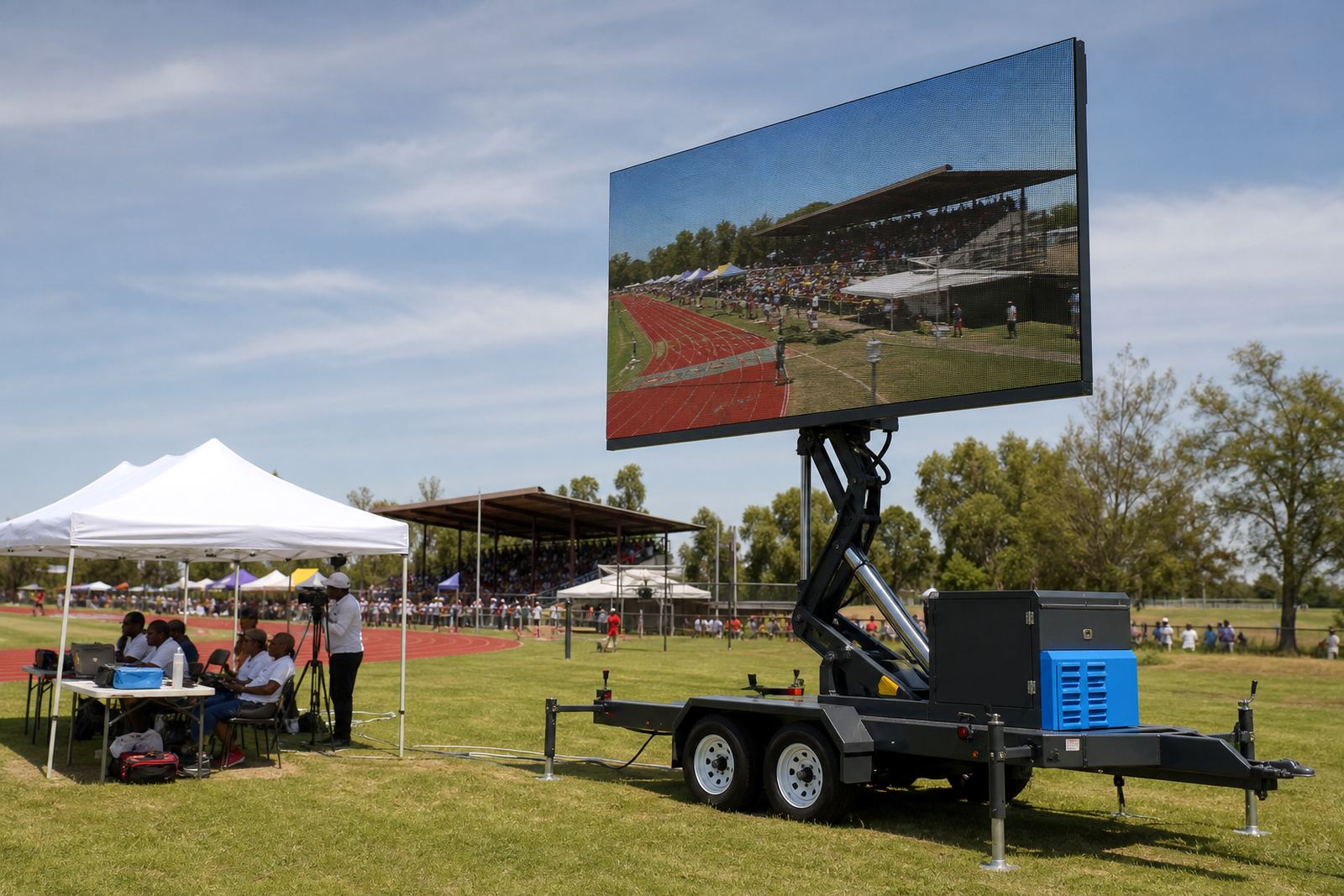
On an open school oval in Germiston or Kempton Park, the safest sightline is often off the main running lane and angled slightly toward the crowd. That keeps the trailer clear of race traffic while still giving parents, coaches and judges a clean view of scores, timings and announcements.
- Keep the screen visible from the busiest seating area.
- Leave a clear route for athletes, marshals and medical staff.
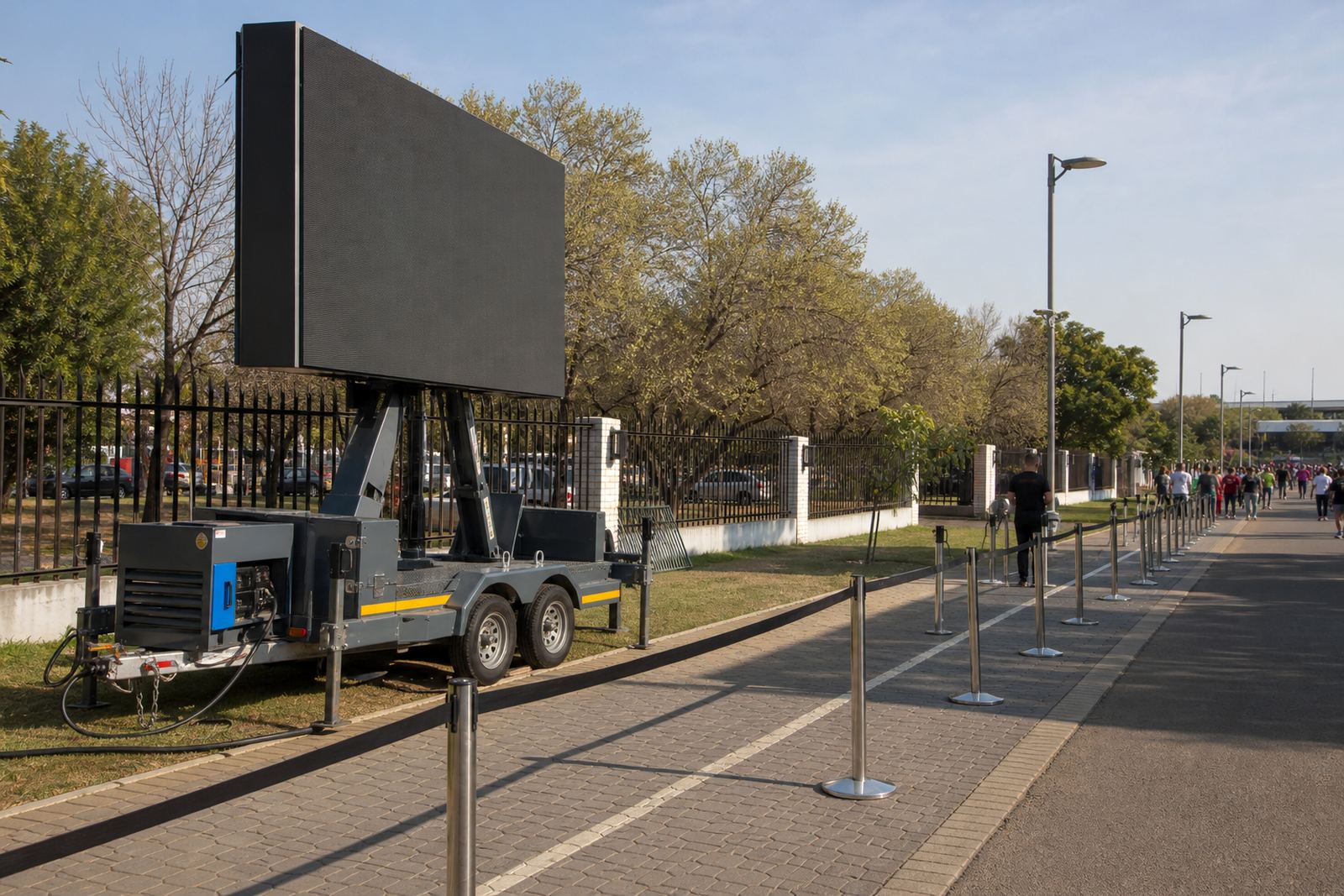
- Allow space for cable runs, barriers and the technician’s access.
- Place the unit where vehicles will not cut across the field.
Sun angle can ruin a good location
Outdoor LED boxes are built for daylight, but direct sun still matters. A high-brightness screen, often around 5,000 nits or more for open-air use, performs far better when it is not facing the harshest light at mid-morning or late afternoon.
If the field faces east, the opening programme may need the screen to sit slightly west of centre so the display does not wash out as the sun climbs. On western fields, the later races can become harder to read, so the playback content should use large type, strong contrast and short messages.
- Avoid placing the screen where it looks straight into low sun.
- Use dark backgrounds with pale text for timings and calls.
- Keep graphics simple enough to read from the far fence line.
- Test the picture at the time the event will actually run.
Officials need a quieter working zone than the crowd
The officials area should not be squeezed between the screen and the spectators. Judges, announcers and score keepers need room to work without people drifting through their line of sight. A small, planned buffer saves a lot of moving around once the races begin.
Where the trailer sits close to the track, the screen can become the anchor point for schedule updates, lane calls and sponsor messages. The playback specialist and on-site technician should stand where they can see both the display and the people managing the field, because timing changes happen often on sports days.
- Keep the officials table outside the athlete path.
- Set a protected position for scoring notes and devices.
- Leave enough room for announcements without crowding the screen.
- Plan one clear line for the technician to reach the trailer safely.
Trailer height, rotation and wind limits matter
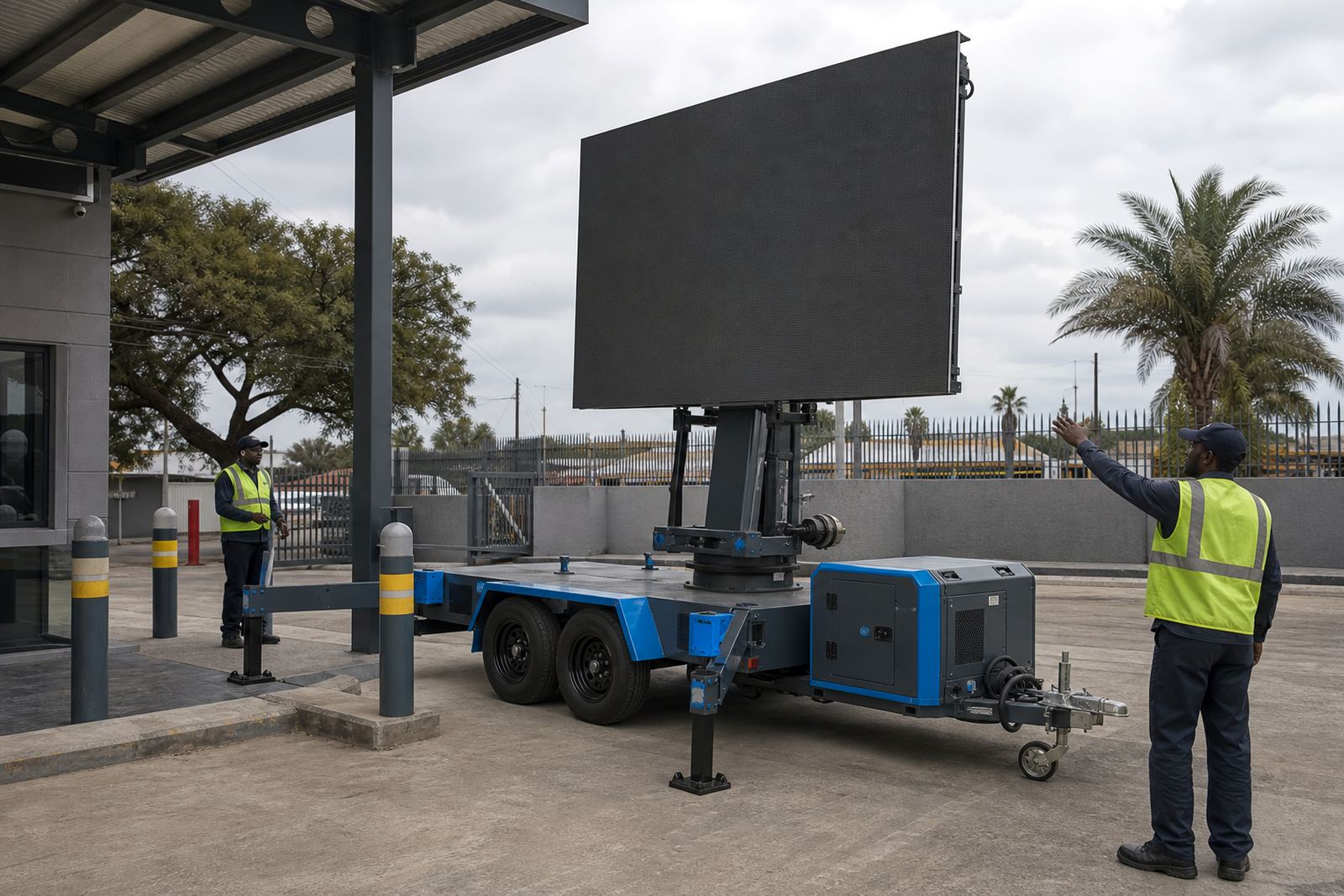
Outdoor LED screen trailers usually use a hydraulic lift so the display can rise above heads, fences and parked vehicles. Some units also rotate, which helps when the safest parking position is not the same as the best viewing angle. That flexibility is useful on school fields and municipal grounds where access points can be tight.
Wind matters too. A lifted screen presents a larger surface area, so the technician has to watch the weather, the stabilisers and the local wind limits for the unit in use. If gusts pick up during the day, the screen may need to stay lowered or be paused for safety.
- Check that the trailer sits level before lifting the screen.
- Use stabilisers and barriers exactly as required.
- Rotate only when the ground and space allow it.
- Keep an eye on cloud build-up and shifting wind.
Power and playback should match the day’s pace
Some sports days run off generator power, others use a mains point where the venue allows it. Either way, the power plan needs to suit the screen size, the trailer load and the length of the programme. Good planning prevents interruptions when medal ceremonies, heats and sponsor loops all sit on the same schedule.
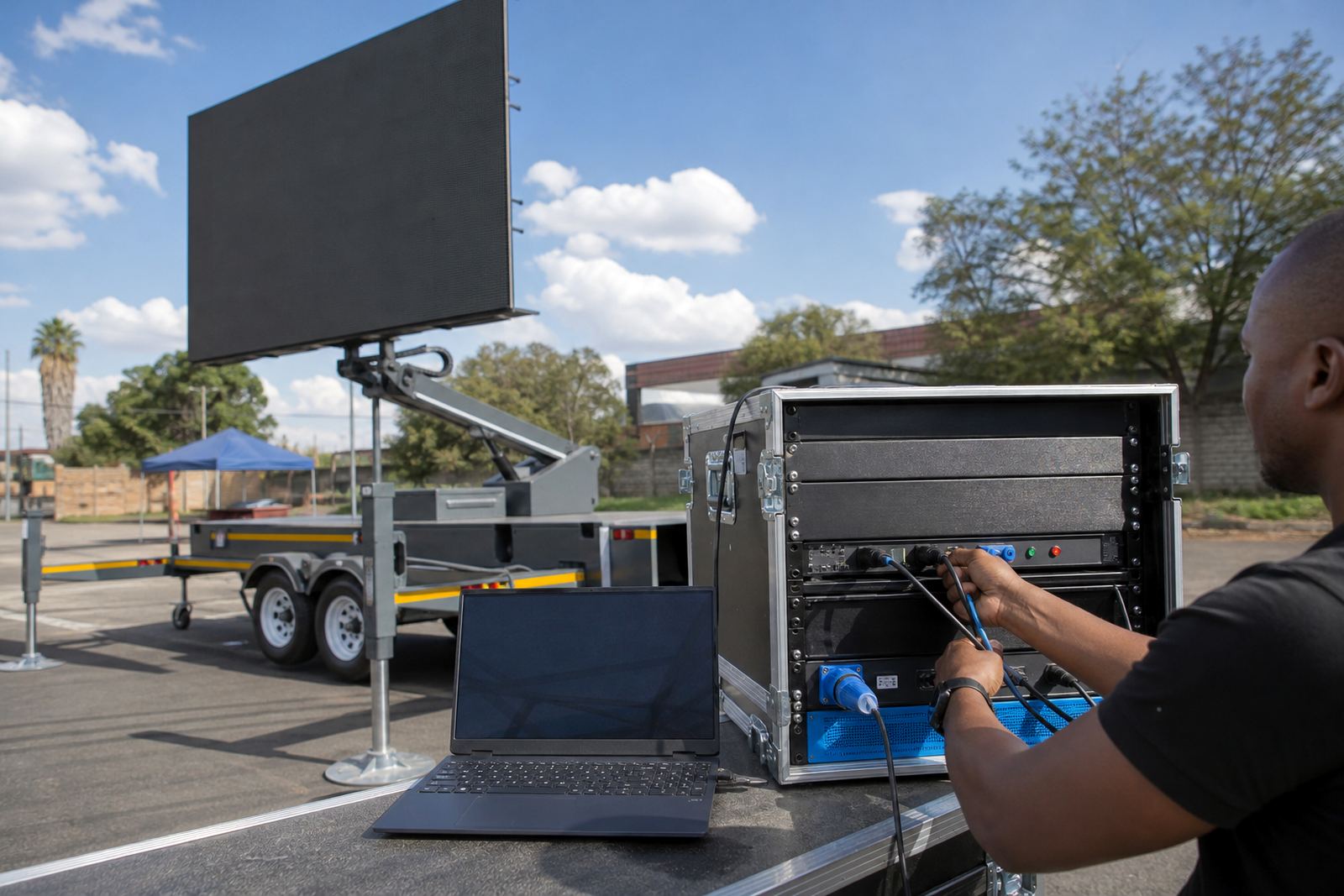
Content loading should happen before the gates open. Timetables, sponsor slides, live feed support and simple cue cards are easier to manage when they are tested on the actual screen, not just on a small monitor. A clean file structure also helps when announcements need to change on the fly.
- Match the power source to the venue rules and the screen load.
- Test videos, images and text before the event starts.
- Prepare a spare version of the schedule with room for changes.
- Keep live feed inputs checked if the event uses them.
Permits, gate access and the school caretaker
Municipal permission is not always the same from one venue to the next. A school, sports club or public park may need approval for vehicle access, trailer placement, noise, power use and crowd control. Include permit guidance in the layout plan, not as a late extra.
A practical example is a school sports day in Germiston where the oval is ringed by parents, food stalls and marshals. The trailer can sit just off the main spectator line, with the screen angled toward the grandstand and the field marshal’s point kept clear. Delivery, setup, weather monitoring and pack down all need to fit the school timetable so the grounds stay usable after the event.
- Before delivery, confirm gate openings and space to turn.
- Allow for barricades, cable routes and emergency access.
- Keep the screen visible without blocking the finish area.
- Plan pack down so the field is handed back in order.
For events across Johannesburg, Pretoria, Durban, Bloemfontein and Polokwane, the same basics hold true: see the field first, place the screen second, and keep the people who run the day in clear view of what the display is doing.