
1. Start with the brief and the ground conditions
We begin by looking at the basics that shape the job: where the screen must stand, how far people will watch from, what content needs to play, and whether the location sits in an open yard, a roadside verge or a venue entrance. For outdoor work, the screen size and pixel pitch need to suit the viewing distance, while daylight brightness has to stay readable in direct sun. If the site has narrow access, low trees or a sloped surface, that also changes the plan.
The first notes usually cover the delivery point, the event date, the running hours and whether the display will be used for ads, live sport, a concert crowd or a roadshow stop. That gives us enough to decide if an LED trailer, a fixed LED box layout or a mix of both will suit the route and the ground.
Site checks that shape the booking
A site check tells us what the ground can carry, where the trailer can park and how the screen will face the audience. We also look at access gates, turning space for the vehicle, cable runs, and the position of any crowd barriers or viewing lines. On exposed sites, wind matters, so the screen height, stabilisers and safe operating limits are part of the booking from the start.
- Surface condition and level ground
- Vehicle access and turning room
- Audience sight lines and screen direction
- How much wind the unit faces and how much open space surrounds it
- Power point, generator position or mains supply access
Power, playback and content loading
Once the site is understood, we plan the power source and the content path. Some bookings run from a generator, others from mains power where the venue or site rules allow it. We also confirm file format, aspect ratio, looping length and whether the screen must carry scheduled ads, a live feed or a simple playlist. If the brief includes sound from another system, the playback plan needs to sit neatly with that timing.
For live events, the technician on site can handle the cue changes, test images and basic playback checks. That keeps the screen reading properly across the day, including during brighter hours when contrast matters most.
Permits and municipal guidance in plain terms
Outdoor screens often need practical permit guidance, especially where a trailer will stand near a public road, shopping area or municipal space. The exact rules depend on the local authority, the road reserve, the duration of the display and whether the screen faces traffic or footfall. We guide the booking around the usual municipal steps so the layout does not clash with site conditions or local restrictions.
For roadshows that move through more than one town, the paperwork and placement checks may differ from stop to stop. That is normal. A route that runs through Germiston, Johannesburg, Pretoria, Durban, Bloemfontein or Polokwane can need separate notes for each place, and the plan has to reflect that before dispatch.
Delivery, setup and the technician deployment
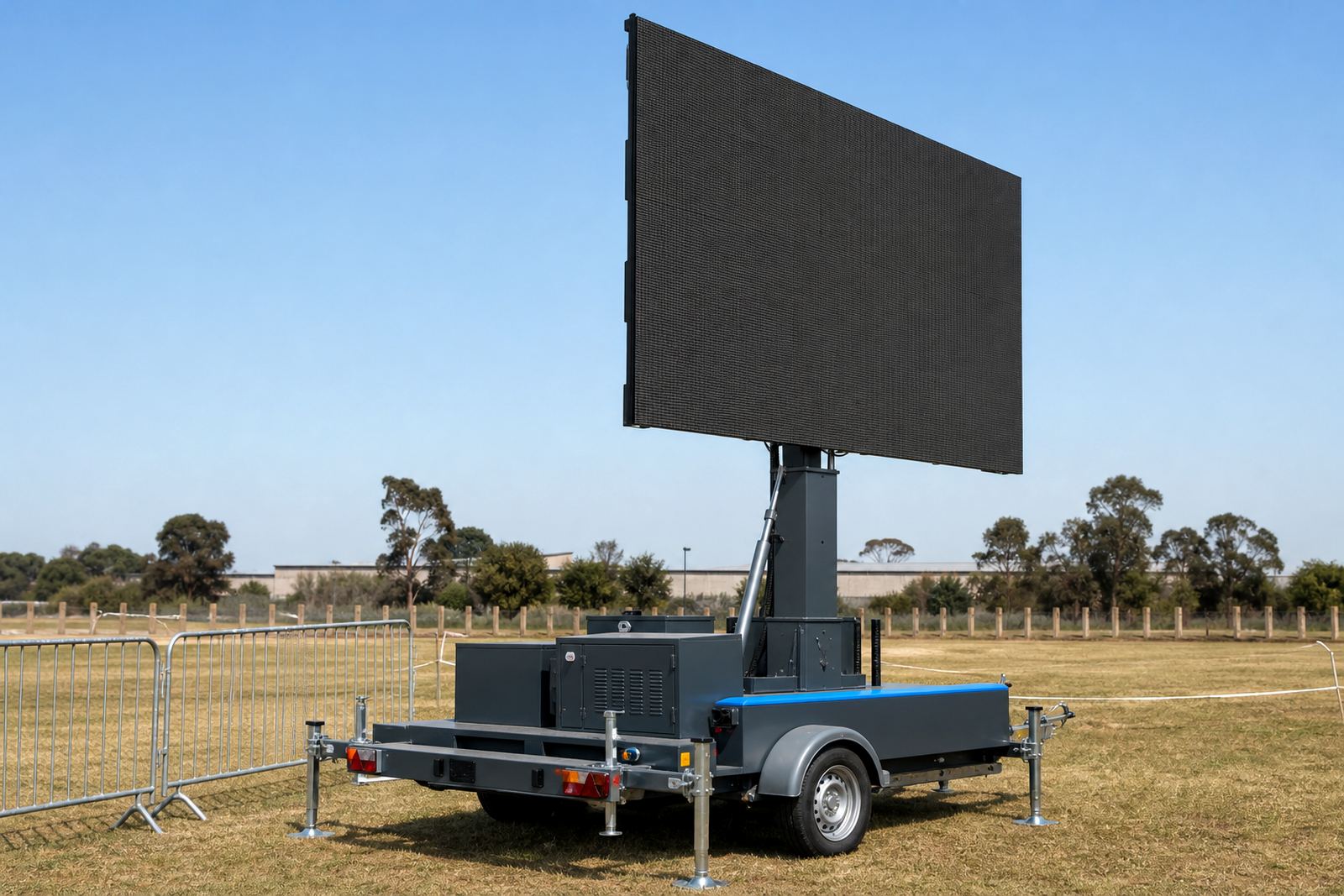
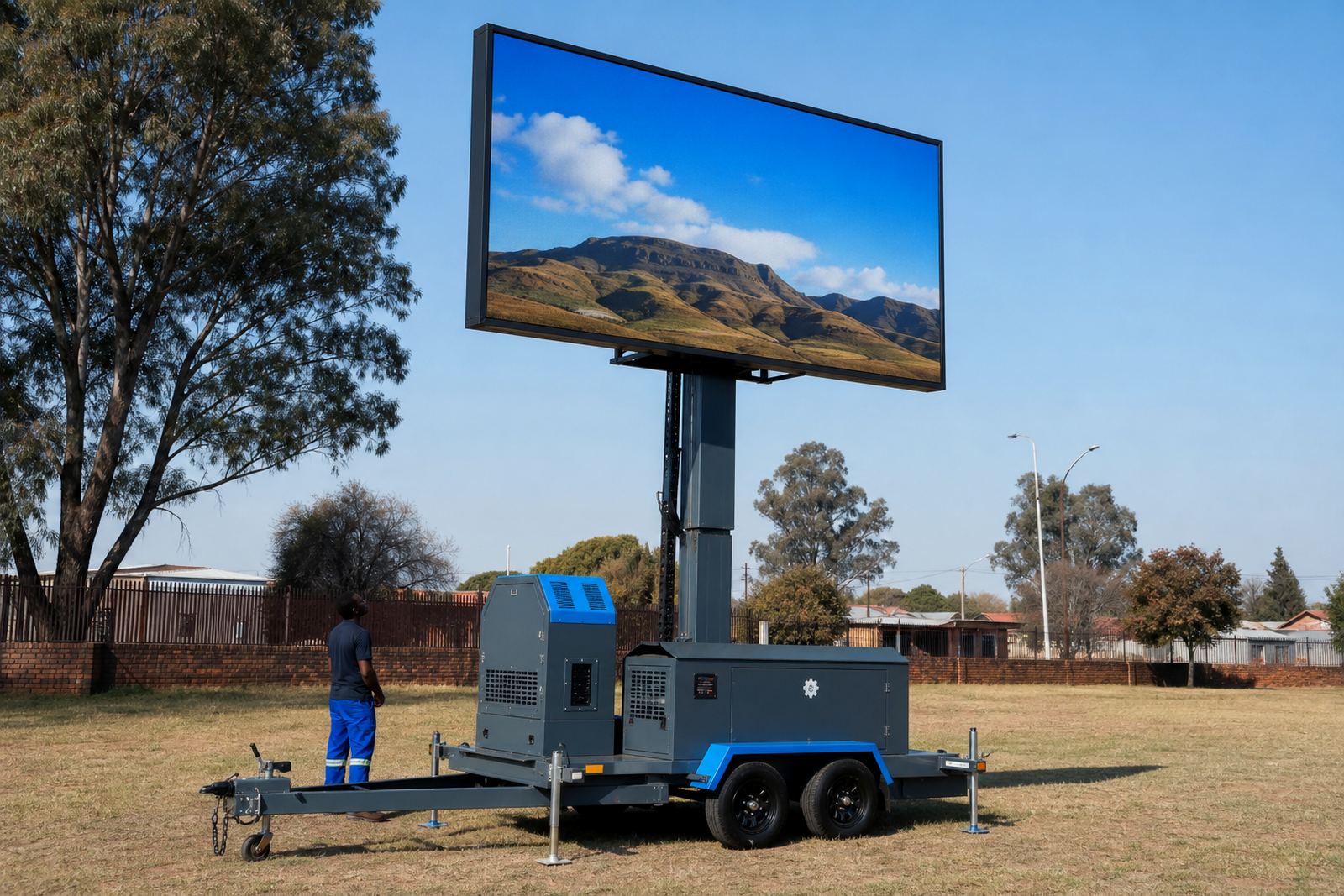
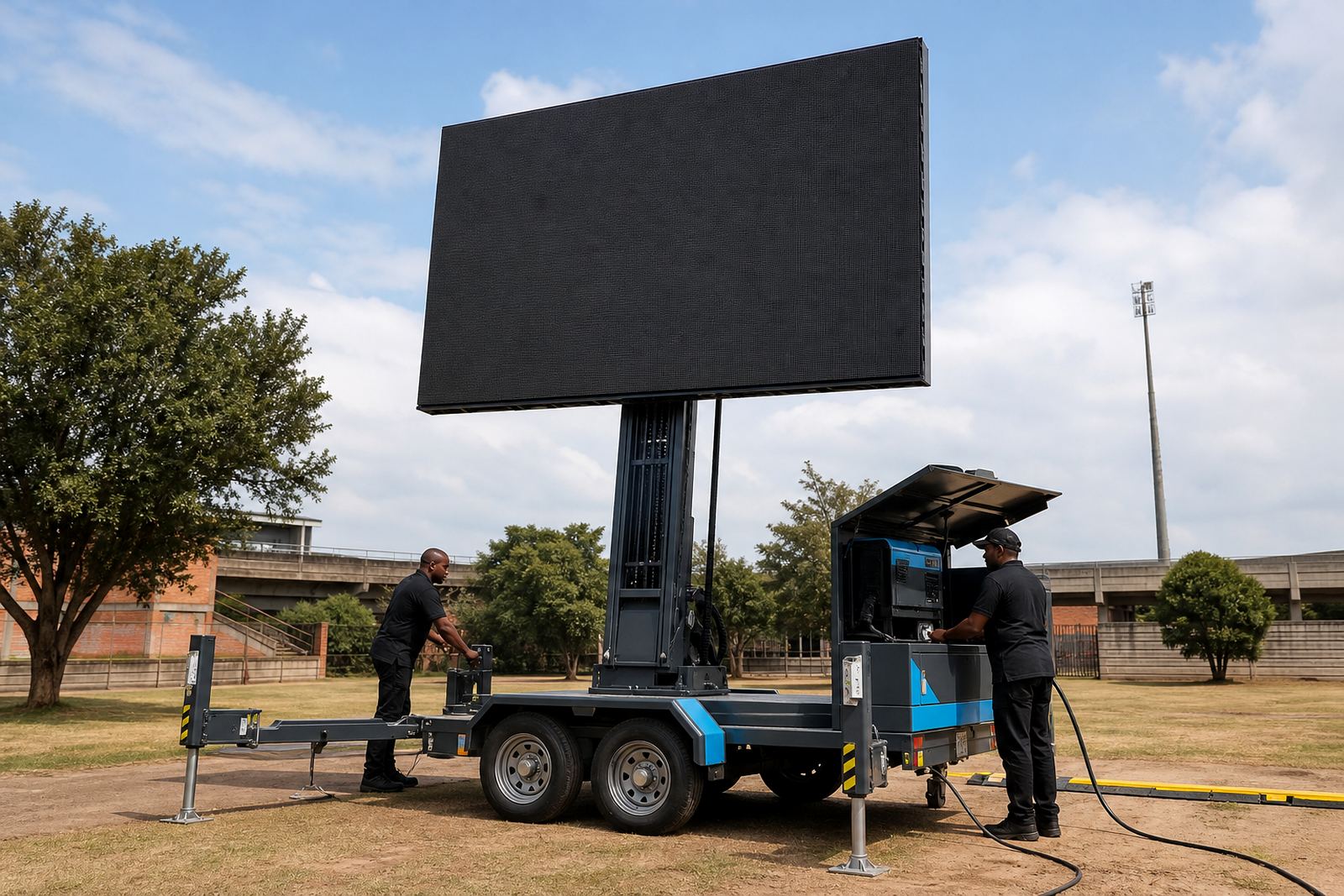
Once the booking is confirmed, delivery is matched to the access window and the event timeline. The trailer or LED box is positioned, levelled and secured, then the screen is lifted or rotated into the correct viewing position where that model allows it. Hydraulic lift systems are checked, stabilisers are set and the display is tested before content goes live.
- Arrival and access checks on site
- Unit positioning and levelling
- Screen lift, rotation or alignment
- Playback test and signal check
- Operator handover or full on-site running
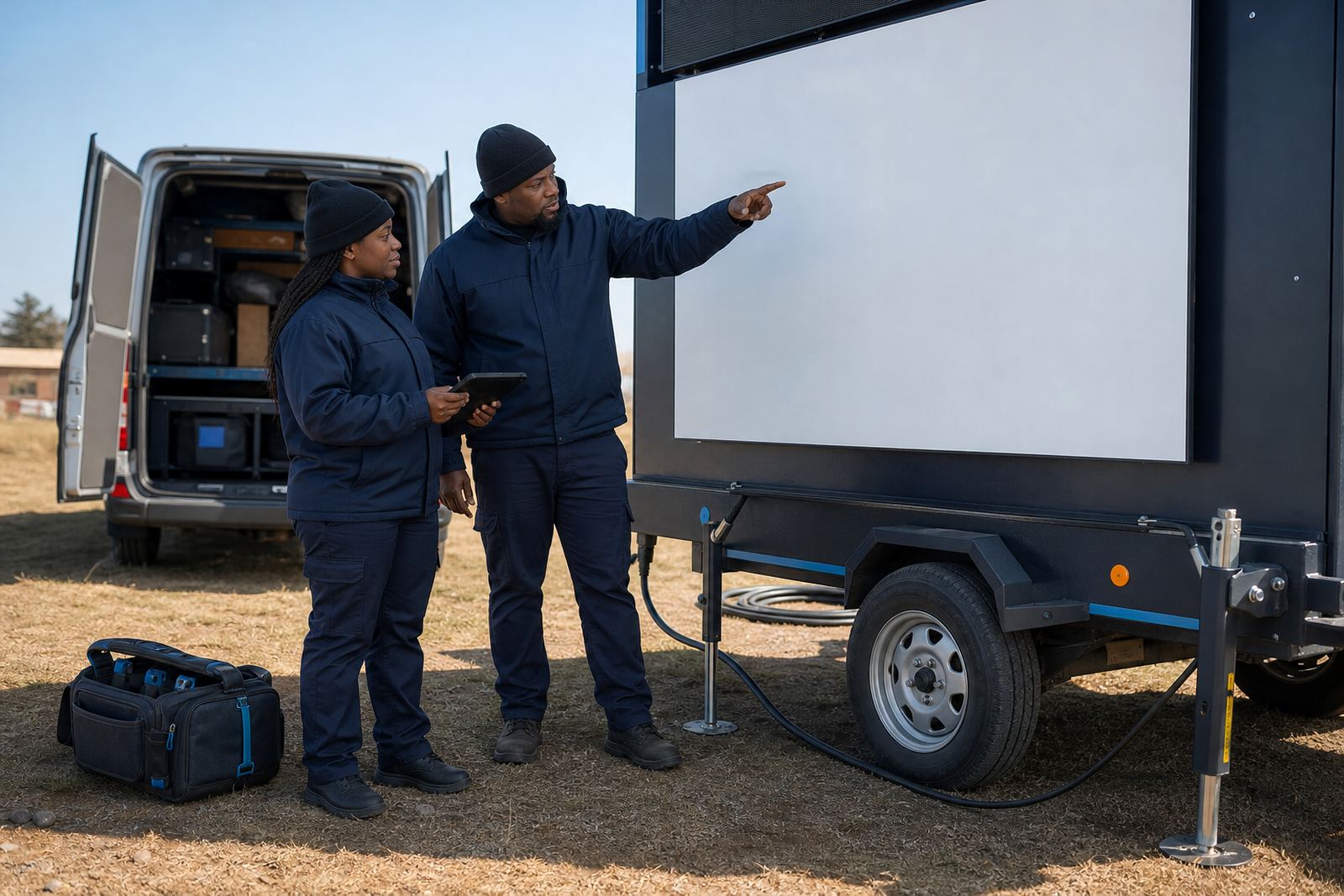
Our on-site technician stays with the setup for the agreed running period, which helps with content changes, feed checks and weather monitoring during the hire.
Pack down, return planning and multi-stop routes
When the booking ends, pack down follows the same practical order in reverse. The screen is secured, the power is isolated and the unit is prepared for removal from the site. If the booking forms part of a multi-stop route, we plan the next address, the travel leg and the time needed for reset before the following display.
Multi-stop planning matters for campaigns that move through Ekurhuleni, Kempton Park or further afield. It keeps the trailer movement orderly and reduces the risk of missed handovers, especially when the content and power arrangements change from one location to the next.
What helps the booking move neatly
A clear booking is easier to plan when the essentials are provided in one go. That includes the venue name, the address, the date, the running times, the likely crowd distance, the content format and any site rules that affect access or power. If the display is meant for daylight viewing, mention that too, because brightness and pixel pitch have to match the job rather than a generic specification.
- Exact site location and access notes
- Event date and running hours
- Power option preferred at the site
- Content type and playback needs
- Any permit or municipal points already raised
With those details in hand, the booking can be shaped around the real conditions on the ground instead of guesswork.