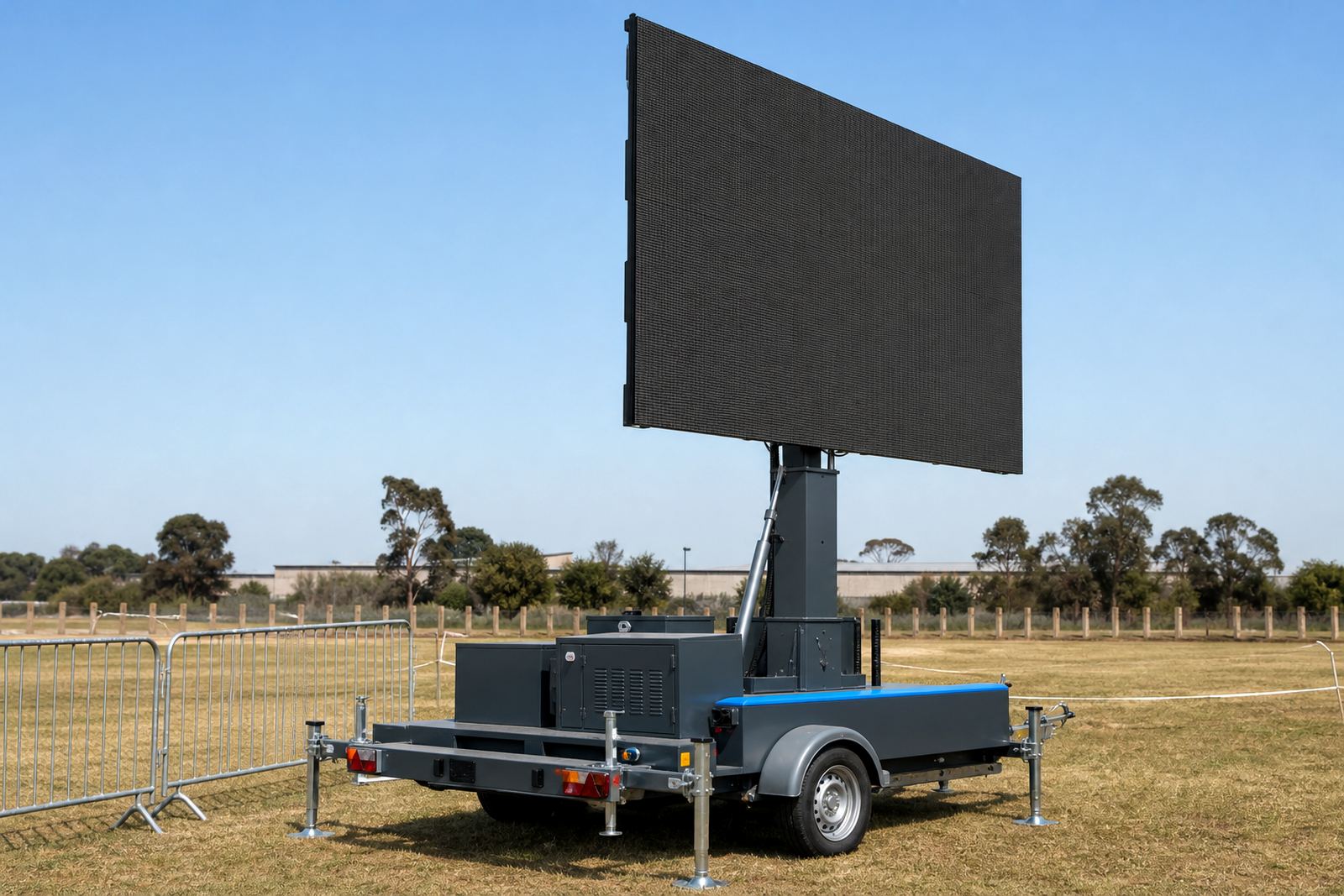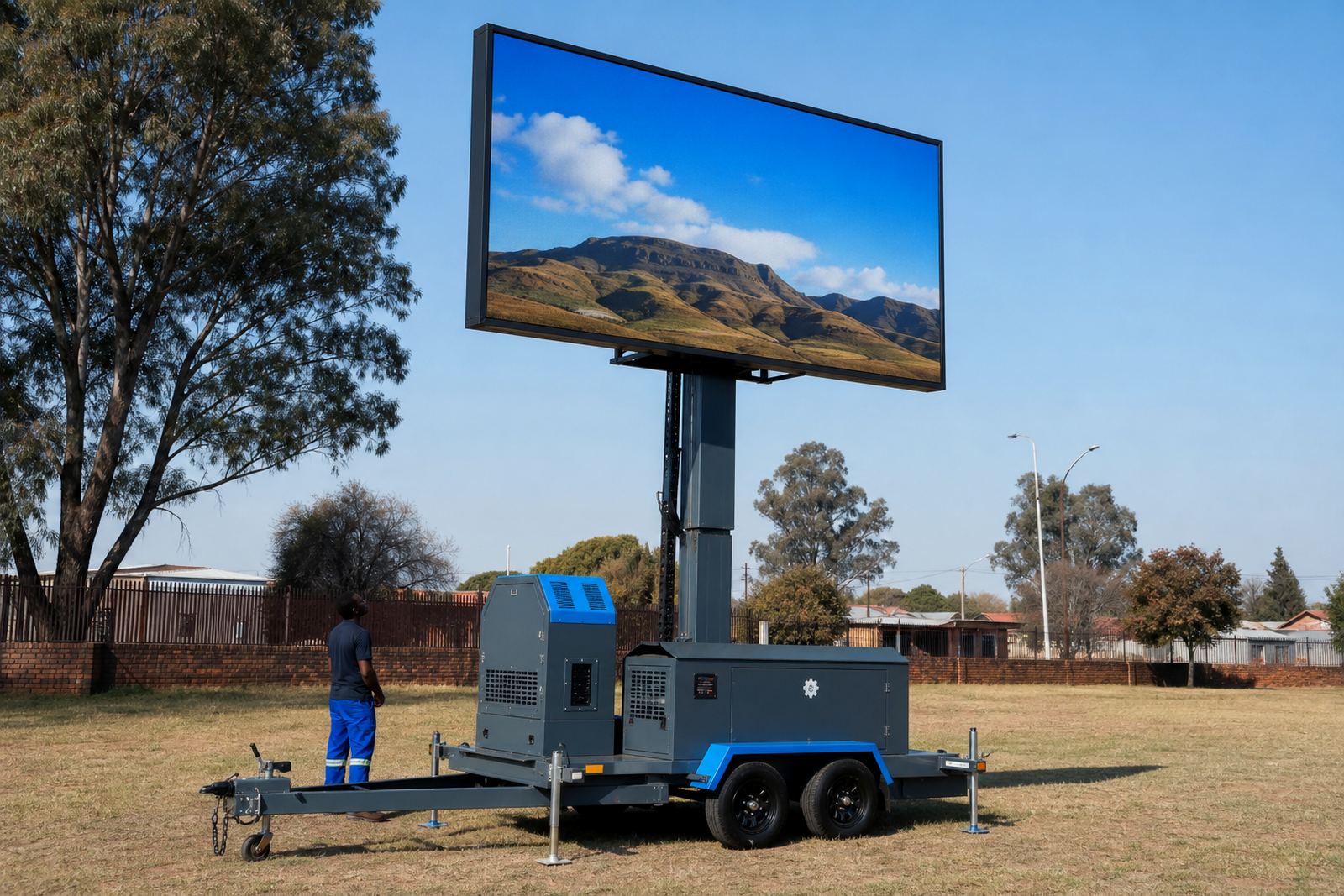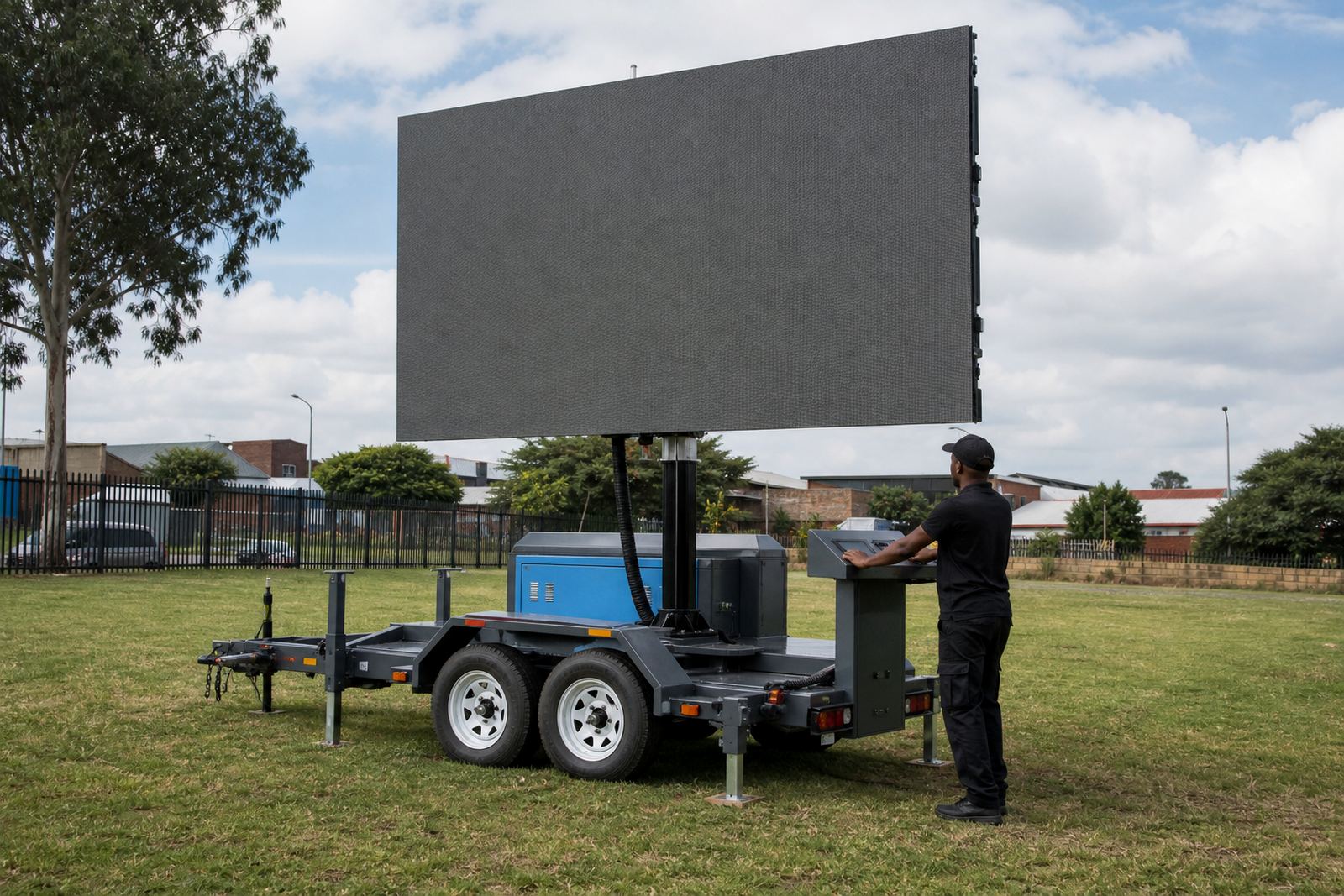

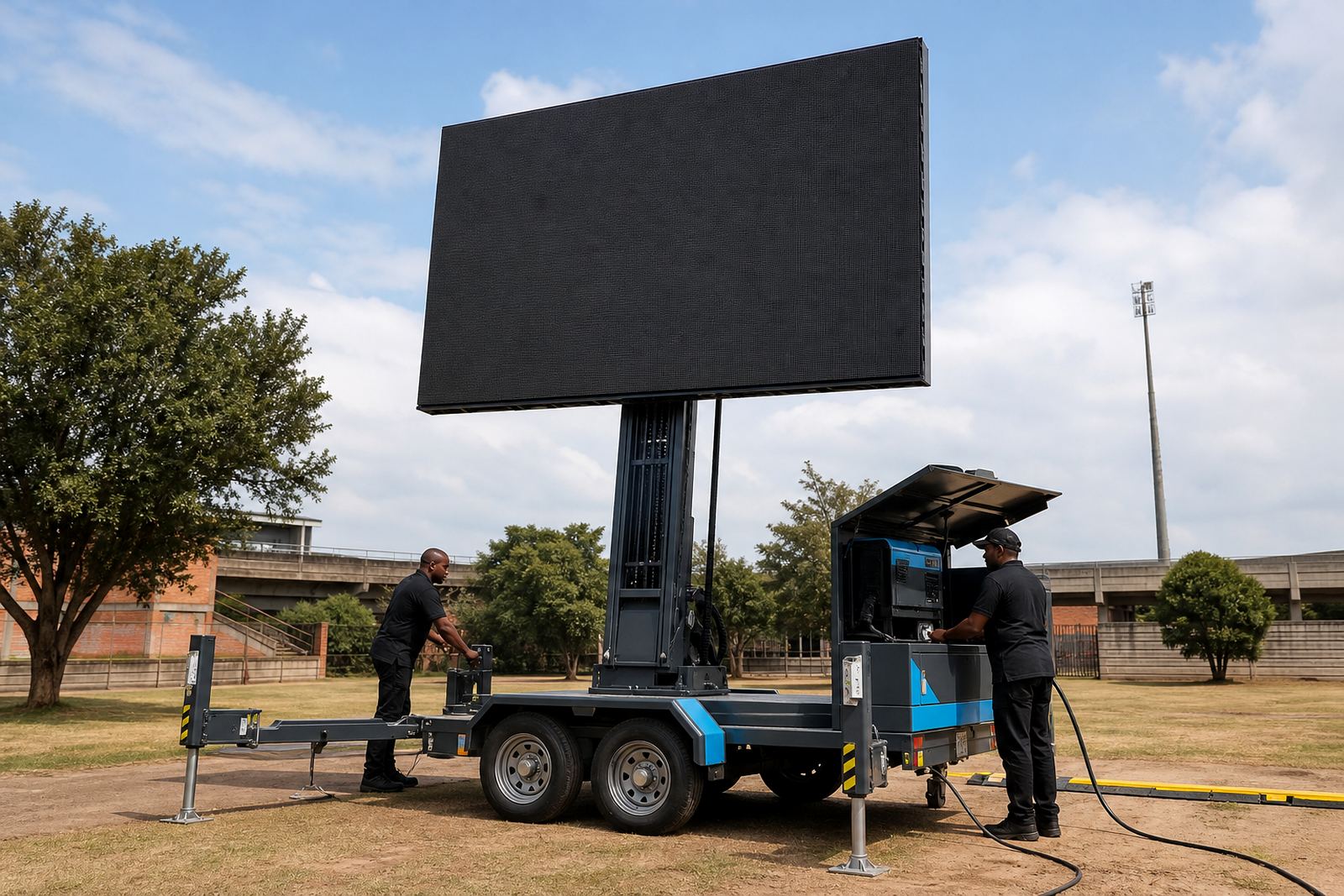
Screen format starts with the panel layout
Outdoor LED screens are built from modules, so the final picture area depends on the cabinet layout on the trailer or boxed structure. The most common job is a wide format screen for adverts, sports days and stage backdrops, but portrait and square layouts can also work when the content is planned for that shape from the start.
When you prepare artwork, work to the exact ratio supplied for the unit on site. If the file is built for the wrong ratio, the player may add black borders or crop the edges and that can cut off copy, logos or scoreboards. Keep important text well inside the safe area, especially on the outer 10 to 15 percent of the frame.
- Wide screens suit motion graphics, live camera feeds and branded loops.
- Portrait layouts work better for tall artwork, social-style content and wayfinding.
- Always confirm the native pixel dimensions before final export.
Pixel pitch and viewing distance are tied together
Pixel pitch is the distance between LED pixels, measured in millimetres. A smaller pitch gives a sharper image at closer viewing distances, while a larger pitch is usually better for big outdoor viewing areas where people stand further back. For roadshows, forecourt activations and open venues, the viewing distance should guide the file sharpness and how much small text you include.
For daylight use, outdoor LED trailers need strong brightness so the picture holds up under sun and glare. That does not mean every file should be packed with tiny detail. Heavy text, fine lines and low-contrast shades can disappear outside, so bold lettering and high contrast colours are safer. Dark grey on black, for example, often looks flat in direct sun.
- Use large type for names, prices, calls to action and sports scores.
- Keep line weights clean so logos stay readable at distance.
- Choose strong contrast rather than soft pastel artwork.
File delivery that plays without confusion
Playback-ready files save time on site because the screen technician can load them into the player and test them without extra editing. The safest delivery format is usually a high-quality video file with clear naming, or a sequence of stills set to the right length for the loop. If the content includes audio, make sure the sound is clean and the levels are even.
When sending a campaign pack, include the final artwork, logo files if needed, and a short note on which item should play first. If there are multiple versions for different towns or campaign days, label each file clearly. That helps when a trailer is moving between Johannesburg, Pretoria, Durban or elsewhere in South Africa.
- Submit final approved files, not working drafts.
- Name each file in a way that matches the play order.
- Keep file sizes practical for field loading and backup copies.
Live feeds, motion loops and sound checks
Live feed support is common for sports days, stage events and public viewing. In those cases the incoming signal must match the screen plan and the technician will test the source before show time. If the feed is coming from a camera, decoder or media player, keep the output clean and stable with the right resolution and frame rate.
Motion loops work best when the animation has a clear start and end point. Sudden flashes, tiny text and fast transitions can be hard to follow outdoors, especially when the trailer is placed near traffic or in open sunlight. If sound is part of the programme, the audio track should be balanced and the content should not rely on low volume speech alone.
- Test live input before the audience arrives.
- Use smooth transitions rather than rapid flicker.
- Match audio levels across all clips in the playlist.
Power, weather and trailer movement on site
Outdoor LED screen trailers can run on generator power or mains power, depending on the venue and the site plan. A technician will check cable runs, power position and the screen load before setup. Where a generator is used, the fuel position, noise control and safe placement matter. Where mains power is used, the point of supply must be suitable for the setup and properly secured.
Weather matters too. Wind limits are part of the site check, because a raised screen catches more wind than a trailer in travel position. If conditions change, the crew may lower the structure, pause playback or adjust the plan. Permit requirements also vary by municipality and location, especially if the trailer is close to public roads, pavements or busy public space.
- Share the site address and access details before the delivery date.
- Allow space for trailer positioning, lifting and safe cable routes.
- Flag any municipal permit concerns early in the planning stage.
A clear handover makes setup faster on the day
To keep the setup clean, send the exact campaign details in one place: the screen ratio, file type, playlist order, sound use and the name of the person who will approve playback on site. If the event includes a live camera feed, make that clear as well. The technician can then check the right inputs, confirm the screen orientation and prepare the right playback path.
For multi-stop roadshows, the same content can be carried from one town to the next, but each site may need a different access plan, power choice or permit note. Germiston, Kempton Park, Johannesburg and Pretoria often call for different delivery routes and loading points. Durban, Bloemfontein and Polokwane can bring different venue access rules and outdoor conditions, so a short site note saves plenty of back-and-forth on the day.
Our contact form is where to send the campaign details, and the team can work from there with the screen size, playback format and site information you already have.